

Build · websites, apps & business systems
Build the systems your business runs on.
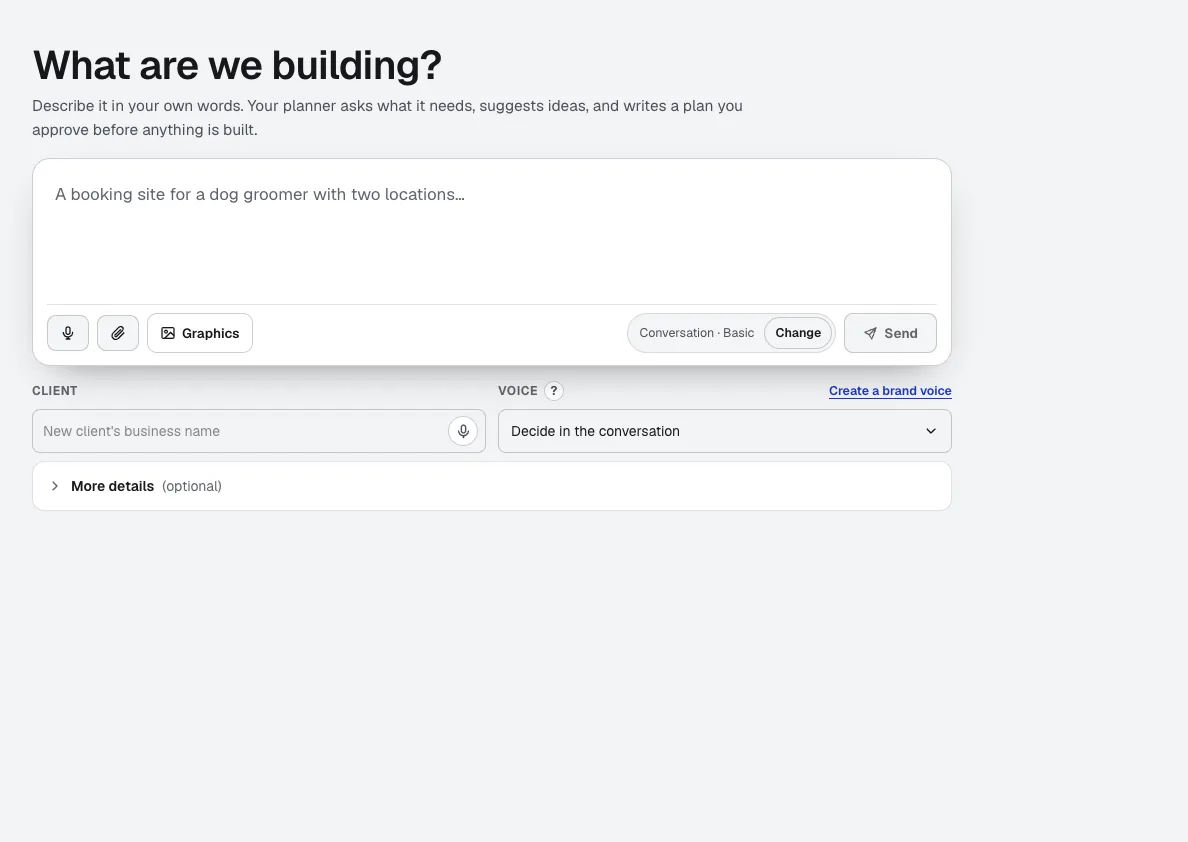
The website, the booking calendar, the quote form and the admin behind them. Describe what you need, check the plan, pick working modules, and aiKit builds and hosts it. Every site you run sits in one list, and you change any of them by asking.
What you can build
More than a website.
Start with the site. Add the systems that run behind it as you need them.
Websites & landing pages
A full site from a short conversation, hosted on its own address. Bring your own domain when you’re ready.
Ready nowBooking systems
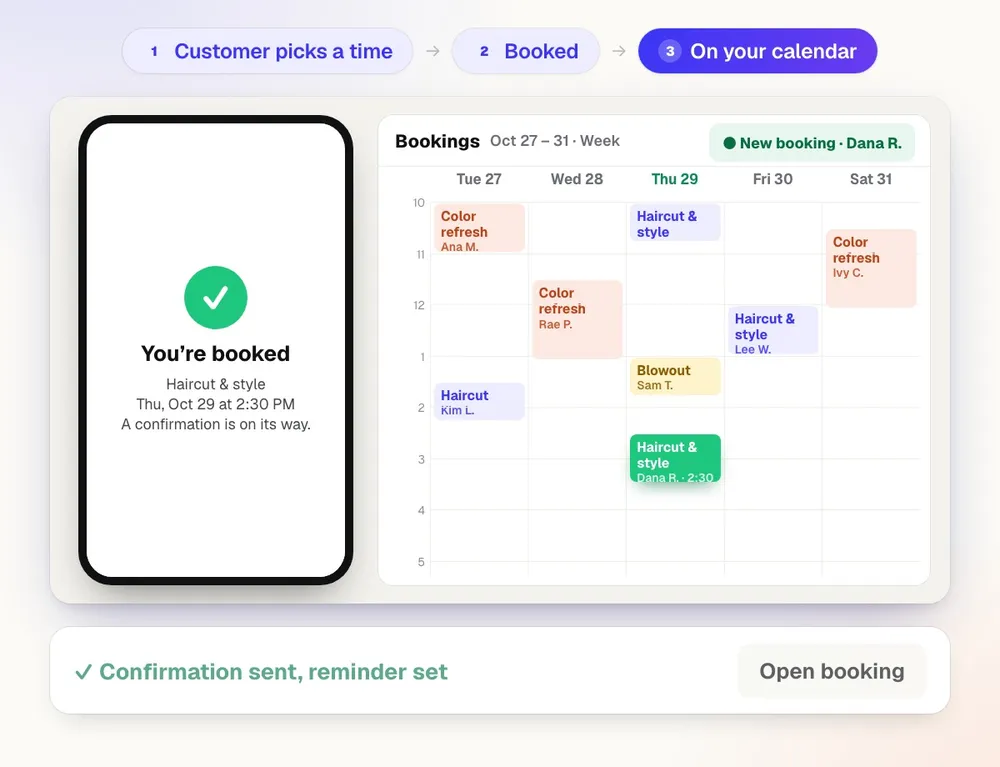
Customers pick a time, you get the booking, they get the reminder.
Ready nowQuote & order requests
Photos, sizes and details come in on a form, priced step by step if you like.
Ready nowFile drop & proofs
Customers send their files; print files get checked as they arrive.
Ready nowClient portals
One link where a client sees their work, answers questions and approves.
BetaAdmin systems & dashboards
The back office behind the site: records, lists and the numbers you watch.
BetaOnline stores
Products, cart and checkout, built the same way.
In the worksA site you built elsewhere
Made it in another AI tool? Give it a real address and keep changing it by asking.
Ready now
How a site gets built
From a conversation to a live site, in five steps.
1Describe it
A short conversation, typed or spoken: what you sell, who it’s for, what visitors should do.
2Check the plan
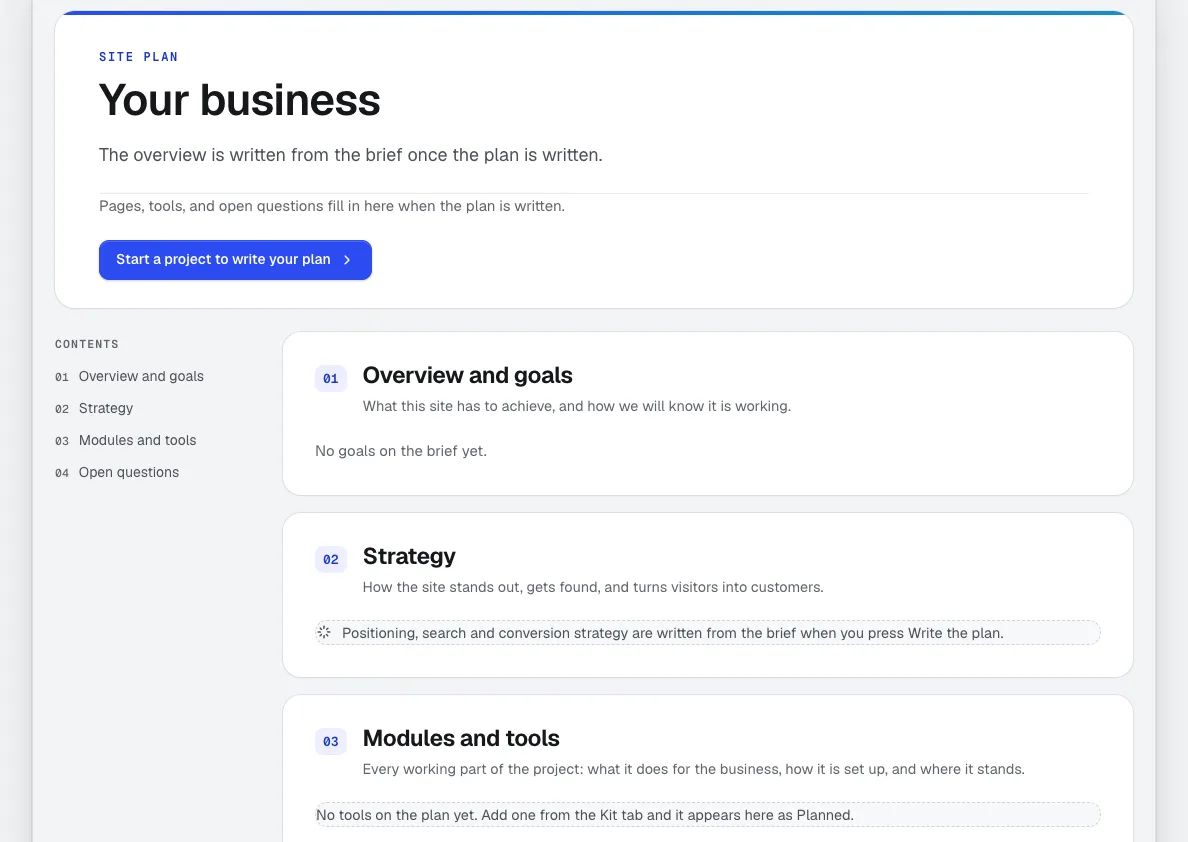
A Site Plan lists every page and feature in plain words. Change anything before a page is built.
3Pick modules from the menu
Booking, quote requests, file uploads, lead forms, a reviews wall. Each one works, built into your site.
4aiKit builds and hosts it
The site goes live on its own address, modules working: here a customer books a time and it lands on your calendar.
5Change anything by asking
“Add Saturday hours.” “Move the reviews above the map.” Every change is a version you can compare and undo, and nothing goes live until you press Publish.
The module menu
Working modules, ready to add.
A module is a part of your site that does a job: takes the booking, collects the quote, receives the file. The library is new and growing, and we add modules as we build them. If you need one that isn’t here yet, ask for it.
Run many sites
Run dozens of sites without opening dozens of tabs.
- Every site grouped by client, with search, filters and a view of what’s waiting on you.
- One instruction, many sites: tick several sites and give one request; aiKit works through them and tells you which are ready to publish.
- Clients pin feedback on the real page, answer questions from one link, and approve from a proof.
- Drafts before live: compare the draft and the live site side by side, then Publish.
Bring in a site you built elsewhere
Connect a site from another AI tool or your own code and manage it with the same list, versions and requests. How it works →
Plan it first
Site Plan writes the goals, pages, modules and open questions before anything is built, with a private link for your client. See Site Plan →
Questions
Questions about building with aiKit
Can AI build me a website and host it too?
How do I change my website without learning a website builder?
Can I undo a change an AI made to my website?
Will AI edits go straight to my live website?
Can my clients give feedback on their website without an account?
How do I send a client questions before building their website?
What's the best way to manage websites for many clients?
Do the forms on an AI-built website actually work?
Can AI build an online store, admin system or client portal?
Can I move my existing website into an AI website tool?
Describe it. We’ll build it.
Start a website free. Check the plan before anything is built.