

Email StudioBeta
Design marketing emails by clicking the email itself
Email Studio is an email template builder you edit by clicking the email itself. Pick a goal, start from a layout in your brand colors, and let the assistant write it in your Brand Voice, then export the HTML or save it to your own Klaviyo as a template.
Free account, no card. Already using aiKit? Log in to open Email Studio
What you get
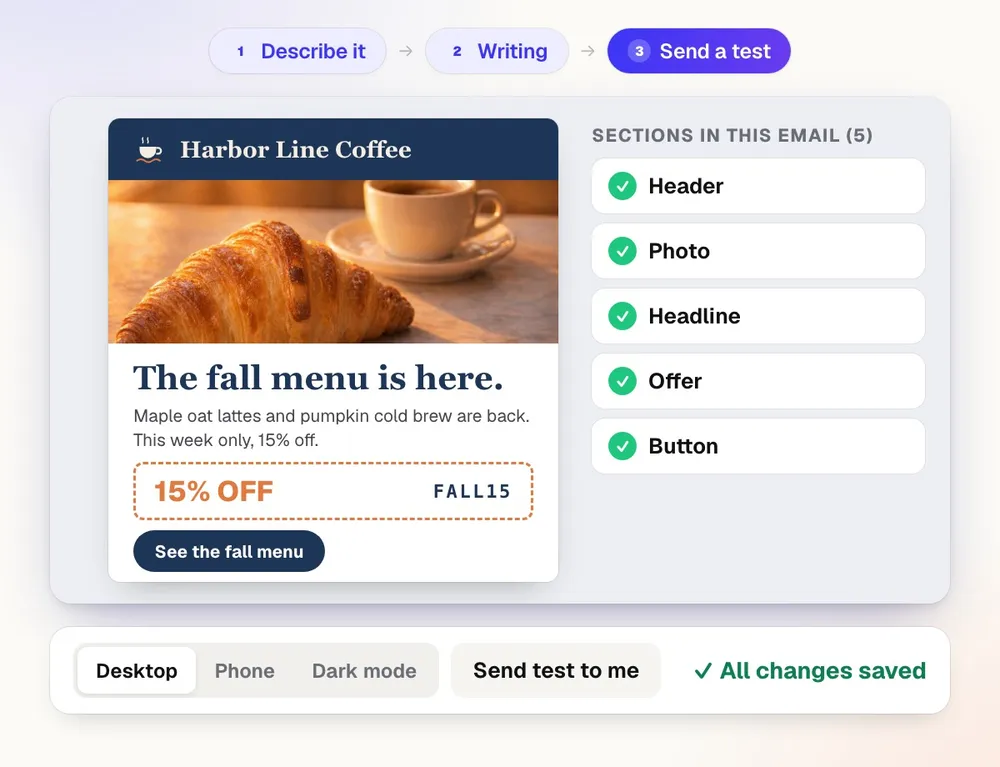
Design marketing emails by clicking the email itself, or upload your own HTML email and change it by asking.
One brief, a whole set of emails
Describe the project once: goal, audience, offer, dates. Email Studio suggests the emails to send, you tick them, and each is built in your brand's look and voice, in its own layout, with its own new pictures.
Every brand and client, separately
Pick the brand first. Each one keeps its own logo, colors, fonts, voice, past emails, footer details and Klaviyo key, and switching restyles everything.
Three strong options, not a pile of drafts
One description becomes three versions in three different layouts, side by side. Keep the best; the rest are cleared, and untouched previews never clutter your drafts.
Edit right on the email
Click any section to move, copy, or delete it. Click any words to type over them. No side panel of fields to hunt through.
Ask for changes in one sentence
"Center the heading, put the sale button at the top, and use our summer photo." Ask for several changes in one message, see the result in the email itself, and undo it in one click.
It never invents facts
Photos come only from your Graphics Library, products only from Content Kit, links only from your own pages. Prices, codes, and stats are left as [bracketed] spots for you to fill.
Checked before it goes anywhere
Live spam and accessibility checks (subject line, missing preview text, link words like "click here", low contrast, photos without descriptions) and a mailing-address check for the law.
23 section types
Hero, banner, product cards, split, collage, photo animation, proof strip, offer code, customer's cart, blog posts, and more, with desktop, phone, and dark-mode previews.
Templates for every client
Save an email as a template for a client with a checklist of what changes per client. Use it next time and fill in only those parts.
Every feature
Everything in Email Studio
The complete list, from the tool as it works today.
- 23 section types: hero, banner, product cards, split, collage, photo animation, proof, offer code, customer cart, blog posts, and more
- Upload your own HTML email: the design is kept character for character, and each request changes only the parts it names (they light up green)
- New pictures and graphics made by the picture model you choose (Auto, Google Nano Banana, OpenAI GPT Image, Google Imagen, Ideogram or Recraft), with the cost of each shown before you ask; real products keep their real photos
- Ask for a redesign in any language and get a modern, phone-friendly rebuild that keeps your logo, footer, brand colors and links; paste a web address and the assistant uses that page's real products, prices and photos; "make the cards 1:1" crops every card picture square
- Your products, read from your website (Shopify, WooCommerce, or any store's product details) or Quote Studio, in every draft, with Suggested products for each email
- Drafts laid out for the kind of email (sale, launch, newsletter, event invitation, restaurant special) or rotating between 8 picture-led layouts, plus an assistant that shows what it changed and undoes in one click
- Made pictures for a new email: hero and story spots that none of your photos fit get a premium, made photo at the quality you pick (Fast, Better or Best, about 2, 5 or 14 tokens each, shown before you create), and each appears in the preview as soon as it's ready. Your products always show their real photos; made pictures show scenes, food, places and moods, never your products
- Brands and clients first: a brand picker at the top, and per brand its own look, voice, past emails, footer details, page links and Klaviyo key; the board shows one brand or all, grouped by goal, brand or project
- New project: one brief (goal, audience, offer, dates) becomes a suggested plan of emails; the ones you tick are built in the brand's style, each in its own layout from about 30 premium structures, with its own new pictures and no picture repeated
- Three options from one description, in three different layout families, each with fresh pictures; keep one and the rest are cleared
See every feature (18)
- Import a past email and it is split into reusable header, hero, content, product grid, call to action and footer sections saved to the brand, which you can start new emails from
- Previews instead of clutter: emails from templates and ideas join your drafts only when you change or keep them; multi-select Archive and Delete, and Clean up untouched drafts
- Built-in layouts for welcome, promo, newsletter, review ask, abandoned cart, and win-back emails
- Desktop, phone, and dark-mode previews, plus live spam and accessibility checks
- Photos from your Graphics Library (Add from Graphics puts any of them in as a new section), posts from Content Kit, colors, logo and font from your Brand Kit
- A writing model you choose (Auto, Fast, Balanced or Best) with the cost of each shown
- Reference emails saved in your Brand Kit (paste, .html, .eml, .txt or a screenshot) that every draft and edit follows, plus Save this look to remember a layout you like
- Export or copy the finished HTML (it matches the preview pixel for pixel), send a test to yourself, or save it to your own Klaviyo as a template
What’s included
What you get with Email Studio, and how it works with the rest of aiKit
Included with a free aiKit account
- Built-in layouts for welcome, promo, newsletter, review ask, abandoned cart, and win-back emails
- 23 section types, edited by clicking the email itself
- Desktop, phone, and dark-mode previews with live spam and accessibility checks
- Export or copy the HTML, or save it to your own Klaviyo as a template
- Test emails to your own sign-in address once email is set up
- Saved templates for each client
What uses AI, and what’s free
The AI helpers (Draft from scratch, Apply feedback, Rewrite with AI, Suggest, Subject ideas, Brainstorm, New project, the 3 options, new pictures, and importing a picture of an email) use your account's monthly AI credits, shared with every aiKit tool. Templates, editing, previews, checks, export, and test sends use none, and layout, link, card, and button changes still work by rule when credits run out.
Works with your other aiKit tools
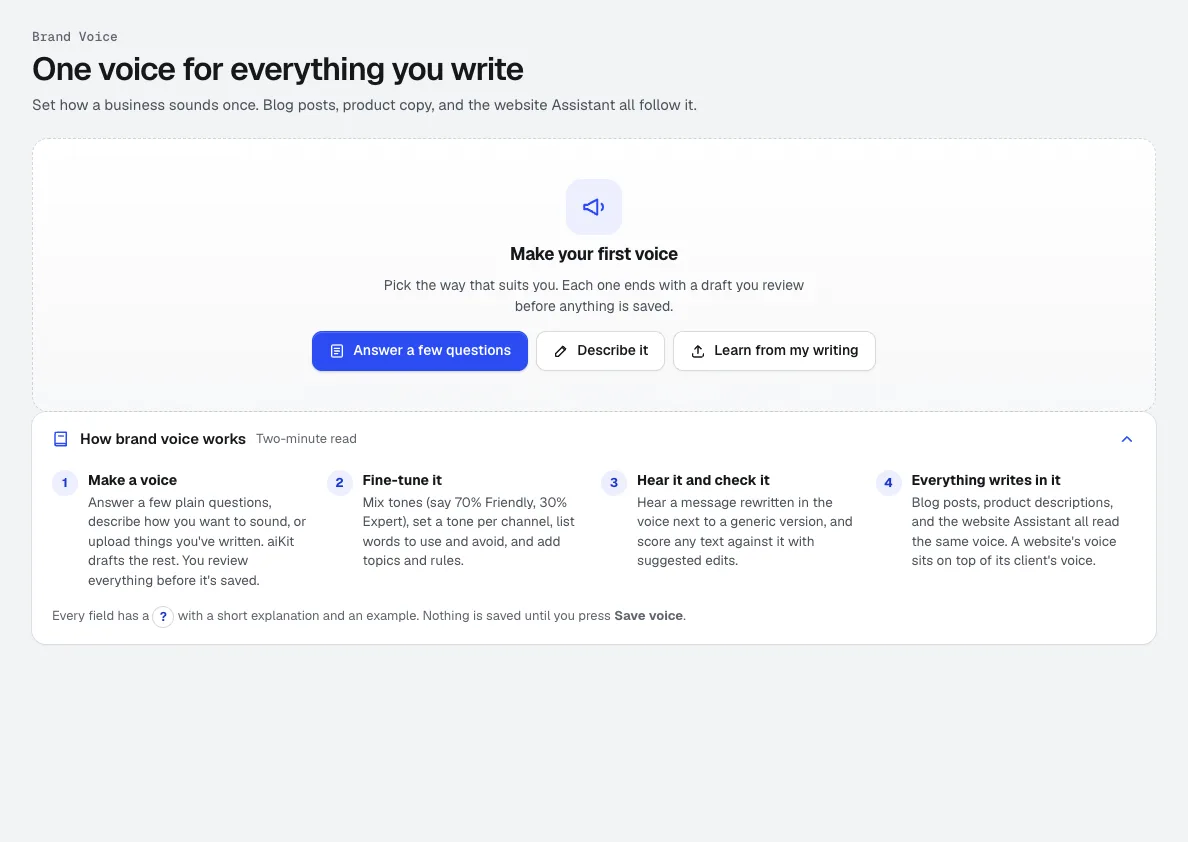
- Brand Kit: The assistant writes every email in your Brand Voice.
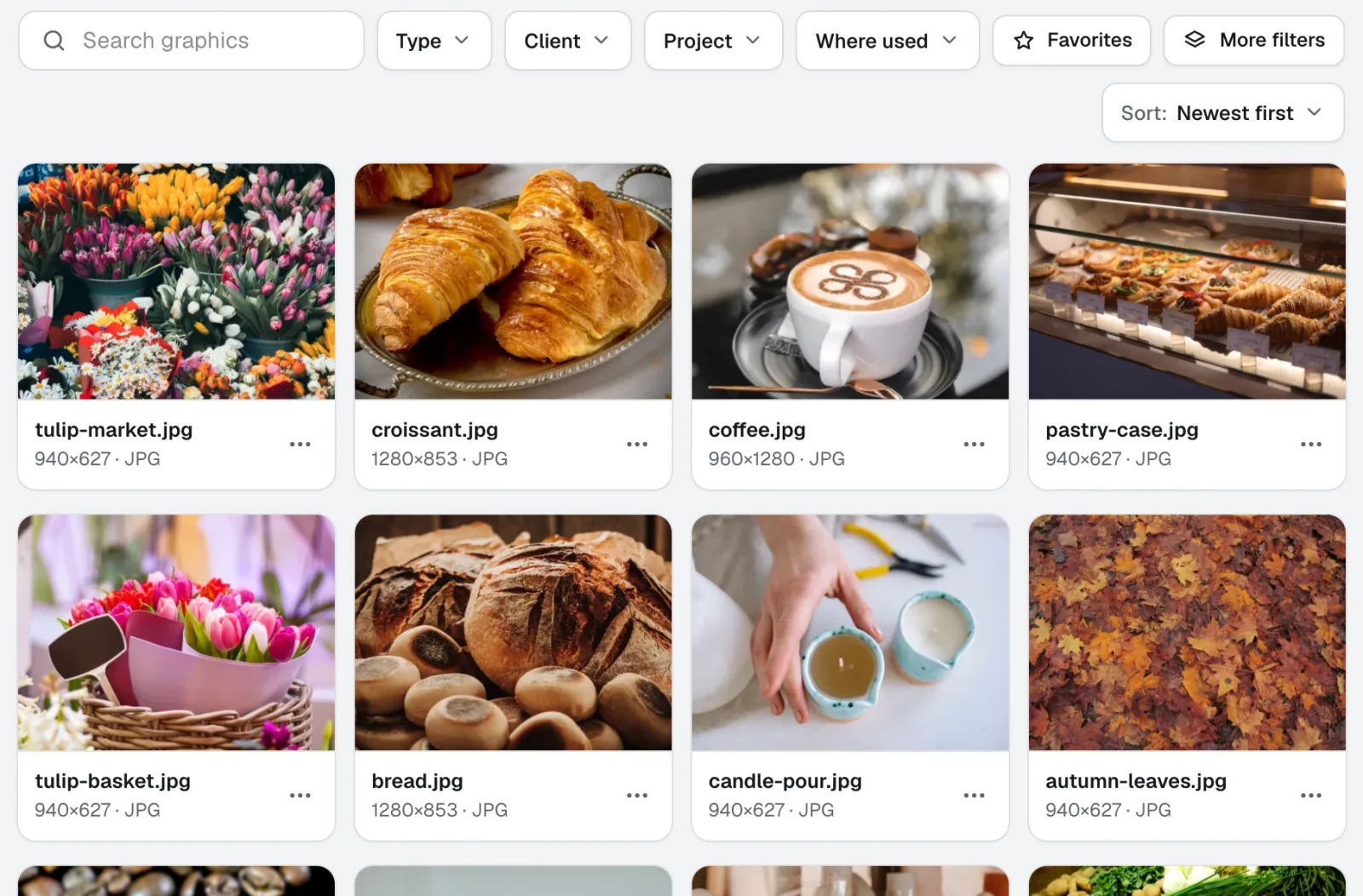
- Graphics Library: Photos come straight from your Graphics Library.
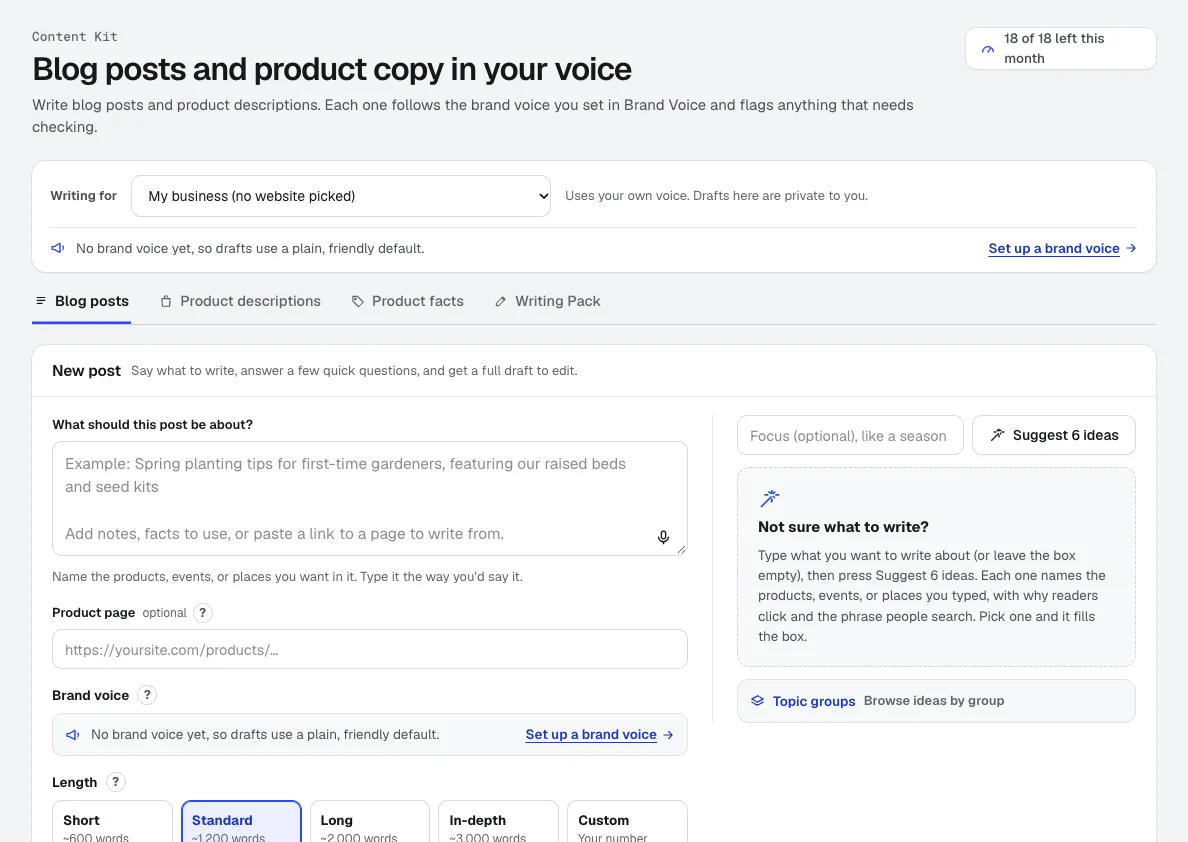
- Content Kit: Product cards and blog posts come from Content Kit.
- Vectorize Kit: Colors and logo come from your brand kit.
Keep Email Studio in any of your kits, next to the tools you use with it. One monthly AI allowance covers every tool you add.
How it works
From first click to finished, in 4 steps.
1. Pick a goal and a starting point
Welcome, promo, newsletter, review ask, abandoned cart, or win-back. Start from a layout, brainstorm five ideas, plan a series of 2 to 5 emails, or import a screenshot of an email you like.
2. Let the assistant write it
Draft from scratch writes the whole email, subject, and preview text in your Brand Voice, keeping any photos and products you already placed.
3. Click to change anything
Type over words, swap photos, add sections, or ask in plain words. Each change shows what it did, with Undo.
4. Check it, then export or save to Klaviyo
Fix what the checks flag, then copy or download the HTML, or save it to your Klaviyo account as a template for a flow or campaign.
Who it’s for
How different businesses use Email Studio
An abandoned-cart email that shows each cart
An online shop builds a cart reminder with the Customer's cart section. Saved to Klaviyo, it becomes Klaviyo's own tags, so each customer sees their own items.
One newsletter design for six clients
An agency saves a newsletter as a template and marks the top photo, headlines, and products as what changes per client. Each new client email starts from the template with only those parts to fill.
A review ask in the company's voice
A plumbing company starts from the Review ask layout, and the assistant writes it in the company's Brand Voice. The spam check catches an all-caps subject before it goes anywhere.
A seasonal promo with a looping photo
Harbor Line Print Co. turns four product photos into a looping GIF with the animation maker, kept under 1.8 MB, and adds an offer band with the code.
A welcome series planned in one step
A coach plans a three-email welcome series with timing, subject, and purpose for each, then creates all three as drafts in one click.
Ideal for
- Shops and service businesses that send promos, newsletters, and welcome emails
- Designers and agencies with HTML templates they already use (upload, keep the design, change only what's asked)
- Klaviyo users who want better-looking templates without hand-coding
Good to know
- Not for: Sending to your list: aiKit never sends marketing email; Klaviyo or your email tool does
- Not for: Automated flows with timing rules (build those in Klaviyo, using templates from here)
- Nothing sends to customers from aiKit; a Klaviyo push saves a template only.
- Test emails go only to your own sign-in address, and only once email is set up for aiKit.
- The assistant can misjudge wording; it never invents photos, products, links, prices, or codes, but read every word before you use an email.
- Uploaded HTML designs up to 400 KB; pictures that point to a file on your computer must be swapped for library photos.
- Most inboxes don't play video, so video sections show a cover photo that opens the video.
Good to know
Before you use Email Studio
Check before you send. Check names, links, prices, dates, and the unsubscribe link. Send only to people who agreed to hear from you. You are the sender and responsible for the law (CAN-SPAM, GDPR, CASL).
Questions
Email Studio: questions people ask
Is there an easy way to design Klaviyo email templates without coding?
Can AI write my marketing emails in my brand voice?
How do I make an animated GIF for an email?
Can I turn a screenshot of an email into an editable template?
Is there a free email template builder with AI?
Can I use Email Studio templates with an email tool other than Klaviyo?
Does Email Studio work with my other aiKit tools?
Can I build a marketing email without designing every block myself?
What should I check before I send an email made in Email Studio?
Can Email Studio run on my own AI account instead of aiKit tokens?
Can Email Studio work for several brands or clients?
Can Email Studio plan and build a whole set of emails from one brief?
Why does Email Studio show three options?
How do I clean up drafts I didn't mean to keep?
Can I reuse parts of my old emails?
Works well with
Tools to add to the same kit
Brand Kit
NewOne Brand Kit: a brand voice learned from your own writing, plus your logos, colors, fonts, reference emails and the results you liked. Emails, blog posts, videos, pictures and designs all follow it.
Content Kit
NewContent Kit is an AI blog writer for full blog drafts and product descriptions in your Brand Voice, with search titles, FAQs and alt text. It flags every fact to check before you publish.
Graphics Library
NewGraphics Library is digital asset management software for teams: every client's and project's logos, photos and design files in one labeled place. Drop in whole folders, label hundreds at once, and anyone on your team finds the file they need.
Use Email Studio today.
Make a free aiKit account and open Email Studio, plus every other tool in your kit.
Page last checked against the product on 2026-11-03.