

Design ContestEarly access
Several AI designers, one brief, and you pick the winner
Design Contest (early access) is an AI logo generator that works like a design contest. Describe your logo, card, flyer or banner, and 2 to 6 AI designers each submit their own concept in minutes.
In early access: open to a small group of accounts while it is tested.

What you get
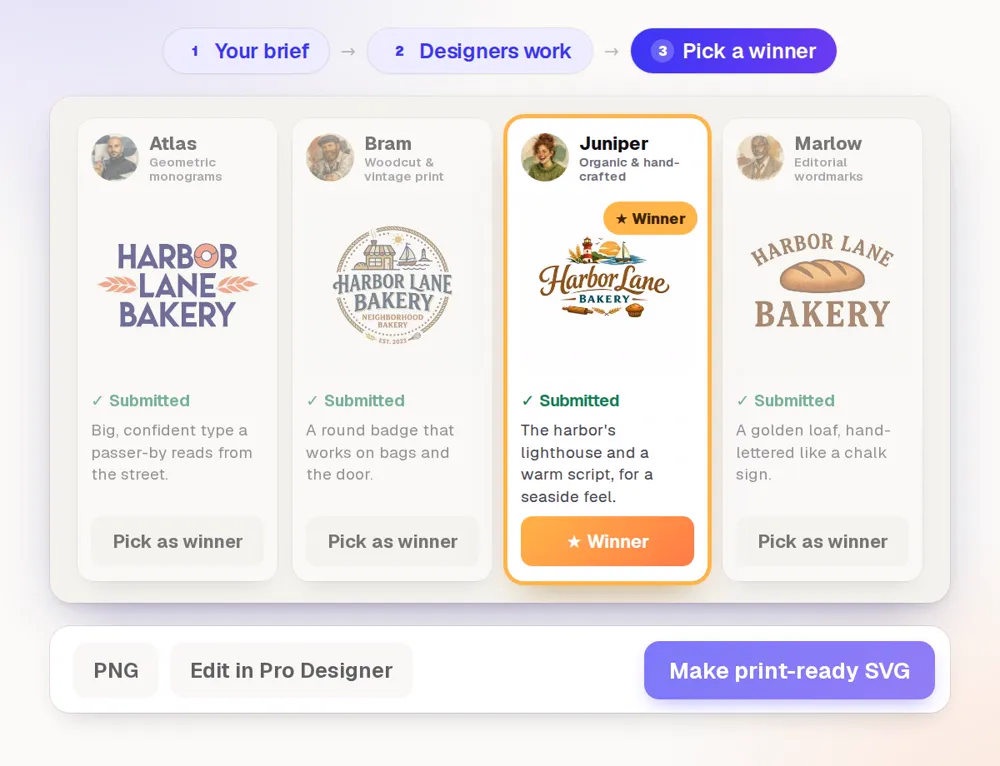
Describe a logo, flyer, card or banner and several AI designers each submit their own concept; ask any of them for changes and download the winner.
Many directions, not one
A creative director plans one distinct direction per designer, such as a heritage badge, a geometric monogram or an editorial wordmark, so you compare real choices.
Logos to banners
Logo, badge, business card, postcard, brochure, flyer, poster, social post, website banner, printed banner, or your own product in your own size.
Changes in your own words
Ask any designer for any change, mark up a spot on the design, or attach up to 5 pictures.
Your name spelled right
A separate AI check reads every word in each picture. Your business name passes only when it reads letter for letter; anything else is flagged under Check this.
Files you can use
Every concept downloads as PNG, and Make print-ready SVG turns any concept into vector shapes. Edit in Pro Designer and Make text editable take it further by hand.
What’s included
What you get with Design Contest, and how it works with the rest of aiKit
Included with a free aiKit account
- Early access: open to a limited group of aiKit accounts while it is tested
- 2 to 6 AI designers per contest, chosen from a team of 12, each with its own style
- Logos, badges, business cards, postcards, brochures, flyers, posters, social posts, banners and your own product, in your size
- A gallery of 42 styles, up to 10 reference pictures, and Use my Brand Voice
- Changes in plain words, boxes drawn on exact spots, and up to 5 attached pictures per change
- PNG for every concept, Make print-ready SVG, and every contest and version saved under Your contests
What uses AI, and what’s free
Each concept and each change uses your monthly AI allowance, and the amount depends on the image model each designer uses. The studio shows about how much a contest uses before it starts, and a contest that would go over what is left does not start. Make print-ready SVG uses none when the free tracer runs and a small amount when the dedicated vector tracer is switched on. Comparing, picking a winner, downloading, opening past contests and opening a concept in Pro Designer use none.
Works with your other aiKit tools
- Pro Designer: Edit in Pro Designer opens any concept in the photo editor, and Make text editable opens it with every word as a real text layer.
- Graphics Library: A concept you open in Pro Designer is saved to your Graphics Library in a Design Contest folder first.
- Brand Kit: Use my Brand Voice gives every designer your Brand Voice for tone and wording.
Keep Design Contest in any of your kits, next to the tools you use with it. One monthly AI allowance covers every tool you add.
How it works
From first click to finished, in 4 steps.
1. Pick your design team
Choose 2 to 6 AI designers, each with a name, a specialty and their own style, and the image model each one uses. The studio shows about how much of your AI plan the contest uses before you start.
2. Write the brief
Pick the piece, then fill in what goes on it: the front and back of a card, each panel of a brochure, or a flyer's headline, details and call to action. Every box has a microphone.
3. Add a look and references
Pick from 42 styles or describe your own, and add up to 10 pictures marked My current logo, Inspiration or Must include.
4. Compare, refine, pick a winner
Watch the concepts arrive, open any one full screen, ask for changes, and press Pick as winner to put it in the Winner banner with its downloads.
Who it’s for
How different businesses use Design Contest
A new cafe logo with real options
Copper Kettle Coffee asks for a logo with its current mark as a reference and gets six directions, from a vintage badge to a clean wordmark, before choosing one.
Business cards with every detail right
Brightway Landscaping fills in the name, title, phone and website for the front and the services for the back. Each designer delivers front and back, and the AI check confirms the name.
A banner for the booth
An event company needs a 3 × 8 ft banner. Four designers each deliver a concept in that exact shape, and the winner is turned into a print-ready SVG.
Concept rounds without the late nights
Northlight Studio runs a contest to explore directions for a client's flyer, marks up the favorite, and finishes it in Pro Designer with editable text.
A brand mark for a coaching practice
A business coach compares concepts in different styles, asks one designer to "use the blue from concept 2," and downloads the winner.
Good to know
Before you use Design Contest
Check the concept before you rely on it. AI concepts can look like existing brands. Search for similar logos before you use one, and never copy another company's brand. Check spelling and, for print, your printer's proof.
Questions
Design Contest: questions people ask
What is aiKit Design Contest?
Can an AI logo generator give me several logo ideas at once instead of just one?
What can Design Contest design besides logos?
Can I ask an AI designer for changes in my own words?
Can I give the AI my current logo or pictures I like?
Will AI misspell my business name on a logo or flyer?
Can I get the winning AI design as a vector file for print?
Can I edit an AI-made design by hand afterward?
Are the Design Contest designers real people?
How much of my monthly AI allowance does a Design Contest use?
Can I find my past design contests again?
How fast does an AI design contest give me logo concepts?
Can an AI logo generator give me files I can use right away?
Can I make a flyer, business card or banner with AI without design skills?
Is a logo from Design Contest safe to trademark?
Works well with
Tools to add to the same kit
Vectorize Kit
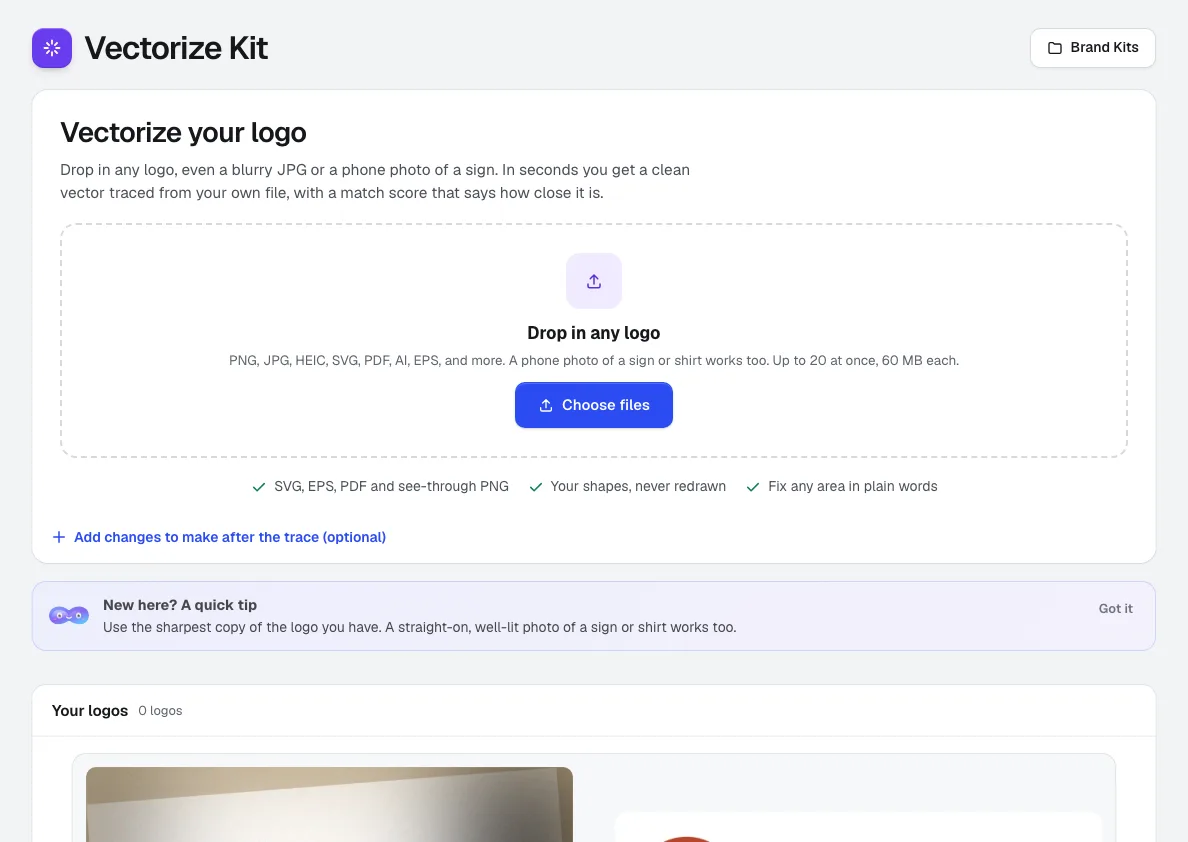
Drop in a blurry JPG, a small PNG, a PDF or a phone photo of a sign. Vectorize Kit traces your own file into a clean vector, shows how closely it matches with a score and a zoomable before and after, and hands you SVG, EPS, PDF and PNG in one click.
Pro Designer
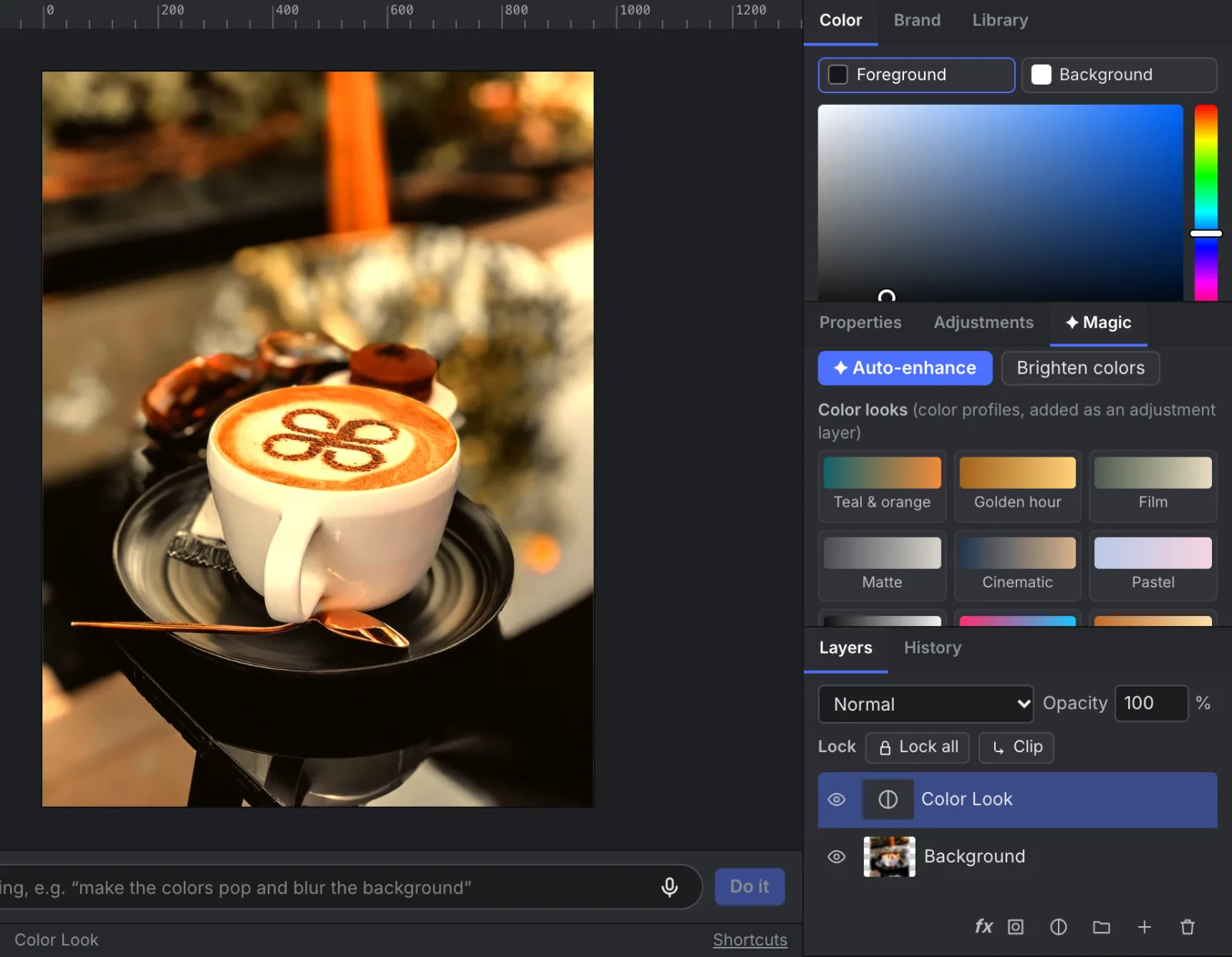
NewPro Designer gives you layers, masks, selections, retouching brushes and PSD files with nothing to install. Ask for changes in plain words, and the free on-device tools do most of the work.
Magic Canvas
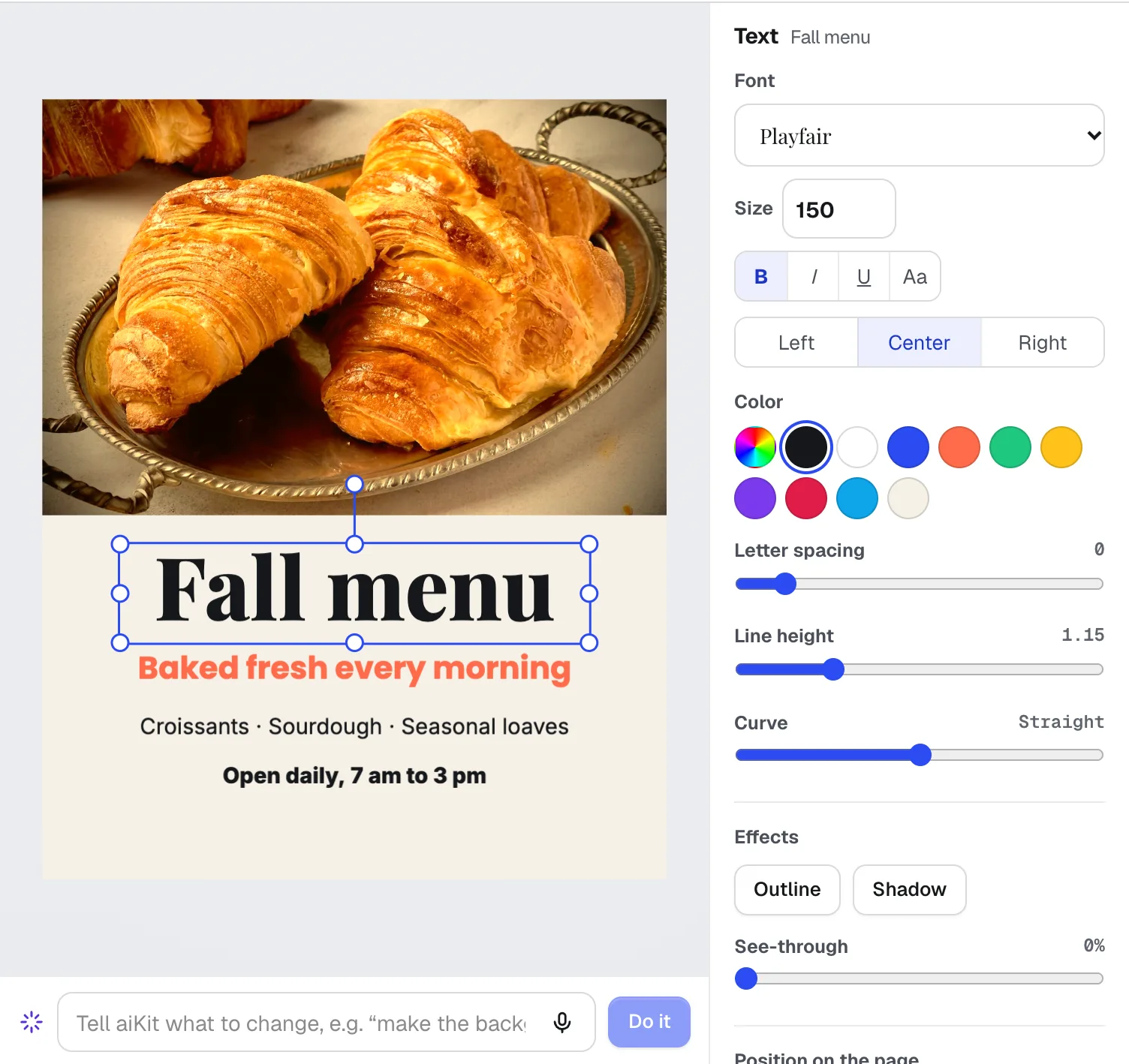
NewMagic Canvas is an AI flyer maker and social post designer: it lays out posts, flyers, cards, banners and email headers from your words, then lets you change anything by hand or by saying it. Your brand colors and logos are one click away.
Use Design Contest today.
Make a free aiKit account and open Design Contest, plus every other tool in your kit.
Page last checked against the product on 2026-10-16.