

Magic CanvasNew
Describe a post or flyer in one sentence and get real, editable layers
Magic Canvas is an AI flyer maker and social post designer: it lays out posts, flyers, cards, banners and email headers from your words, then lets you change anything by hand or by saying it. Your brand colors and logos are one click away.
Free account, no card. Already using aiKit? Log in to open Magic Canvas
Magic Canvas in short
Magic Canvas designs social posts, flyers, banners and print pieces in your web browser, with layers, fonts and photo tools, plus AI that lays out a whole design or changes anything you describe. It is for business owners who want quick on-brand designs and designers who want exact sizes and print PDFs with bleed. Everything except AI layouts, AI changes and AI pictures is free.
| What it makes | Social posts, flyers, banners and print pieces with editable layers |
|---|---|
| Who it is for | Business owners and designers who want quick, on-brand designs |
| 300 dpi sizes with bleed and a safe area, and print PDFs | |
| Fonts | 31 fonts with outline, shadow, letter spacing and curved text |
| Free vs. AI | AI layouts, AI changes and AI pictures use tokens; everything else is free |
| Price | Free to start with a monthly AI allowance, no card. Paid plans from $18.88 a month. |
| Runs in | Any web browser, nothing to install |
What you get
Design social posts, flyers, banners and print pieces in your browser.
From one sentence to a full layout
Say who it's for, what it should say and the feel. aiKit builds the design as real text, shape and photo layers, not a flat picture.
No made-up phone numbers or prices
Facts like phone numbers, prices and addresses come only from what you typed. Anything missing shows as a bracketed placeholder such as [Phone] for you to fill in.
Change anything in your own words
"Make the background darker and move the logo to the top right." aiKit changes your real layers, and Undo this AI change puts the design back.
Photo effects that cost nothing
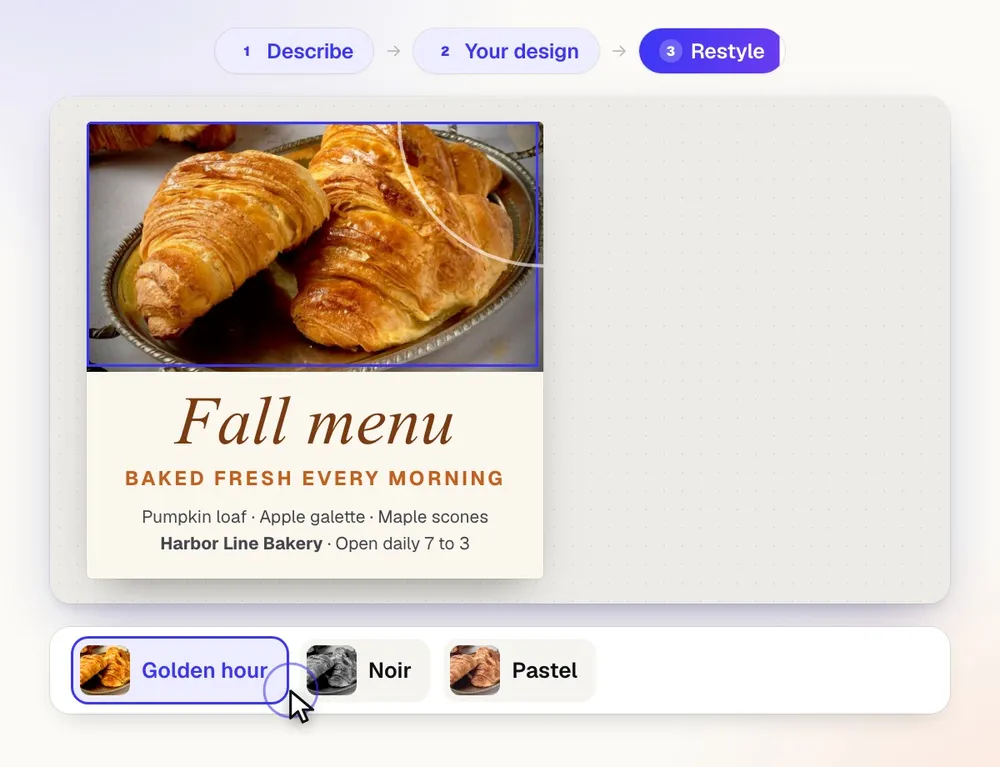
Auto-enhance, color looks like Film and Golden hour, duotone in your brand colors and Enlarge 2x are free; remove background, portrait blur, color splash and sticker cut-out take a few seconds in any browser.
Print files a shop accepts
Print sizes are built at 300 dpi with 1/8 inch of bleed, a cut line and a safe area. The PDF carries the bleed, the trim size and crop marks you can turn off.
Every version kept, any two compared
Every AI change and every round of changes by hand is kept with the design. Name the versions that matter, compare any two with a list of what changed, and bring back the whole design or just the old headline.
Your brand built in
Colors and logos from your Vectorize Kit brand kits sit in the Brand panel. 31 fonts in groups from Clean to Retro, with outline, shadow and curved text.
Every feature
Everything in Magic Canvas
The complete list, from the tool as it works today.
- Sizes by use: social, print (300 dpi with bleed and a safe area), web and email, or any custom size; or open a photo at its own size
- Describe a design and AI lays it out with real, editable layers (and AI pictures when they help)
- Text with 31 fonts, outline, shadow, letter spacing and curved text; shapes; photos from your computer, your Graphics Library or AI
- Photo tools: brightness, contrast, color, warmth, blur, filters, crop, shape masks, flip, remove background and Enlarge 2x
- Magic effects, free on your device: Auto-enhance, Brighten colors, 8 color looks (plus Natural), duotone in your brand colors, portrait blur, color splash, sticker cut-out, sharpen, film grain and pixel art
- Layers panel (rename, hide, lock, reorder), align to the page, undo, keyboard shortcuts; Pro adds exact numbers and blend modes
- Tell aiKit any change in your own words; anything it couldn't do is listed first as Not done yet
- Version history: every moment kept with the design (AI changes and rounds of changes by hand), named versions, compare any two with a What changed list per layer, and bring back the whole design or just one part
- PNG, JPG, print-ready PDF with crop marks, SVG; download or save to the Graphics Library with category, tags, client and project; saved designs reopen with every layer
What’s included
What you get with Magic Canvas, and how it works with the rest of aiKit
Included with a free aiKit account
- Ready sizes for social, print, web and email, or any custom size in pixels or inches
- Every editing tool: text in 31 fonts with outline, shadow and curved text, shapes, photo tools, layers and Pro mode
- Magic effects: Auto-enhance, color looks, brand duotone, portrait blur, color splash, sticker cut-out, remove background and Enlarge 2x
- PNG, JPG, print-ready PDF with bleed and crop marks, and SVG downloads
- Saved designs that reopen with every layer, from My designs or their own link
- Your Vectorize Kit brand colors and logos in the Brand panel
- AI layouts, AI changes and AI pictures, drawing on your monthly AI allowance
What uses AI, and what’s free
Designing by hand, every photo tool, the Magic effects (they run on your own device), downloads and saving are free and use none of your monthly AI allowance. Make my design (an AI layout from your description), changes typed in the AI bar, and AI pictures use your monthly AI allowance. The on-device subject effects download a free model once, the first time you use them.
Works with your other aiKit tools
- Vectorize Kit: The Brand panel shows the colors and logos from the brand kits you saved in Vectorize Kit, one click to use.
- Graphics Library: Add photos from your Graphics Library, and save designs there with a category, tags, client and project.
- Pro Designer: Open in Pro Designer saves the design to your Graphics Library and opens it in the layered photo editor for detailed retouching.
- Motion Maker: Designs saved to the Graphics Library can go to Motion Maker from the library's Send to Motion Maker menu, to animate them.
Keep Magic Canvas in any of your kits, next to the tools you use with it. One monthly AI allowance covers every tool you add.
How it works
From first click to finished, in 4 steps.
1. Pick a size or describe the design
Choose from Social, Print, Web and Email sizes (Instagram post, Story, flyer, business card, poster, website banner, 600-wide email sizes), a custom size, or type what you need and press Make my design.
2. Adjust it by hand or by asking
Edit text, shapes and photos on the page, or type the change in the bar under it. Turn on Pro for exact sizes and blend modes.
3. Add photos and your brand
Upload photos, pick from your Graphics Library, or describe an AI picture and pick the picture model: ChatGPT Image (the default), ChatGPT Image Fast, Nano Banana, Imagen, Ideogram for lettering or Recraft for illustration, each with its token cost shown. Click a brand color or logo from the Brand panel to use it.
4. Download or save
Download PNG, JPG, a print PDF with bleed and crop marks, or SVG, or save to the Graphics Library with a category, tags, client and project. Saved designs reopen with every layer.
Who it’s for
How different businesses use Magic Canvas
A weekend special post in a few minutes
Maple Street Bakery types "Instagram post for our Saturday cinnamon roll special, warm and cozy" and gets a layered post. One more sentence swaps the photo for a film look.
A flyer with real contact details
Brightway Landscaping describes a spring cleanup flyer. The phone number and price come only from what they typed, and the PDF goes to the printer with bleed and crop marks.
Just-listed graphics for every channel
An agent at Cedar Point Realty makes a just-listed post, then a website banner and an email header from the standard sizes, all in the brokerage's brand colors.
Event flyers for a tutoring center
Bright Path Tutoring makes an open-house flyer, adds photos from its Graphics Library, and saves the design so next month's version takes a minute.
On-brand posts without a designer
A coach makes weekly quote cards in her brand colors, with curved headings and a duotone portrait, and keeps every design in My designs to reuse.
Quick drafts for client approval
Northlight Studio lays out three post ideas from a sentence each, polishes the chosen one by hand, and opens it in Pro Designer for detailed retouching.
Ideal for
- Business owners who want Canva-easy design with their own brand colors and logos one click away
- Designers who want real tools in the browser: layers, blend modes, exact sizes, masks, print PDFs with bleed
- Anyone who'd rather say the change ("make the background darker, logo top right") than hunt for the button
Good to know
- Not for: Multi-page documents like brochures or decks
- Not for: Editing inside a photo's pixels (removing a person or object from a photo)
- Designs are drawn in your browser. Very large print sizes (posters) can be more than Safari can draw; use Chrome for those.
- Remove background and the subject effects need a recent browser with graphics support; the first use downloads the free model once (about 115 MB).
- AI layouts, AI changes and AI pictures use your token; everything else is free.
Good to know
Before you use Magic Canvas
Check the words and the people. Read every word, date, price, and phone number before you post or print. Use logos and brands you own or may use, and only people who agreed to appear.
Questions
Magic Canvas: questions people ask
Is there a free online design tool that uses my own brand colors and logos?
Can AI design a social media post from one sentence?
Can I remove a photo background for free in my browser?
Will an AI flyer maker make up my phone number or prices?
What sizes does Magic Canvas have for Instagram, flyers and email?
Can I move a Magic Canvas design into a full photo editor with layers and masks?
Do I need to install anything to design flyers and posts in aiKit?
Can an AI flyer maker lay out a flyer around my own message?
Can Magic Canvas handle my weekly social posts?
What's included in Magic Canvas with a free aiKit account?
Is there a design tool that keeps every version and lets me bring back just one part?
What should I check on a flyer or post made with AI?
Can Magic Canvas run on my own AI account instead of aiKit tokens?
Can I design graphics like social posts and flyers in aiKit?
Does Magic Canvas make print-ready files with bleed?
Works well with
Tools to add to the same kit
Pro Designer
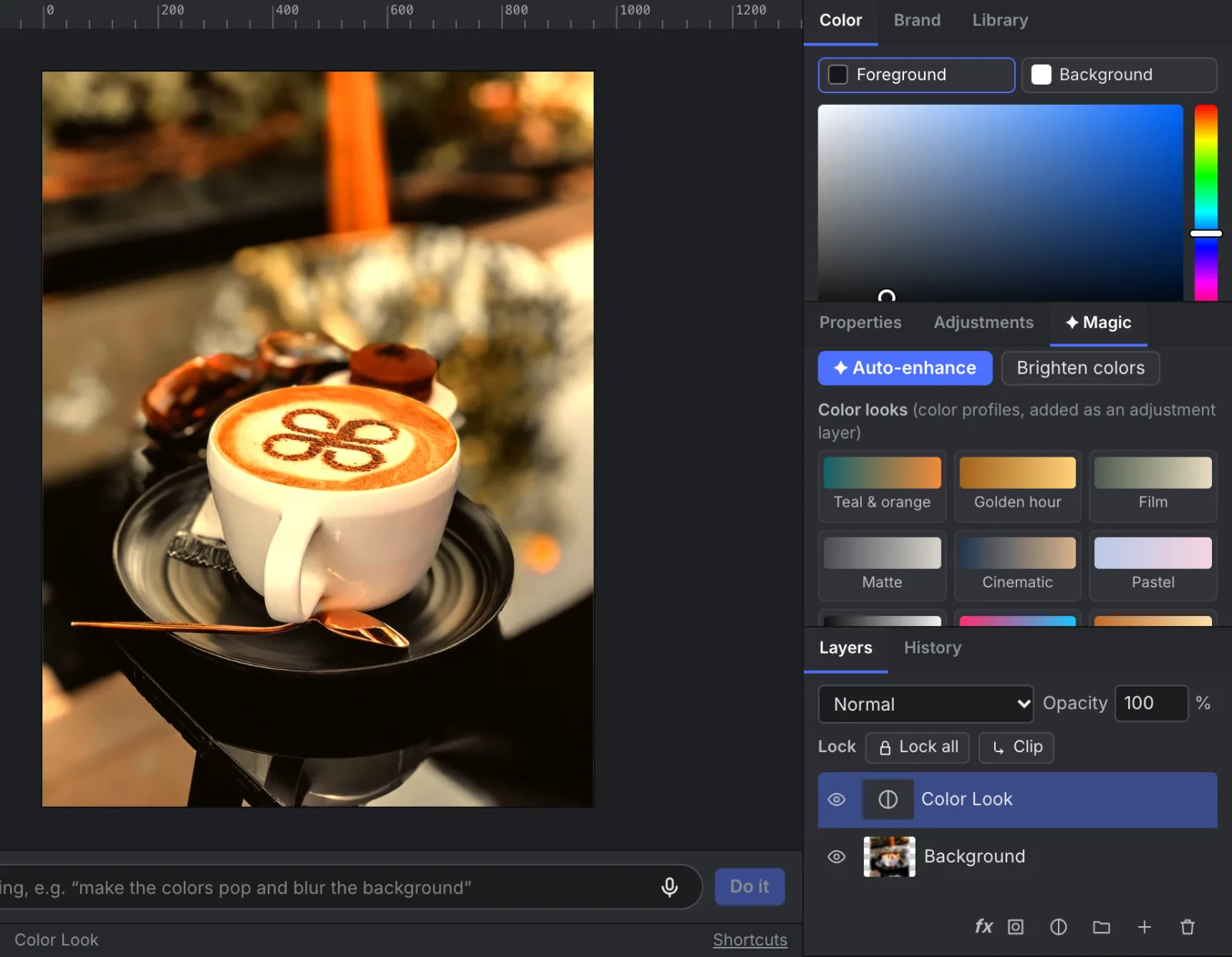
NewPro Designer gives you layers, masks, selections, retouching brushes and PSD files with nothing to install. Ask for changes in plain words, and the free on-device tools do most of the work.
Vectorize Kit
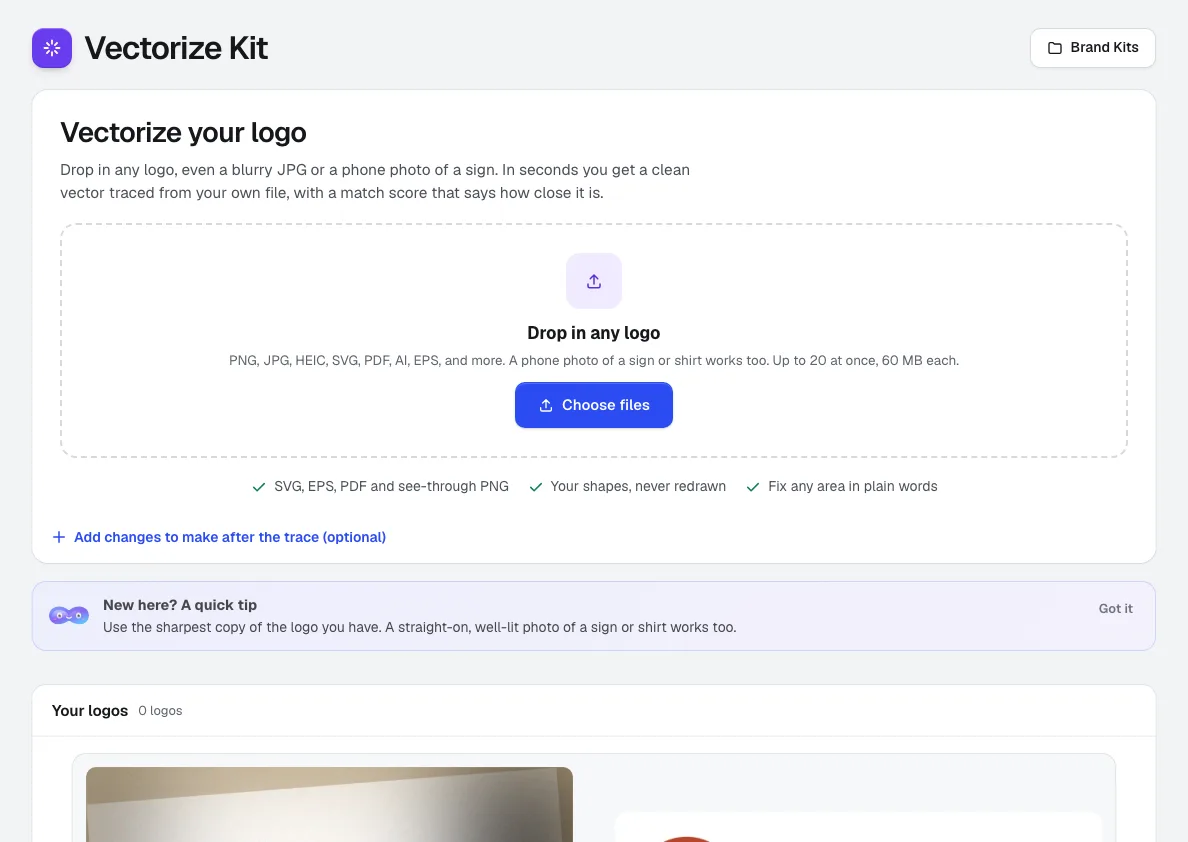
Drop in a blurry JPG, a small PNG, a PDF or a phone photo of a sign. Vectorize Kit traces your own file into a clean vector, shows how closely it matches with a score and a zoomable before and after, and hands you SVG, EPS, PDF and PNG in one click.
Graphics Library
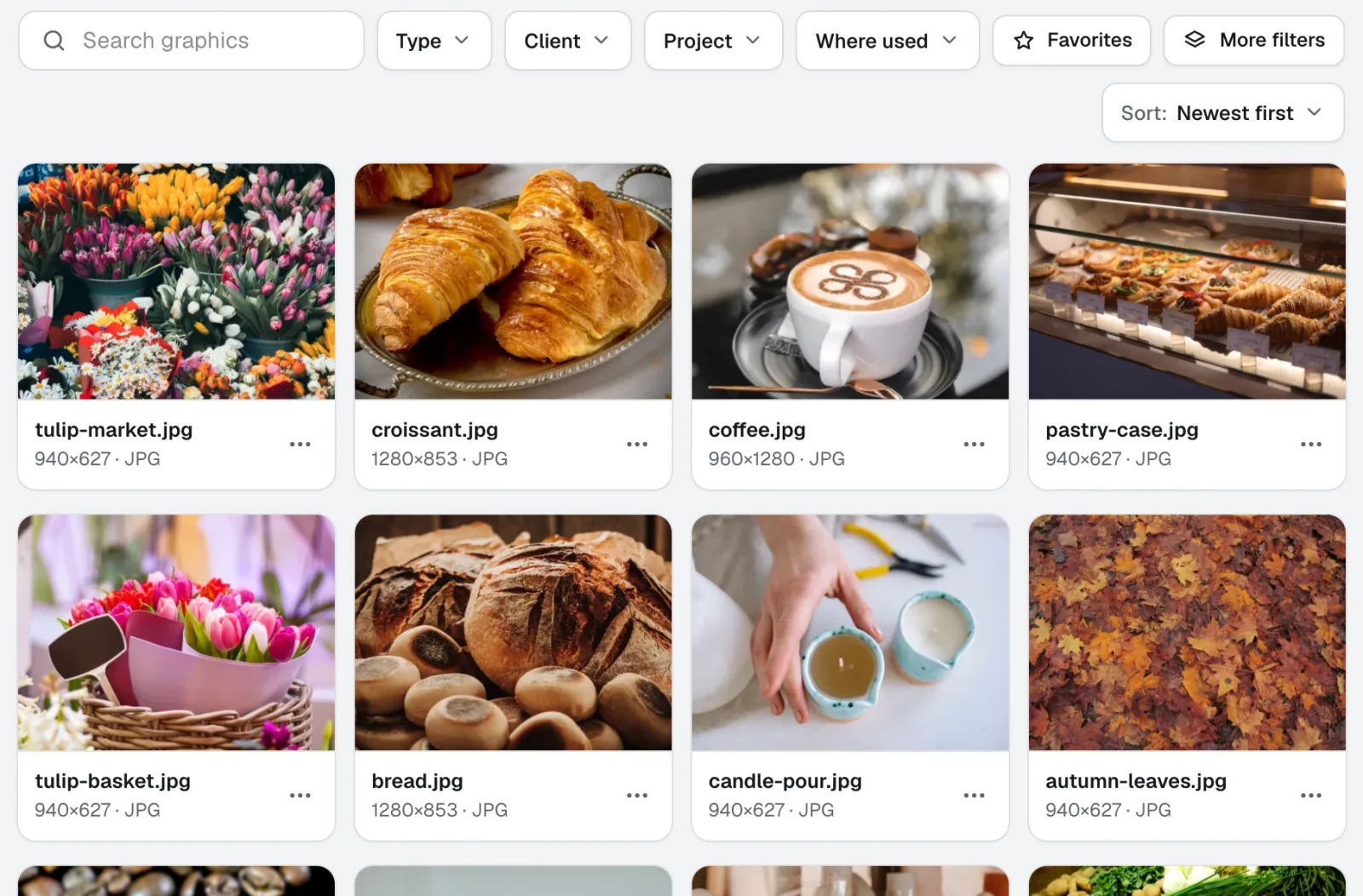
NewGraphics Library is digital asset management software for teams: every client's and project's logos, photos and design files in one labeled place. Drop in whole folders, label hundreds at once, and anyone on your team finds the file they need.
Use Magic Canvas today.
Make a free aiKit account and open Magic Canvas, plus every other tool in your kit.
Page last checked against the product on 2026-10-20.