

Lesson KitNew
Any subject into lessons, quizzes and slides, ready to teach
Lesson Kit is an AI lesson plan generator for any subject: say what to teach and who it's for, check the outline, then get full lessons with the quizzes, answer keys, worksheets, flashcards and slides you pick. Change anything in plain words.
Free account, no card. Already using aiKit? Log in to open Lesson Kit

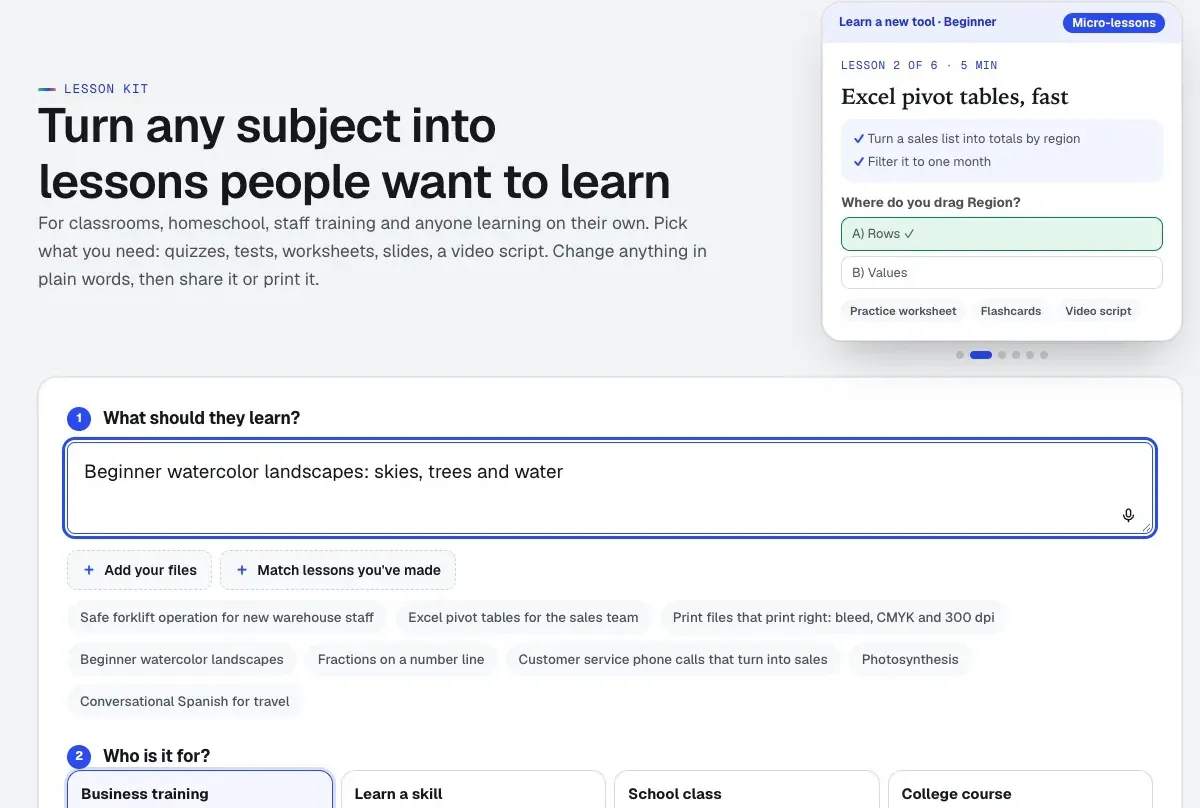
What you get
Type or say any subject and get a full set of lessons for a class, homeschool, staff training or yourself, with the quizzes, tests, worksheets, flashcards, slides and other add-ons you pick.
See the outline before anything is written
Every lesson shows its title, one-line goal and minutes. Rename, reorder, remove or add lessons, or say "split lesson 3 into two", before a single token goes on full lessons.
Full lessons, not bullet points
Each lesson has goals, a hook, teaching sections with worked examples, an activity, check-yourself questions with answers, a recap, key terms and teacher notes with timing.
Every add-on in one set
Tick quizzes, a final test, answer keys, worksheets, flashcards, homework, discussion and exit tickets, teacher lesson plans, a project and rubric, a glossary, a parent or manager letter, a certificate, video scripts or slides. Other takes anything you type.
One class, several levels
Make an Easier, Harder or Extra-support version of any lesson, each kept side by side. Set any language, a reading level from Very simple to Expert, and needs such as English learners or dyslexia-friendly.
Built from your own material
Add a PDF, Word file, PowerPoint, a photo of textbook pages, a web link or your notes. The lessons follow its order and keep its terms. Company policies and prices show as [placeholders], never invented.
Share, print or present
A learner link with quizzes that check answers right away, no learner account needed. Download Word, PDF or Google Docs, a printable quiz with the answer key on its own page, or slides in the Presentation Builder.
Every feature
Everything in Lesson Kit
The complete list, from the tool as it works today.
- An outline you can reorder, rename and change in plain words before anything is written
- Full lessons: goals, a hook, real teaching with examples, an activity, check-yourself questions, a recap and key terms
- Add-ons you pick: quizzes, a final test, answer keys, worksheets, flashcards, homework, discussion and exit tickets, teacher lesson plans, a project and rubric, a glossary, a parent or manager letter, a certificate, video scripts, or anything you type
- Easier, harder and extra-support versions of any lesson, in any language and reading level
- Slides made in the Presentation Builder, ready to turn into a video in Video Kit
- A learner link with quizzes that check answers right away, plus Word, PDF, Google Docs and printable quiz + answer key downloads
- What to learn next and related lesson ideas, one click to plan them
What’s included
What you get with Lesson Kit, and how it works with the rest of aiKit
Included with a free aiKit account
- Comes with a free aiKit account
- An outline you can change before anything is written
- Full lessons plus the add-ons you pick: quizzes, tests, answer keys, worksheets, flashcards, and more
- Easier, harder, and extra-support versions, in any language and reading level
- Word, PDF, Google Docs, and printable quiz and answer key downloads
- A learner link with quizzes that check answers right away, no account needed
What uses AI, and what’s free
Writing uses your account's monthly tokens, shared with every aiKit tool: the outline uses very little, and each lesson and add-on uses a few, with an estimate on screen before a big run. Downloads, the learner link, and edits by hand use none.
Works with your other aiKit tools
- Presentation Builder: Make the slides builds a Presentation Builder deck from the lessons.
- Video Kit: Turn those slides into a captioned video in Video Kit.
- Goal Kit: A learning goal's steps in Goal Kit can open Lesson Kit.
Keep Lesson Kit in any of your kits, next to the tools you use with it. One monthly AI allowance covers every tool you add.
How it works
From first click to finished, in 5 steps.
1. Say the subject and who it's for
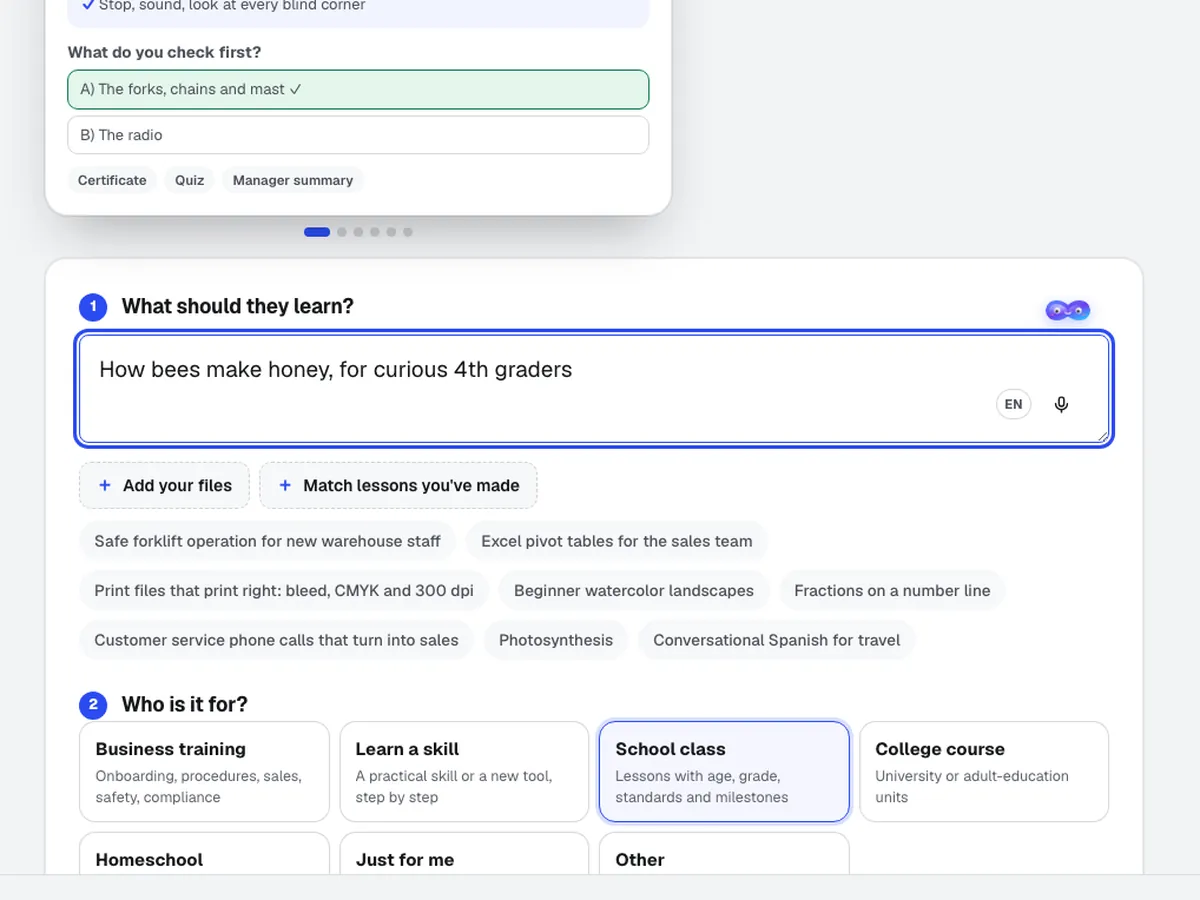
Type or speak the subject, then pick School class, College course, Homeschool, Learn a skill, Business training, Just for me or Other. School levels add a grade and standards such as Common Core or NGSS.
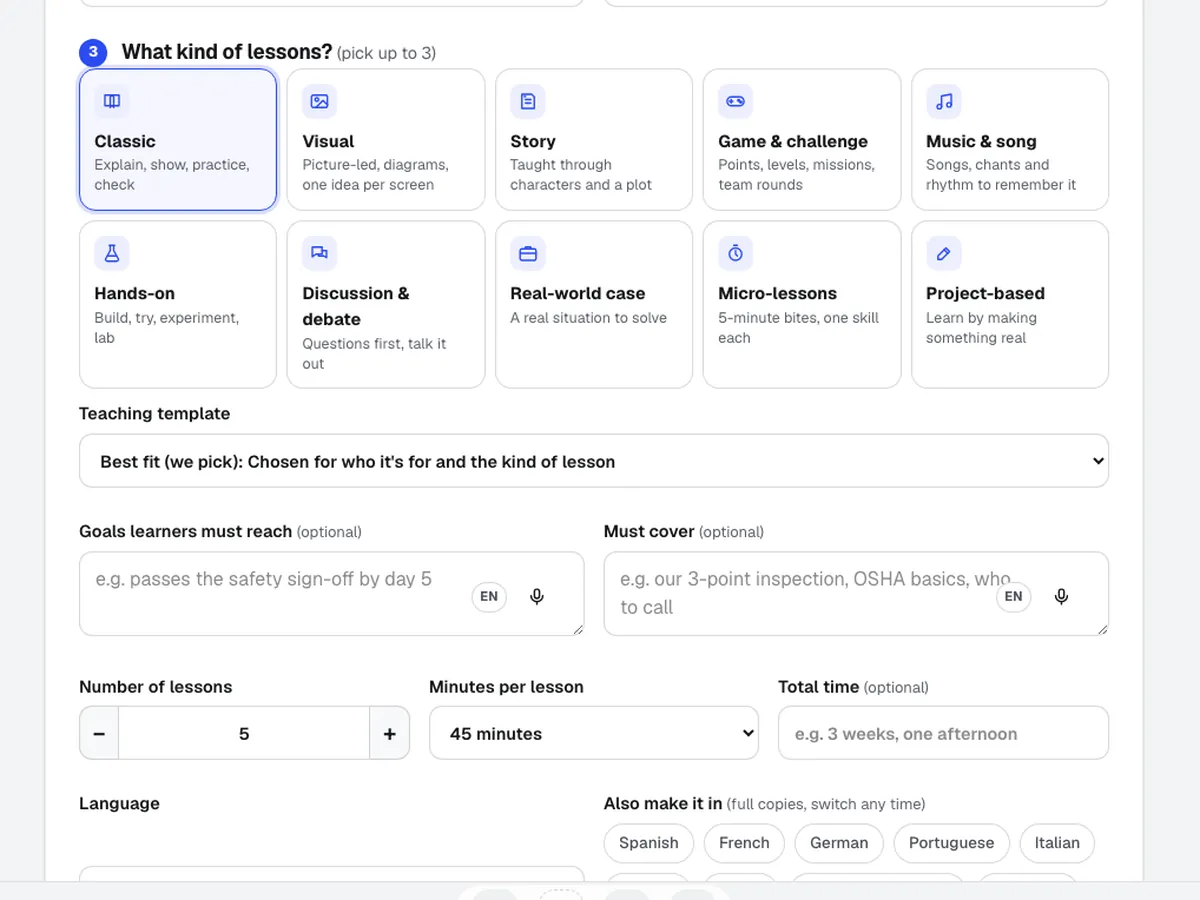
2. Pick the size and the add-ons
Choose 1 to 30 lessons and 10 to 120 minutes each, tick the add-ons you want, and add your own material or any request in Anything else.
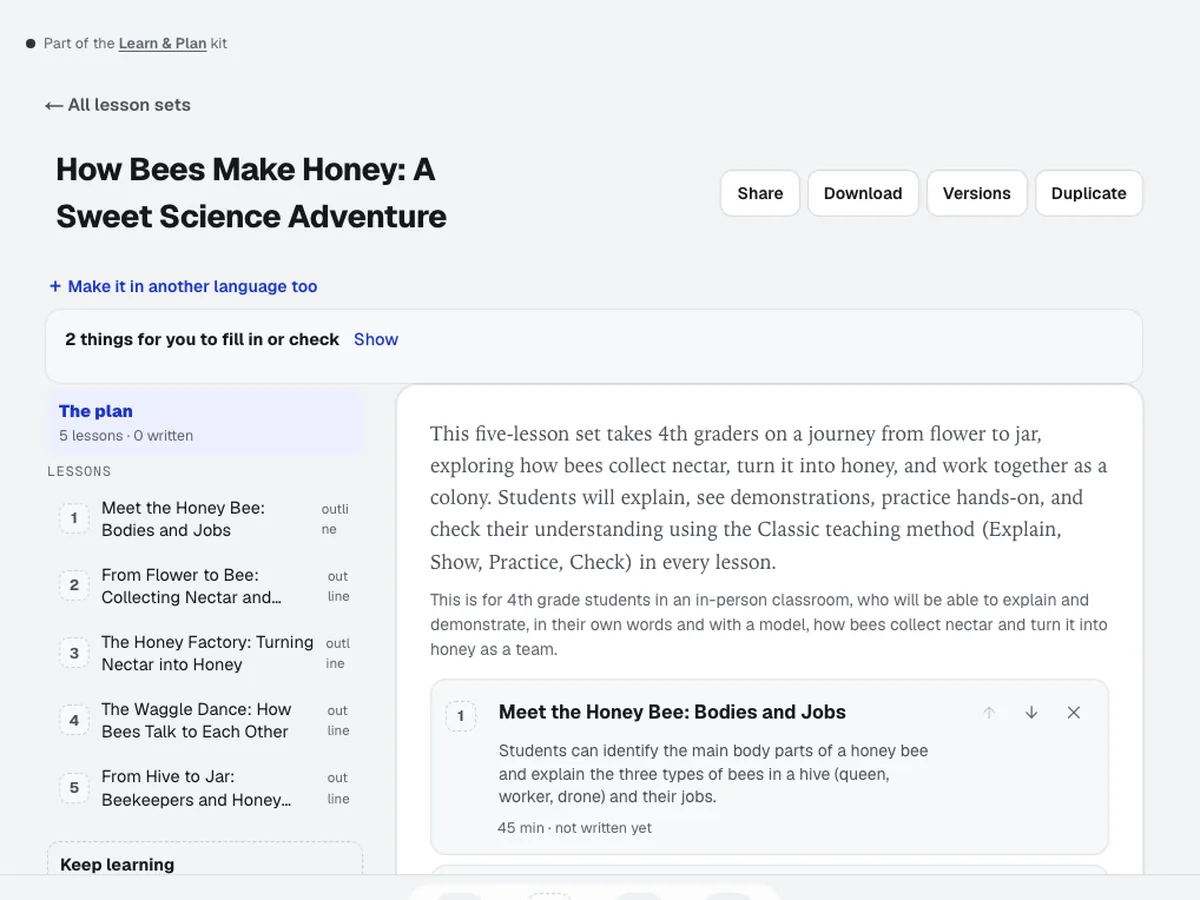
3. Check and change the outline
Press Plan my lessons. The For line says who the lessons are for and what learners will be able to do, so a misunderstanding shows up early. Edit by hand or in your words.
4. Write everything
The screen shows about how many tokens it will use, then writes each lesson and add-on one at a time with the real step showing. Stop after this step keeps everything finished so far.
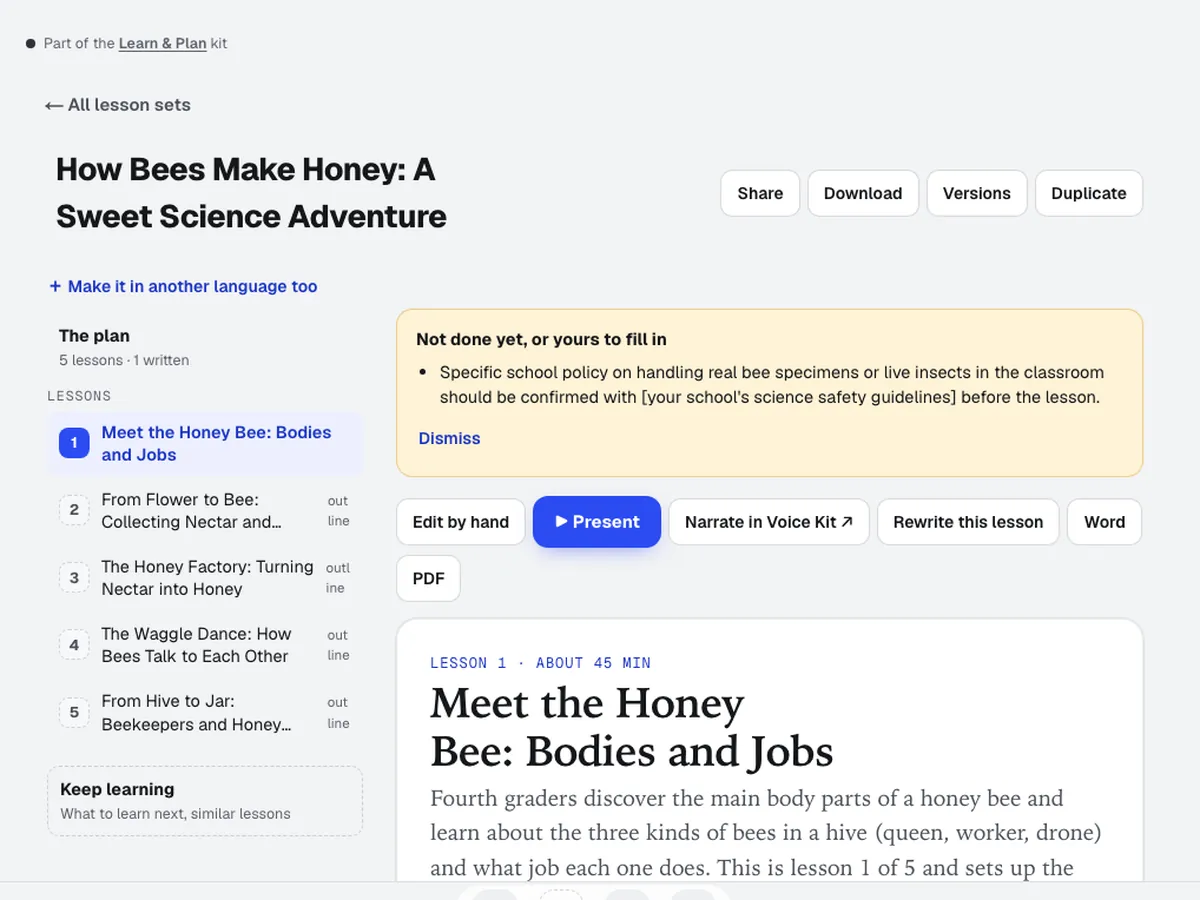
5. Teach it
Turn on the learner link, download Word, PDF or Google Docs, make the slides, or pick a Learn next topic to plan the following set with the same settings.
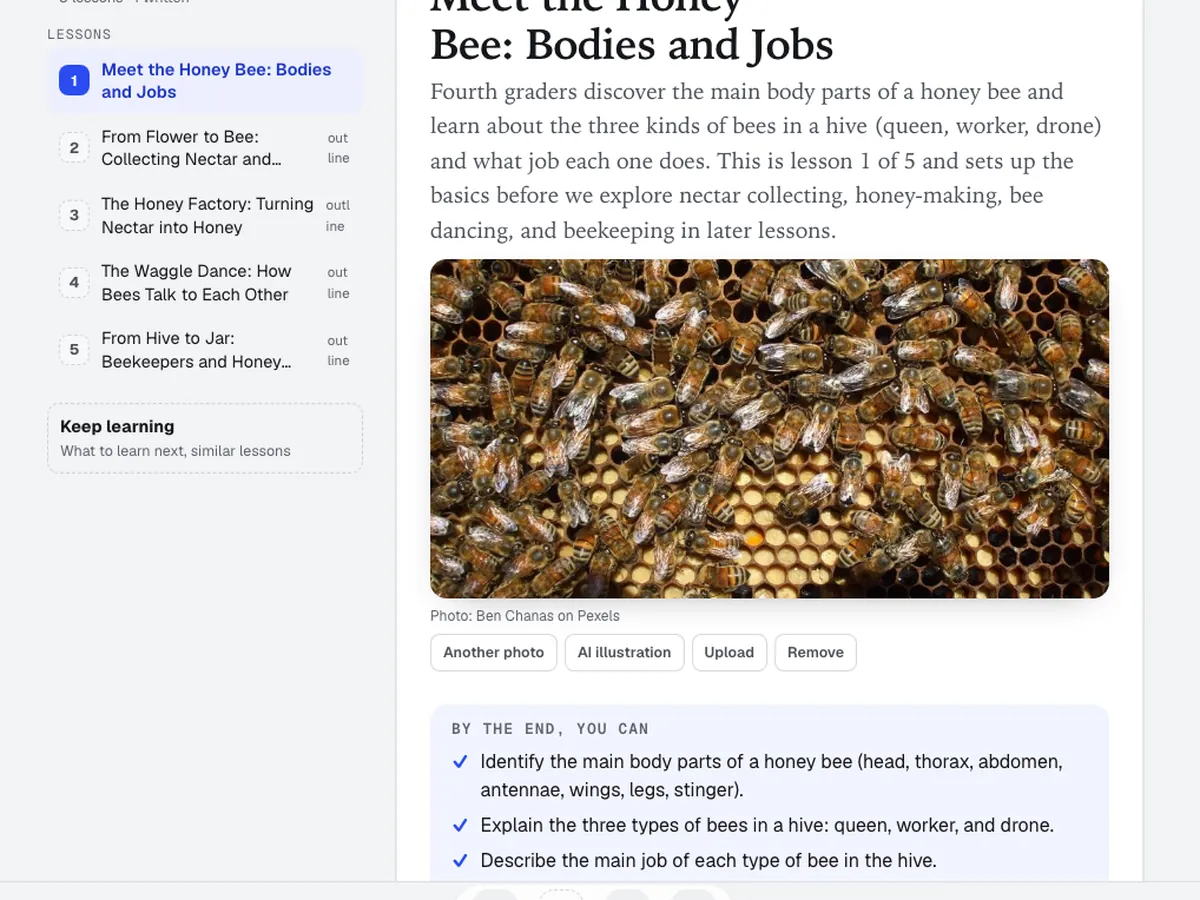
Who it’s for
How different businesses use Lesson Kit
A fractions unit with quizzes and keys
A fourth-grade teacher plans six 45-minute lessons on fractions, tags Common Core, and ticks quizzes, a final test, answer keys and an Extra-support version for students who need smaller steps. The learner link goes to the class the same afternoon.
New-hire safety training
An HVAC company builds four short lessons on job-site safety from its own checklist PDF, with a quiz per lesson, a manager summary and a certificate of completion. Company-specific rules show as placeholders to fill in.
Front-of-house onboarding in Spanish
A cafe owner turns opening and closing steps into three self-paced lessons, sets the language to Spanish and the reading level to Simple, and shares the learner link with new staff on their phones.
A course outline from a workshop
A photography coach turns workshop notes into an eight-lesson course with worksheets, flashcards and video scripts, then makes the slides and starts a captioned video in Video Kit.
Teaching clients their new site
An agency writes a short lesson set on updating the client's blog and reading their reports, with a glossary and a quiz, and downloads it as a Word file to hand over at launch.
Crew training before the season
An AV crew lead builds lessons on rigging basics and load-in order from the company's own run sheet, with discussion prompts and an exit ticket for each morning session.
Ideal for
- Teachers and tutors who want a full unit with quizzes and answer keys in minutes
- Homeschool parents who need lessons they can teach at home
- Owners and managers training staff on a process, safety or sales
- Anyone who wants to learn a skill step by step
Good to know
- Not for: Grading student work or keeping a gradebook (not built yet)
- Not for: Official standards approval: the codes it lists are a starting point to check
- Not for: Medical, legal or safety certification on its own
- The AI can be wrong, especially on recent events or local rules. Read lessons before you teach them.
- Standards codes are suggestions to check against your official list.
- Company policies, prices and local laws are left as [placeholders] for you to fill in, never invented.
- Each lesson and add-on uses tokens from your plan; the screen shows about how many before a big run.
- The learner link doesn't save scores yet; learners see their own results on their device.
Good to know
Before you use Lesson Kit
Check the facts and answer keys. AI can invent facts, numbers, quotes, and sources. Look up every fact and link before you rely on it. Check every answer key before you hand a lesson to learners.
Questions
Lesson Kit: questions people ask
Is there an AI that writes a whole unit of lesson plans with quizzes and answer keys?
Can I make a lesson plan for homeschool without a teaching background?
Do my learners need an account to see the lessons?
What is the best AI lesson plan generator for teachers?
Is there a free AI lesson plan generator?
Can I edit a lesson plan after the AI writes it?
Does Lesson Kit write the lessons, or just give me headings?
What subjects and ages does Lesson Kit cover?
Should I check an AI-made lesson before teaching it?
Can Lesson Kit run on my own AI account instead of aiKit tokens?
What is the aiKit Lesson Kit?
Can the Lesson Kit follow Common Core, NGSS or my state's standards?
Can I make lessons for staff training or onboarding?
Can the lessons be in another language or at an easier reading level?
Can I build lessons from my own textbook, notes or slides?
Works well with
Tools to add to the same kit
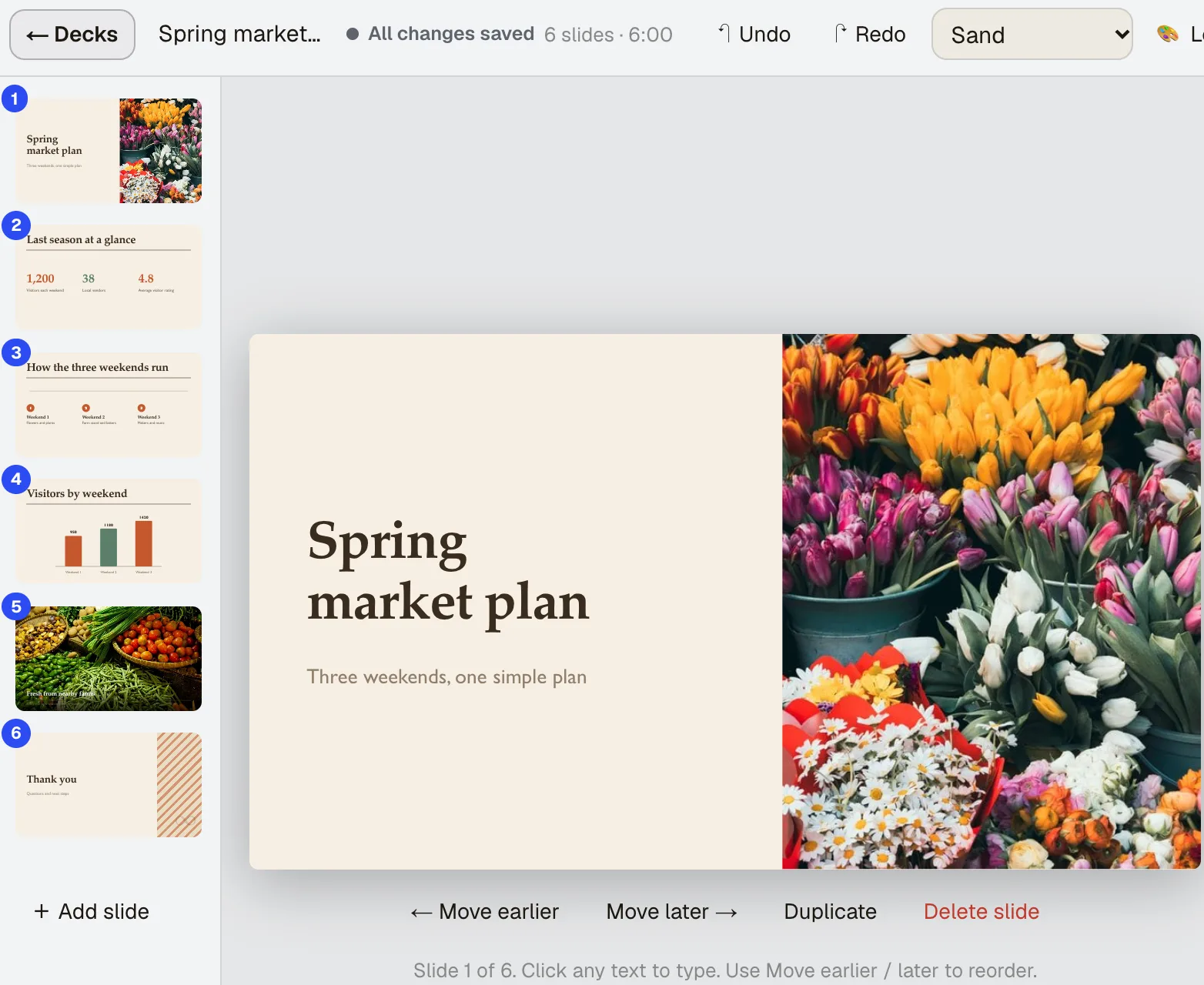
Presentation Builder
NewAn AI presentation maker that starts from what you have. Say what the deck is for, add what you already have, and get slides with speaker notes that you can click and type into, present, share as a live link, or download as PowerPoint.
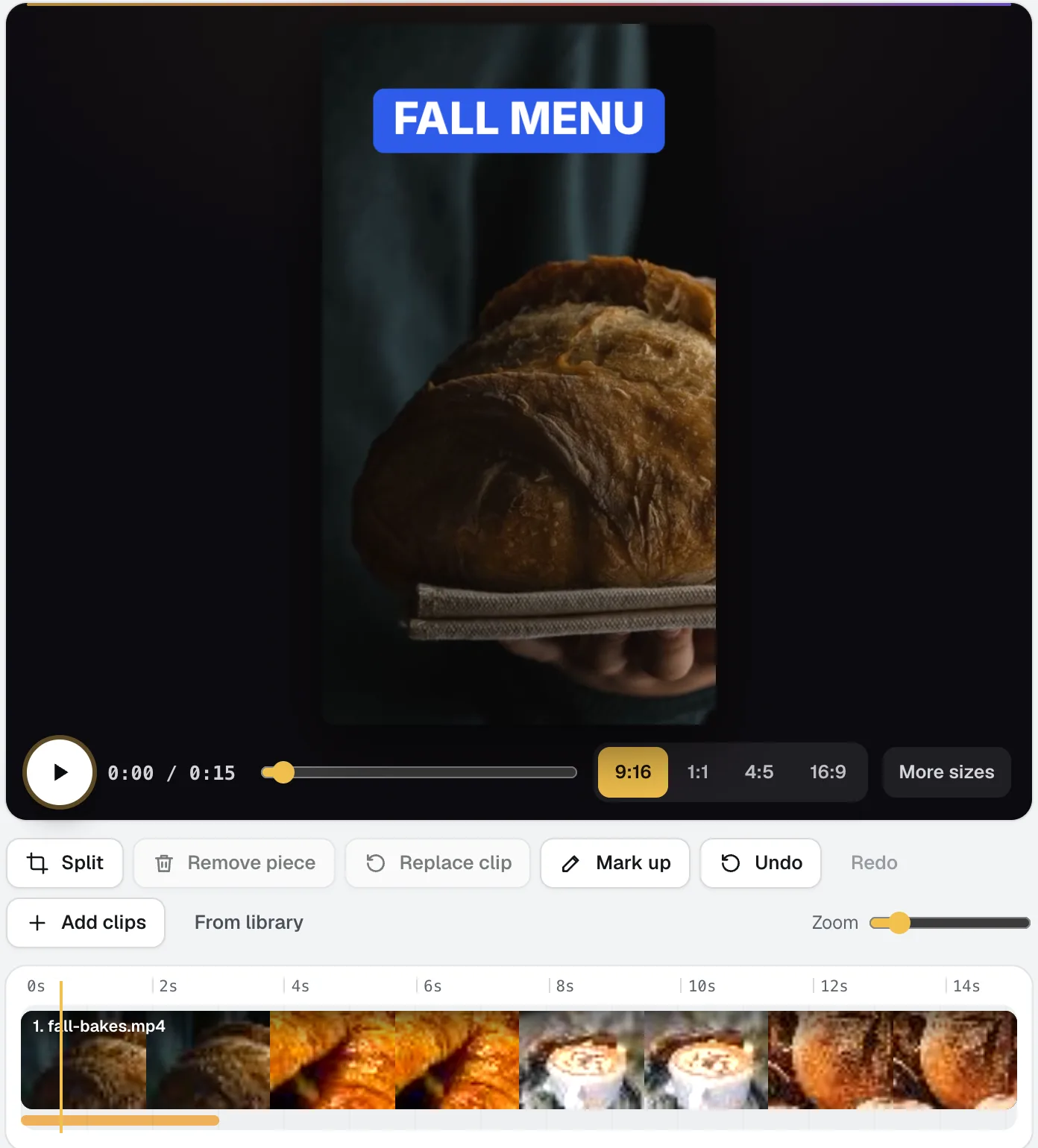
Video Kit
NewVideo Kit is an AI video editor for social media: drop in your clips and edit them like a document. Delete words to cut the video, remove pauses and ums in one pass, and Ask for changes in plain words. Captions, sizes, music and your logo are built in.
Transcribe & Summarize
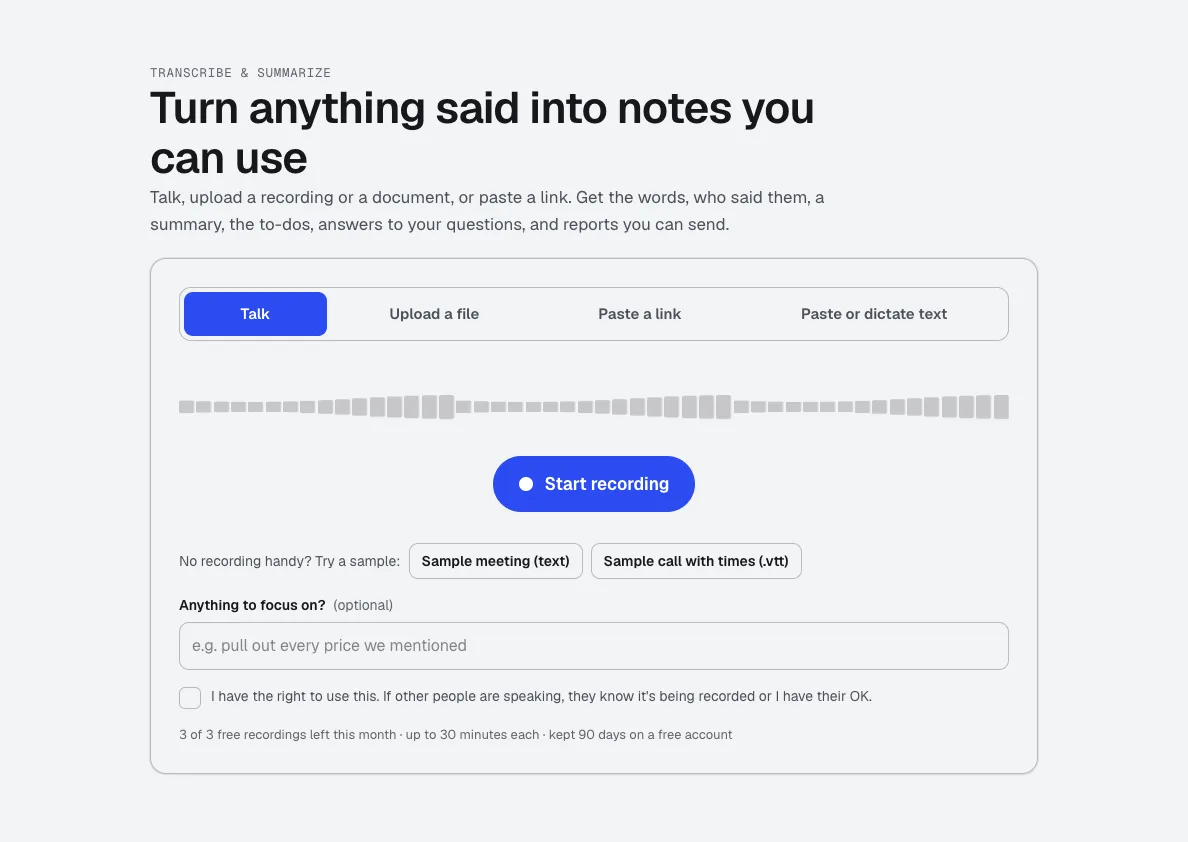
NewTalk, upload a recording, or paste a link. Get the transcript with times and speakers, a summary, the decisions and to-dos, and ready-to-send reports like minutes or a client brief.
Use Lesson Kit today.
Make a free aiKit account and open Lesson Kit, plus every other tool in your kit.
Page last checked against the product on 2026-10-16.