

Education & training
The AI kit for teachers, trainers and course creators.
Turn a topic into a presentation, a recording into clean notes and a summary, and a script into a training video with a natural voice-over.
Sound familiar?
The day, before aiKit.
“Building a slide deck takes longer than teaching the class.”
“I record every session and never turn it into notes.”
“Training videos need a voice-over and I hate my recorded voice.”
“Every new hire gets a slightly different version of the training.”
The kit
8 tools for education & training.
Ready-made for your industry and customized to your business: start with these, then add or remove any tool.
Lesson Kit
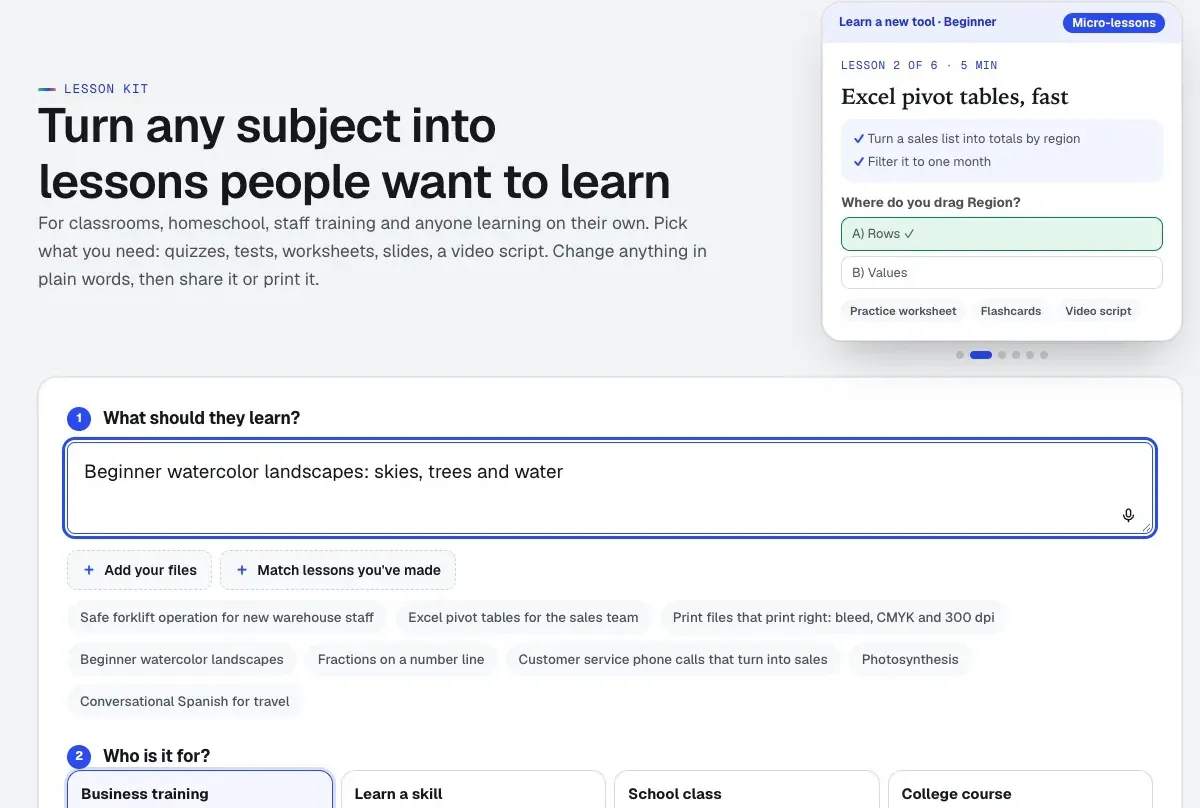
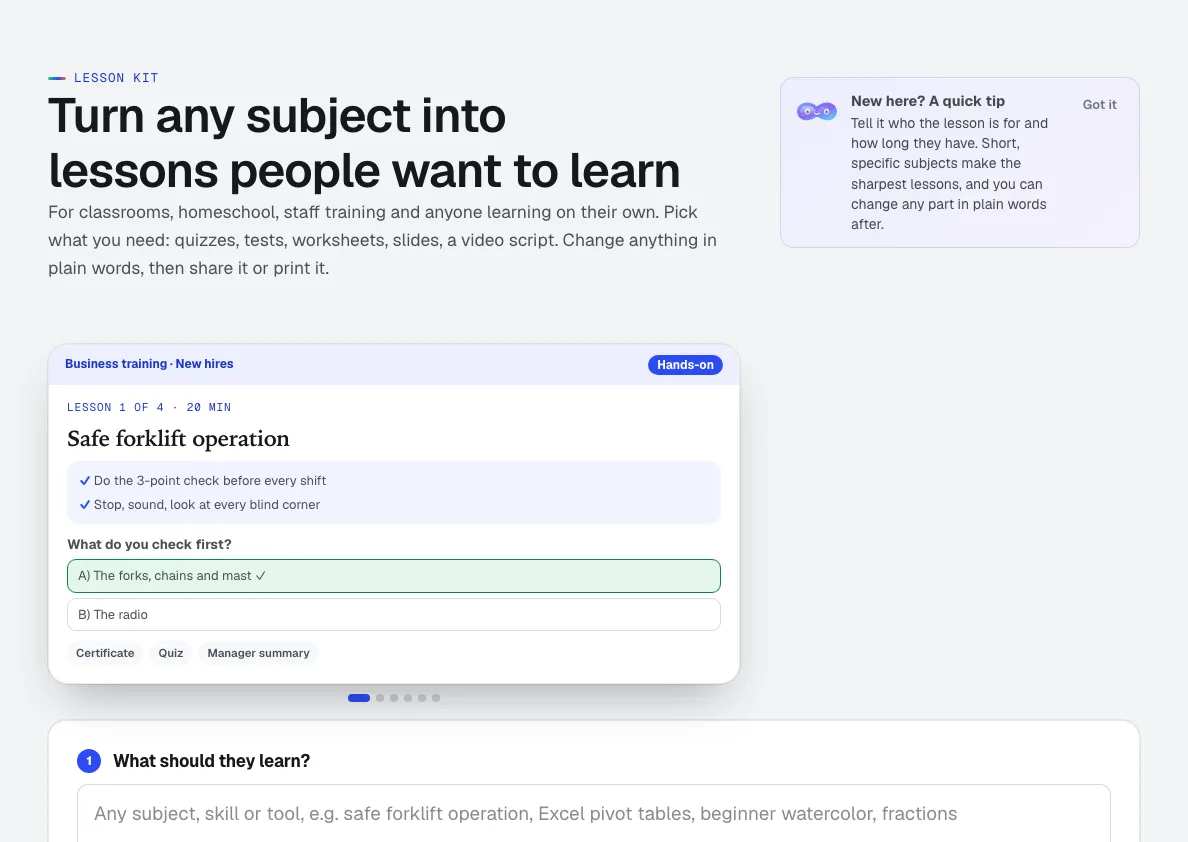
NewLesson Kit is an AI lesson plan generator for any subject: say what to teach and who it's for, check the outline, then get full lessons with the quizzes, answer keys, worksheets, flashcards and slides you pick. Change anything in plain words.
Presentation Builder
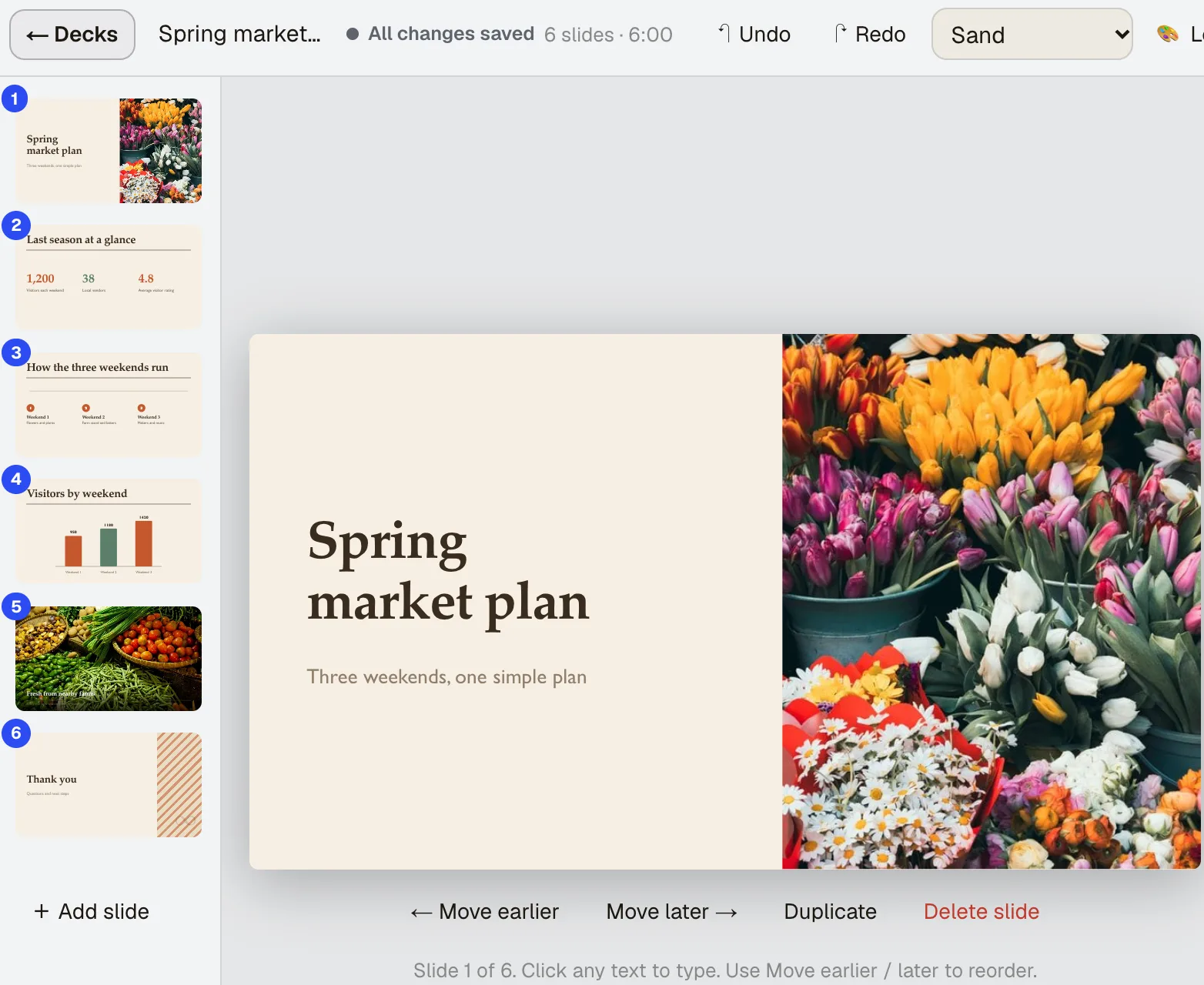
NewAn AI presentation maker that starts from what you have. Say what the deck is for, add what you already have, and get slides with speaker notes that you can click and type into, present, share as a live link, or download as PowerPoint.
Transcribe & Summarize
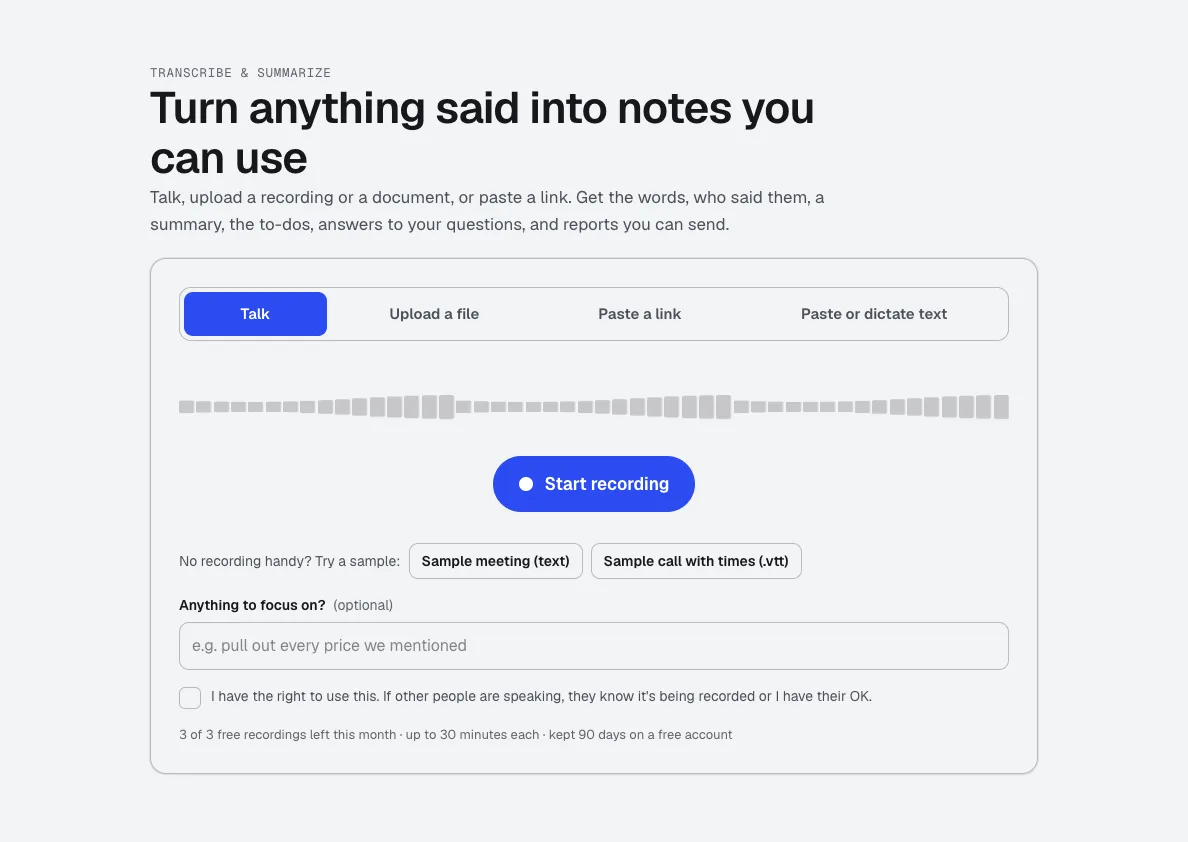
NewTalk, upload a recording, or paste a link. Get the transcript with times and speakers, a summary, the decisions and to-dos, and ready-to-send reports like minutes or a client brief.
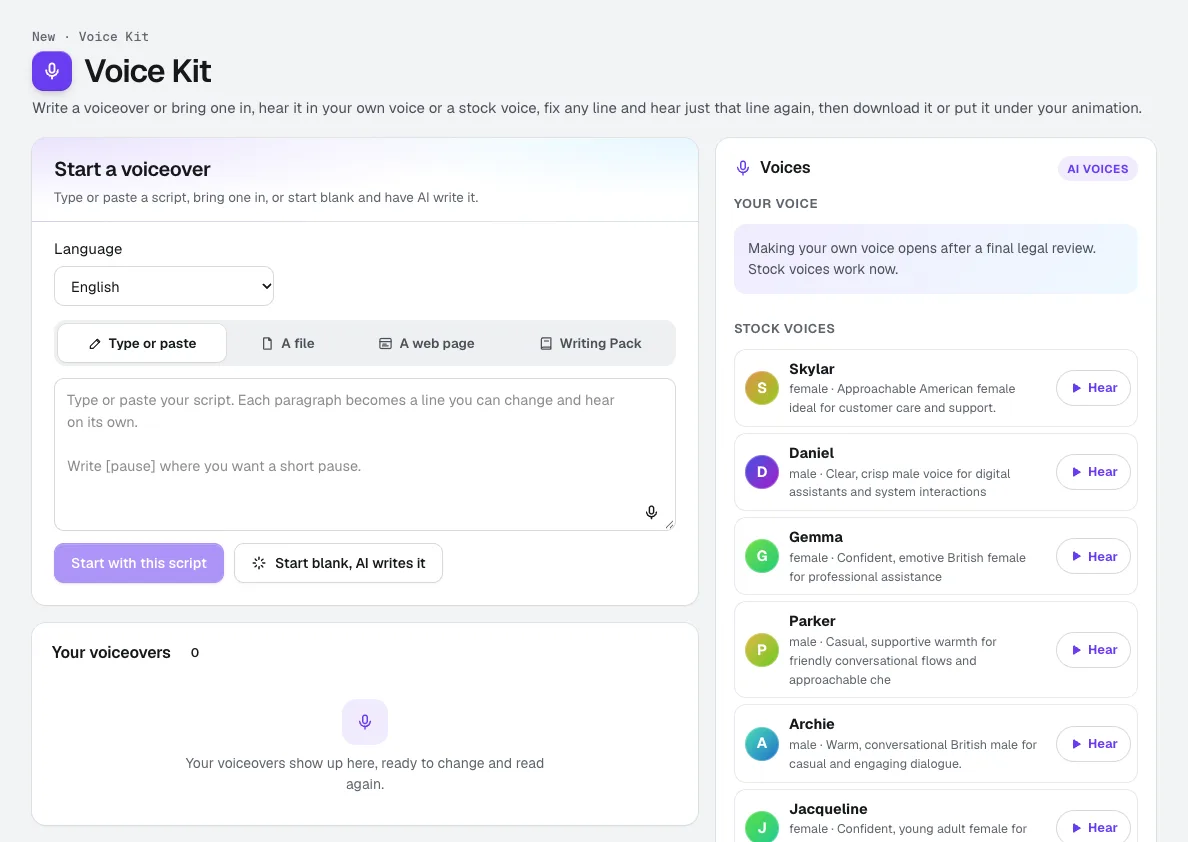
Voice Kit
Your voiceRecord about a minute, confirm it is your own voice, and aiKit makes an AI voice of you. Read scripts, ads and animation voiceovers in it, fix any line and hear only that line again, and see the tokens before anything runs.
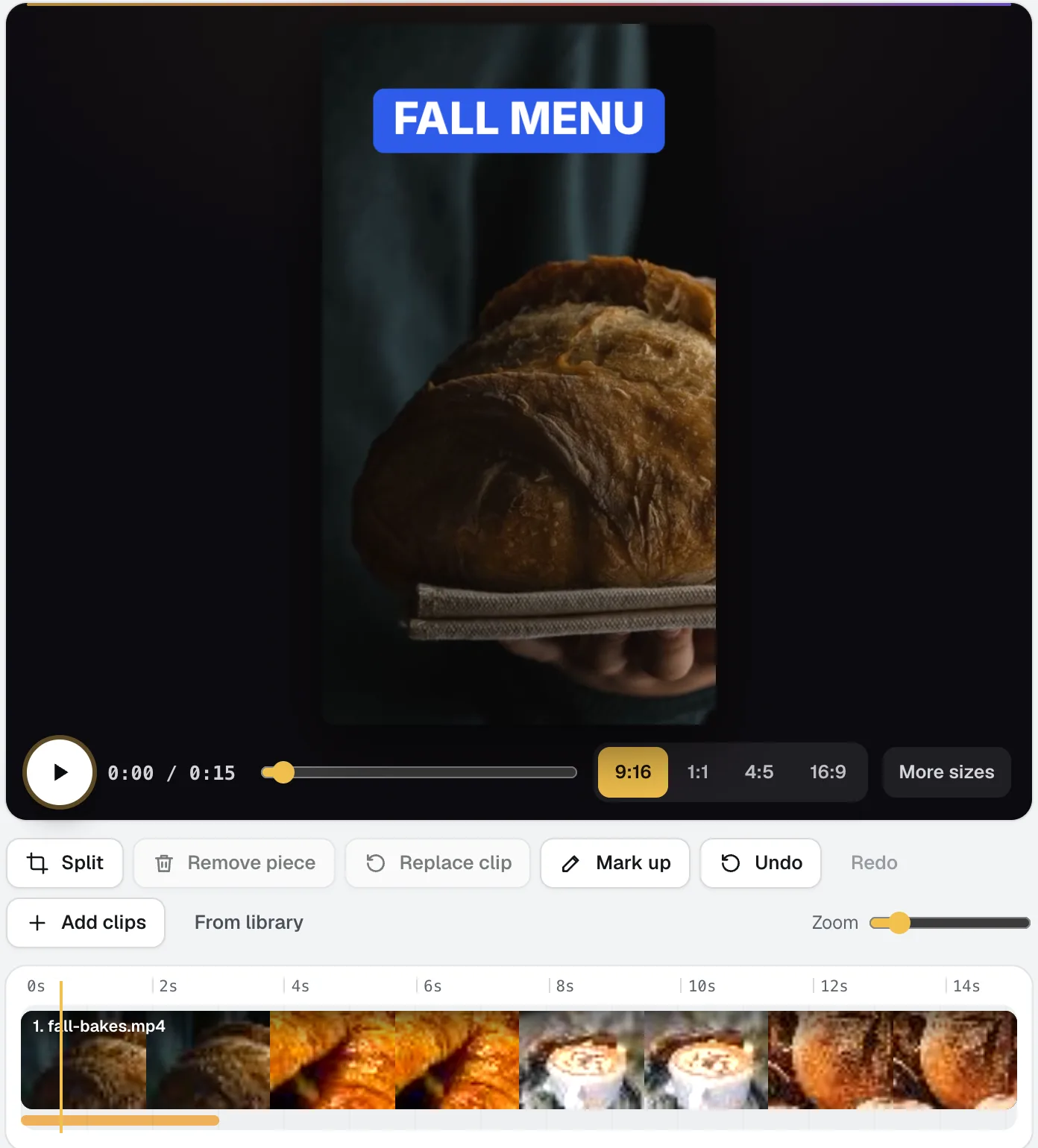
Video Kit
NewVideo Kit is an AI video editor for social media: drop in your clips and edit them like a document. Delete words to cut the video, remove pauses and ums in one pass, and Ask for changes in plain words. Captions, sizes, music and your logo are built in.
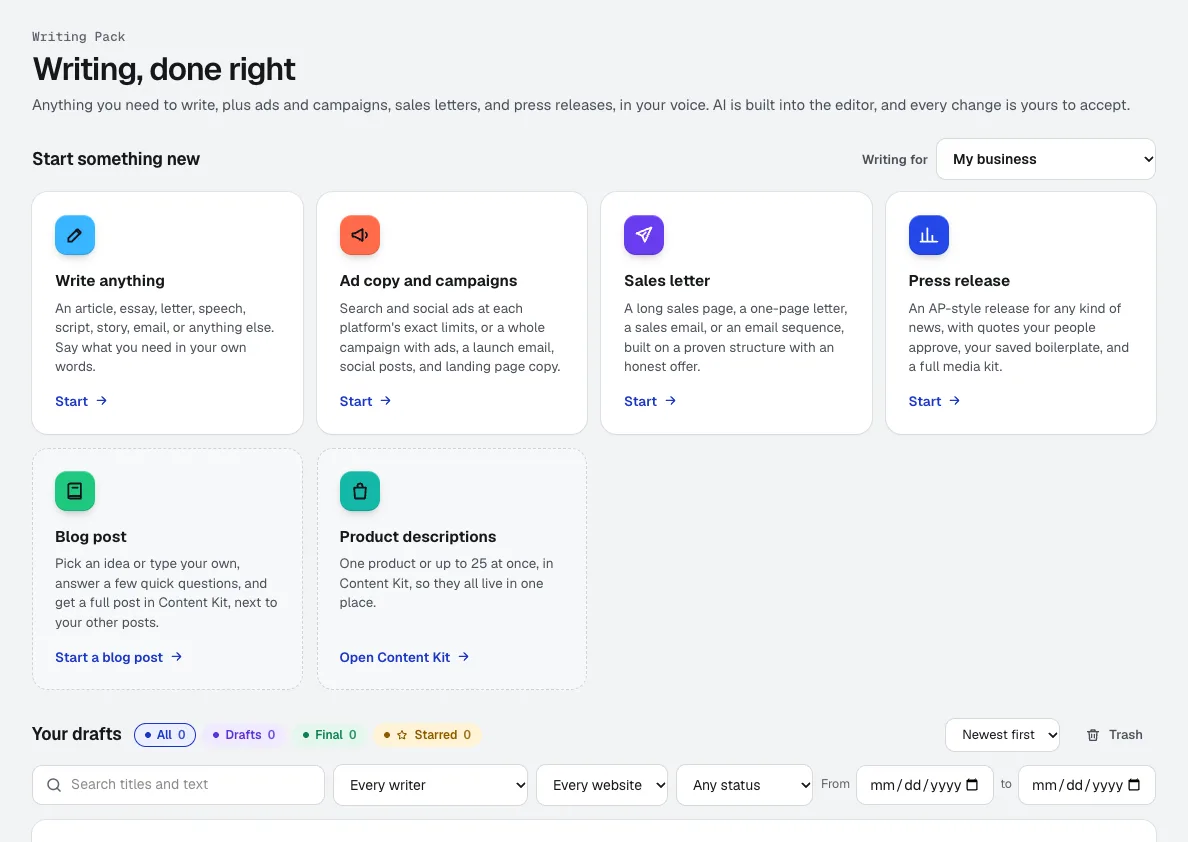
Writing Pack
NewAn AI copywriting tool for anything from a speech to a full ad campaign, in the voice you set in Brand Voice. AI is built into the editor, and every change it suggests is yours to accept or reject.
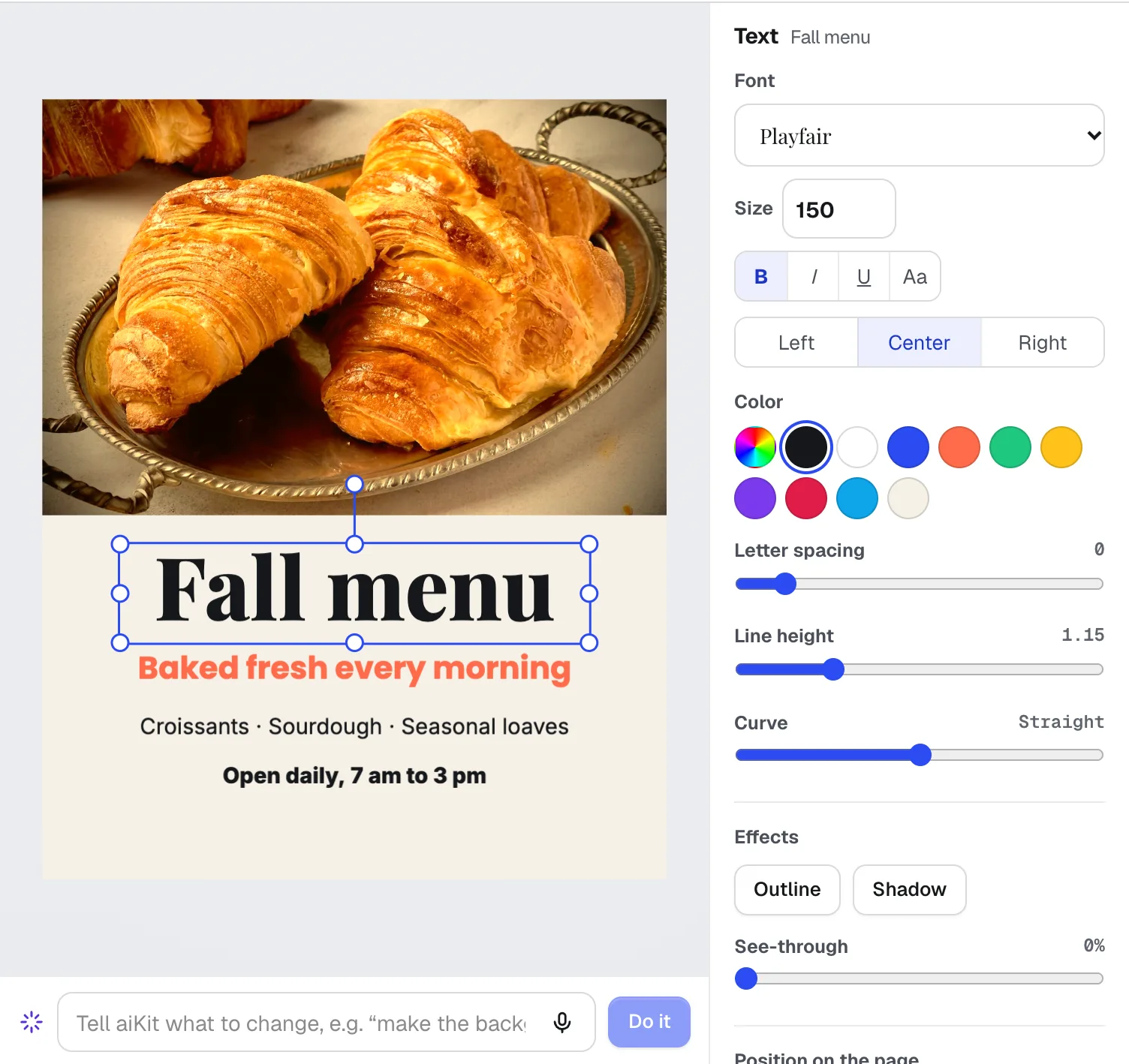
Magic Canvas
NewMagic Canvas is an AI flyer maker and social post designer: it lays out posts, flyers, cards, banners and email headers from your words, then lets you change anything by hand or by saying it. Your brand colors and logos are one click away.
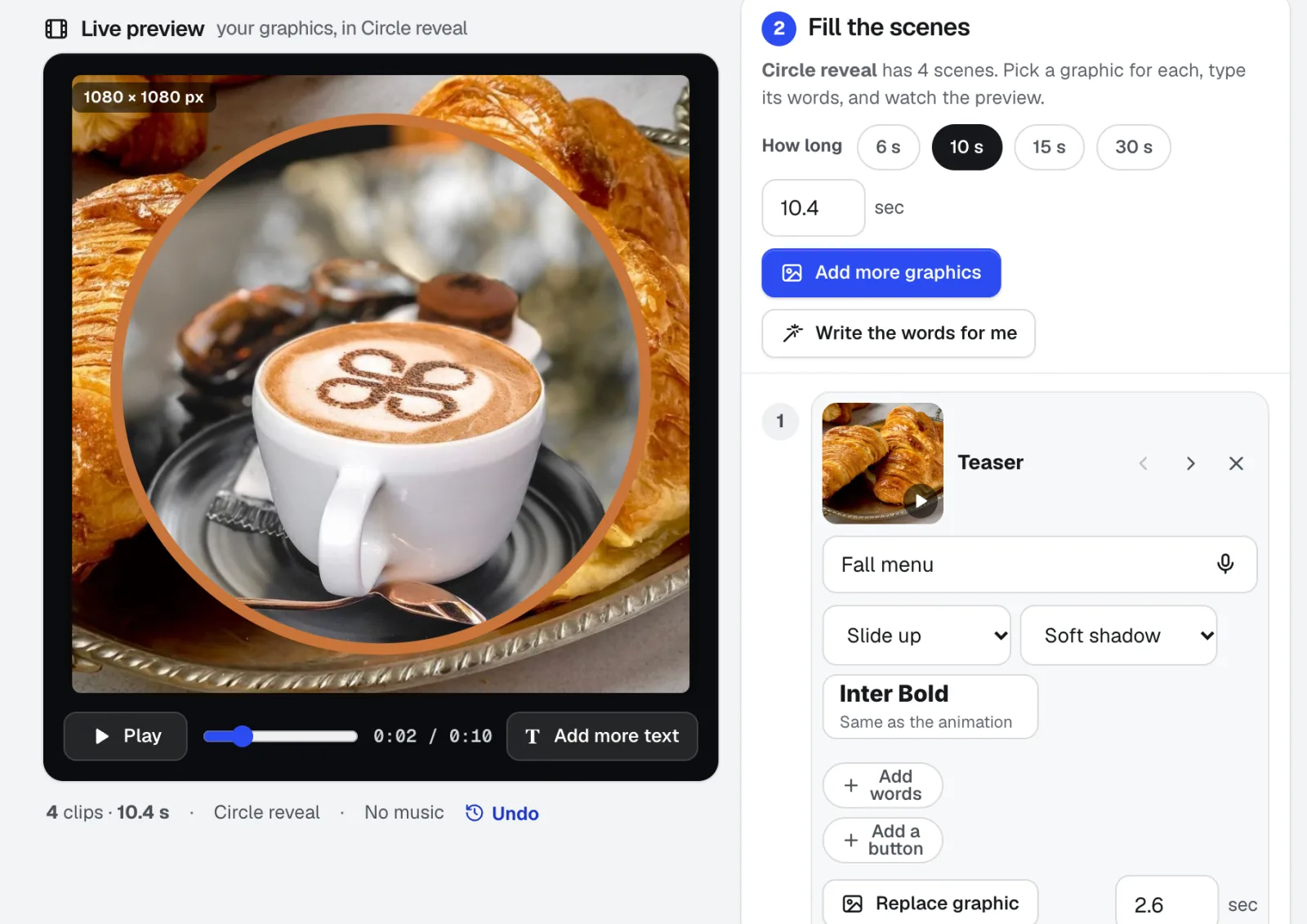
Motion Maker
NewAn animated GIF maker for email, plus banners and promo clips: pick one of 29 animation styles, drop in your photos, type the words right on the stage, and add music cut on the beat. Export an MP4, WebM or email-ready GIF straight from your browser.
In practice
What education & training businesses do with aiKit
A course page that stays up
An invented tutoring center publishes a course information site it built in an AI tool, so families can open it whether or not the teacher's laptop is on.
Keeping a school site in shape
An invented training center uses the Health card to find pages with no main heading and pictures without descriptions, and presses Fix on each one.
A beginner learns options safely
A fictional student turns on Simple mode, reads the trade-type cards and glossary, and paper trades in Practice to see how each kind of trade behaves before using real money.
A speech for graduation night
A school principal answers three quick questions and gets a draft speech, then shortens two paragraphs by selecting them and accepting the suggested edits.
A word-making lesson
A fifth-grade teacher has the class describe feelings from a story, coins a word for each with For kids, and prints the share cards for a classroom word wall.
A cooking class on a budget
A home economics teacher enters the pantry staples the class already has, sets Beginner and 45 minutes, and prints the recipe for every station.
A fractions unit with quizzes and keys
A fourth-grade teacher plans six 45-minute lessons on fractions, tags Common Core, and ticks quizzes, a final test, answer keys and an Extra-support version for students who need smaller steps. The learner link goes to the class the same afternoon.
Shared graphics for a training team
A training center's staff find the current course logos and event photos themselves, with Find duplicates clearing out years of copies.
Short lessons students can rewatch
A tutor records a worked example, and the chapters and transcript let students jump straight to the step they missed.
Short lessons from a long explanation
A trainer records a 3-minute how-to, trims it to the steps that matter by deleting words, and shows the captions in Spanish for a second group of learners.
One tip per clip from a coaching call
Marisol Pike, an invented leadership coach, records a 50-minute group session. She asks for one tip per clip, 30 to 45 seconds each, and a 90-second trailer for her course with a call to action at the end.
Narration for a training module
A trainer imports a Word file of instructions, splits it into lines, and re-reads only the two lines that changed when the process was updated.
Lecture audio students can hear
A trainer opens a long lecture recording, removes the projector hum, shortens long pauses, and downloads SRT captions for the course video.
A song that teaches
A teacher writes simple lyrics about the water cycle, picks a kids choir vocal style, and plays both versions to the class.
School spirit on game day
A made-up school's colors as face paint and the mascot as a cheek badge, shared in the parent newsletter before homecoming.
A campus tour from home
A made-up school shares a tour of its labs and library with families who live too far to visit in person.
Event flyers for a tutoring center
Bright Path Tutoring makes an open-house flyer, adds photos from its Graphics Library, and saves the design so next month's version takes a minute.
A lesson with quiz slides
A middle-school teacher types the unit topic and adds a reading as a PDF. The Lesson kind adds learning goals, a quiz after each section and a recap, written at the level of the audience she picked.
Study notes from a lecture
A student uploads a recorded lecture and makes Study notes with headings, key ideas and terms, then downloads SRT subtitles for the video.
A course launch on a timeline
A fictional training center plans a new course on the Timeline view, tracks progress on the Hill Chart, and collects weekly Check-ins from instructors.
Learn a new skill by a date
A trainer who wants to teach an advanced course next term sets a Learning goal. The plan builds from the basics up, with outside resources under each milestone and Guide me on any step that stalls.
Step by step
Guides for education & training
- AI lesson plans and quizzes for teachers, with answer keys: Type a subject and grade and get full lessons with quizzes, answer keys, worksheets and slides. Change anything in plain words. Free to start with aiKit.
Questions
Questions education & training businesses ask
Can AI make a presentation from my notes?
How do I turn a recorded class or meeting into notes?
Is there an AI voice-over tool for training videos?
Can trainers make videos without editing software?
Is aiKit only for schools?
Can AI make a training video from slides?
Can AI add quiz questions to a lesson presentation?
Can I rehearse a presentation and get feedback on my pace?
Can I turn a recorded lecture into subtitles?
Can I translate training materials into Spanish or another language?
Can I import my existing PowerPoint into an AI presentation tool?
Can I turn a staff meeting into a to-do list for my team?
Can I make a flyer for a class or open house without a designer?
Other kits: Print, promo & signs · Marketing & agencies · Trades & service businesses · Retail, restaurants & e-commerce · Events, lighting & AV · Real estate · Creators, coaches & consultants
Your kit is ready.
Make a free account and open the education & training kit today.