

Brand StudioNew
Your whole brand set, made in your look
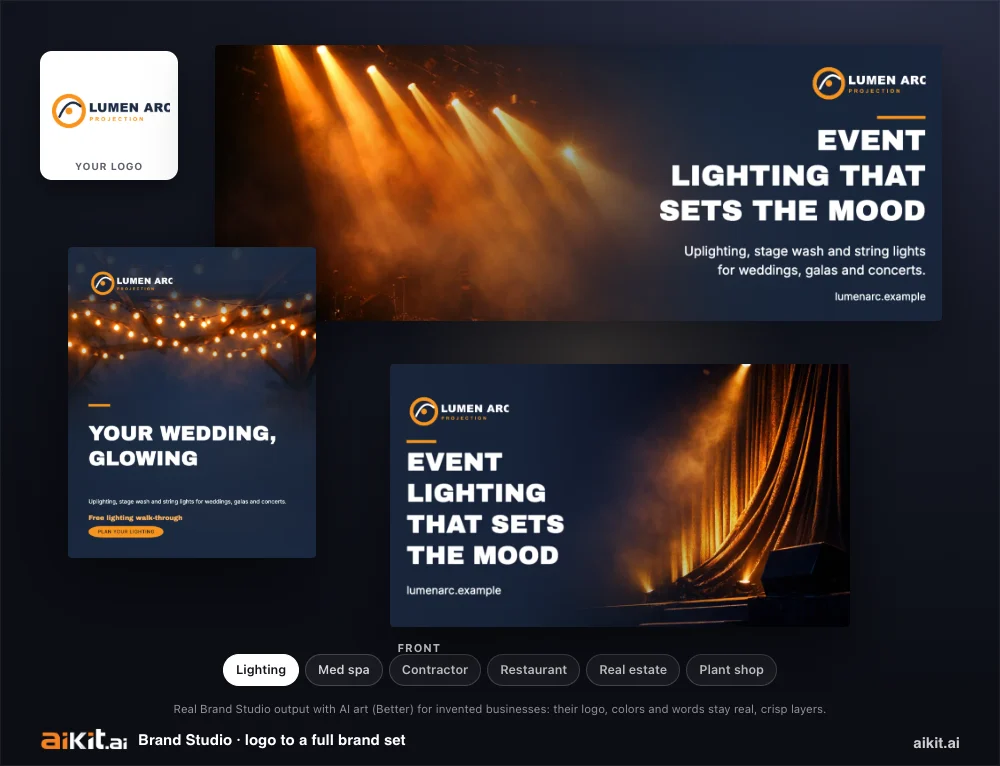
Brand Studio reads your logo, colors and old materials, then makes matching business cards, letterhead, flyers, postcards, menus, signs, social covers, ads and email headers, print-ready and online.
Free account, no card. Already using aiKit? Log in to open Brand Studio
What you get
Reads your brand from your Brand Kit, logo, old flyers or website, then makes your whole set of matching materials.
Starts from the brand you have
Your real logo goes on every piece. Colors are measured from the logo's own pixels and your website's code, fonts come from your site, and you check it all on one screen before anything is made.
Seventeen products, real sizes
Business cards, letterhead, envelopes, postcards, flyers, tri-fold brochures, rack cards, menus, yard signs, social covers and posts, display ads, email headers, title slides, QR codes and an email signature.
Eight premium families, plus AI art
Spotlight, Dark luxury, Editorial, Minimal, Photo-led, Color mesh, Retro print and Corporate, each covering cards front and back, letterhead, flyers, signs and social. Or pick Fast, Better or Best for full-color AI art behind your real logo and words, with the cost shown first.
A brand check on every piece
Each design is scored for readability, contrast, print safety and brand fit, with a one-click fix for anything that needs it.
Campaigns in one click
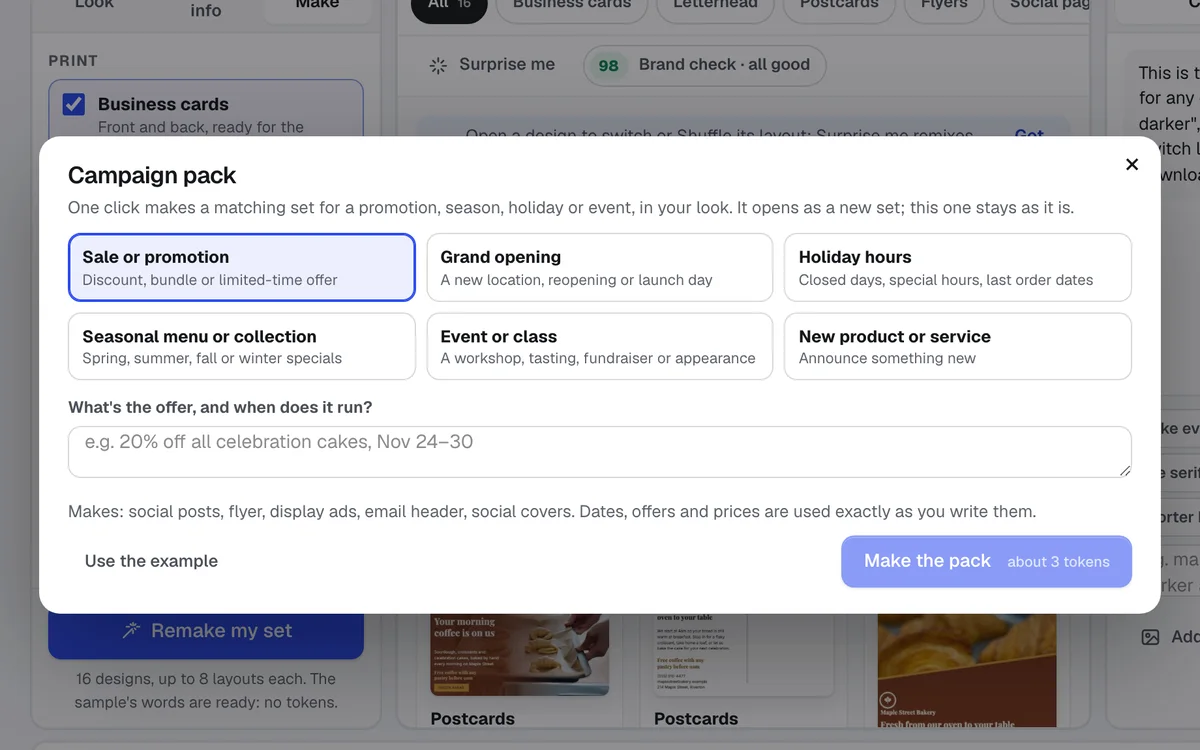
A sale, grand opening, holiday hours, a season or an event gets its own matching set, written for it, plus a version in another language when you need one.
Change anything in plain words
"Bigger logo on the card", "make the banner darker", "use our fall photo". Whole-set changes move every design at once; anything not done is said first.
Print files a printer accepts
PDFs at the printer's size with bleed, every PDF box set, checked after they're made. Run Printer's Helper's file check on any print piece in one click.
One download for everything
Print PDFs, PNG and JPG for online sizes, SVG, a paste-ready email signature and your brand look sheet, all in one ZIP.
See it work
What Brand Studio does, shown with real results
Every picture is the tool's own output, made for an example business.
Home-valuation marketing for a real estate team
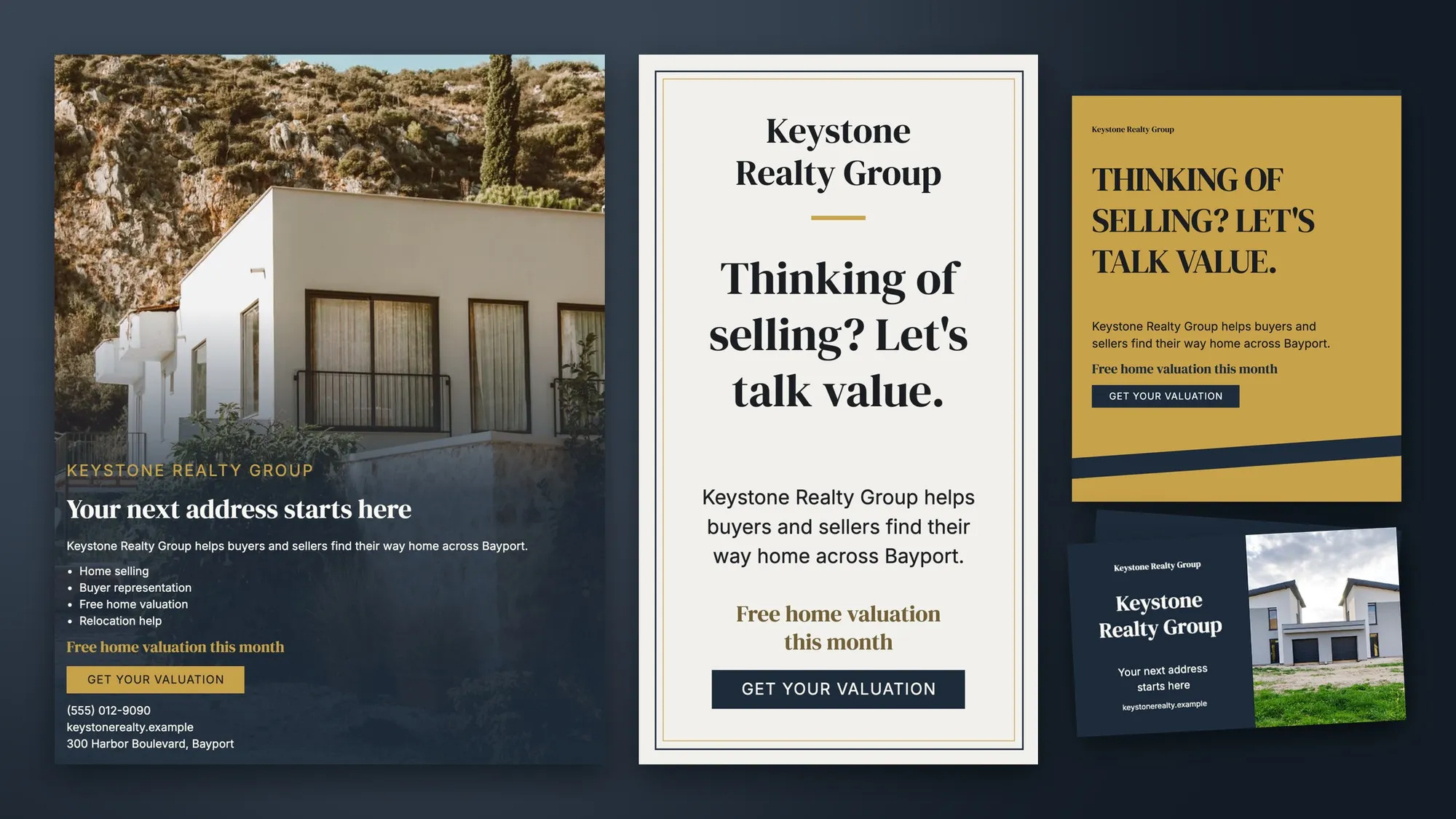
Photo-led flyer, story and post with the free-valuation offer, plus business cards, in navy and gold.
A café's flyer, social posts and cards
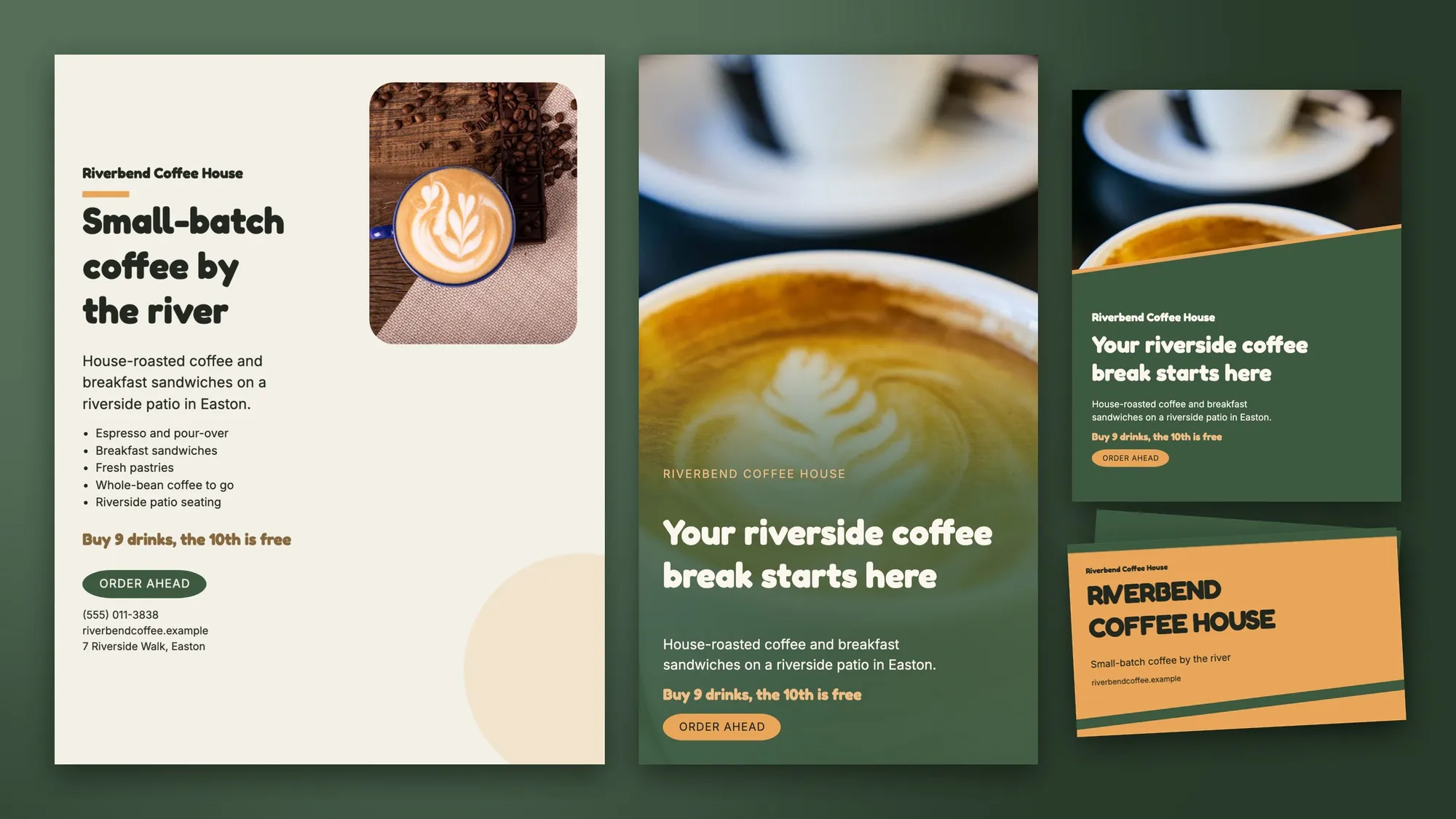
A flyer, story, post and business cards in the café's green and amber, with the loyalty offer on each.
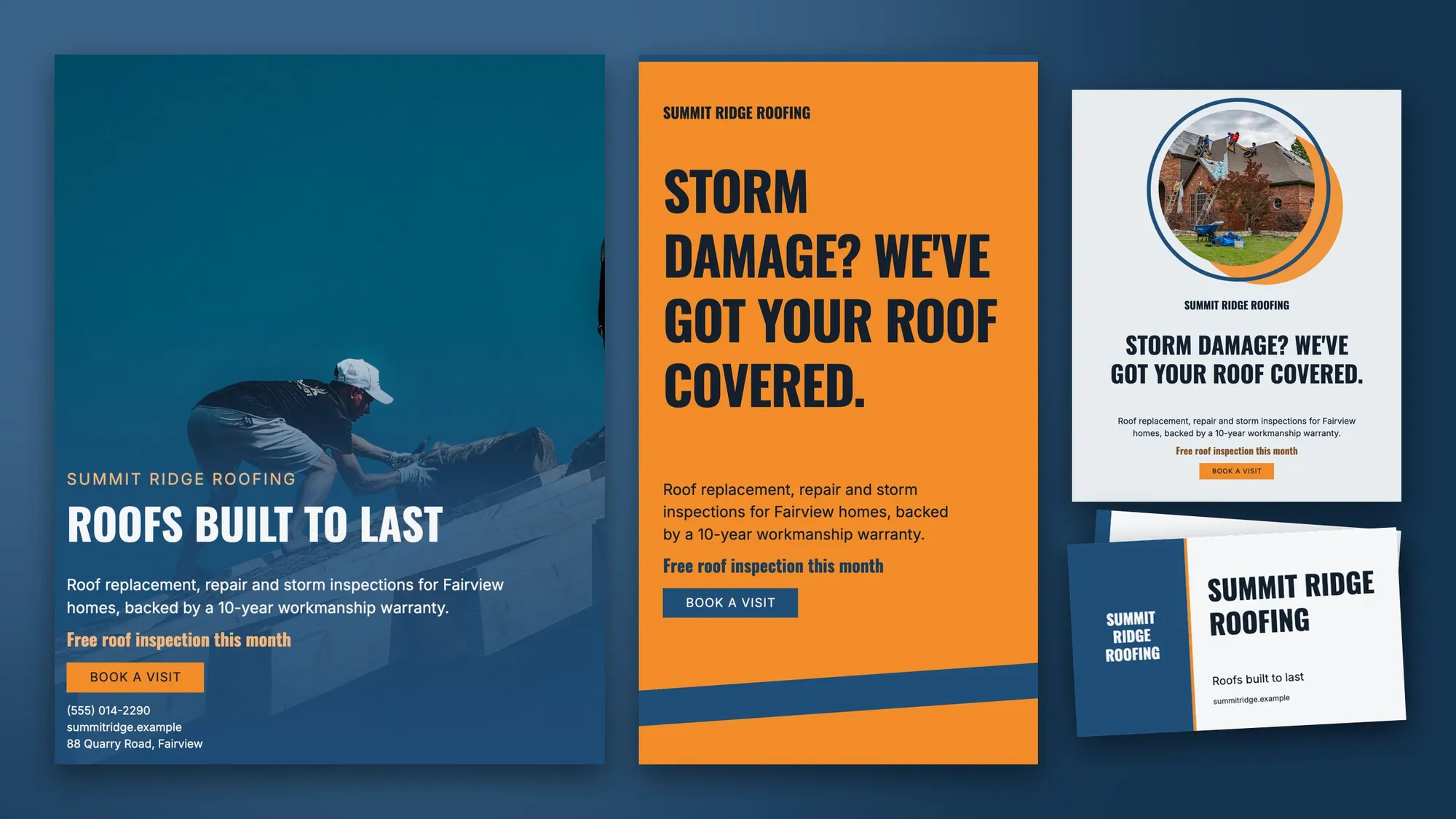
Bold print and social for a roofing contractor
A photo flyer, a big-type story, a spotlight post and business cards, with the free-inspection offer on every piece.
Every feature
Everything in Brand Studio
The complete list, from the tool as it works today.
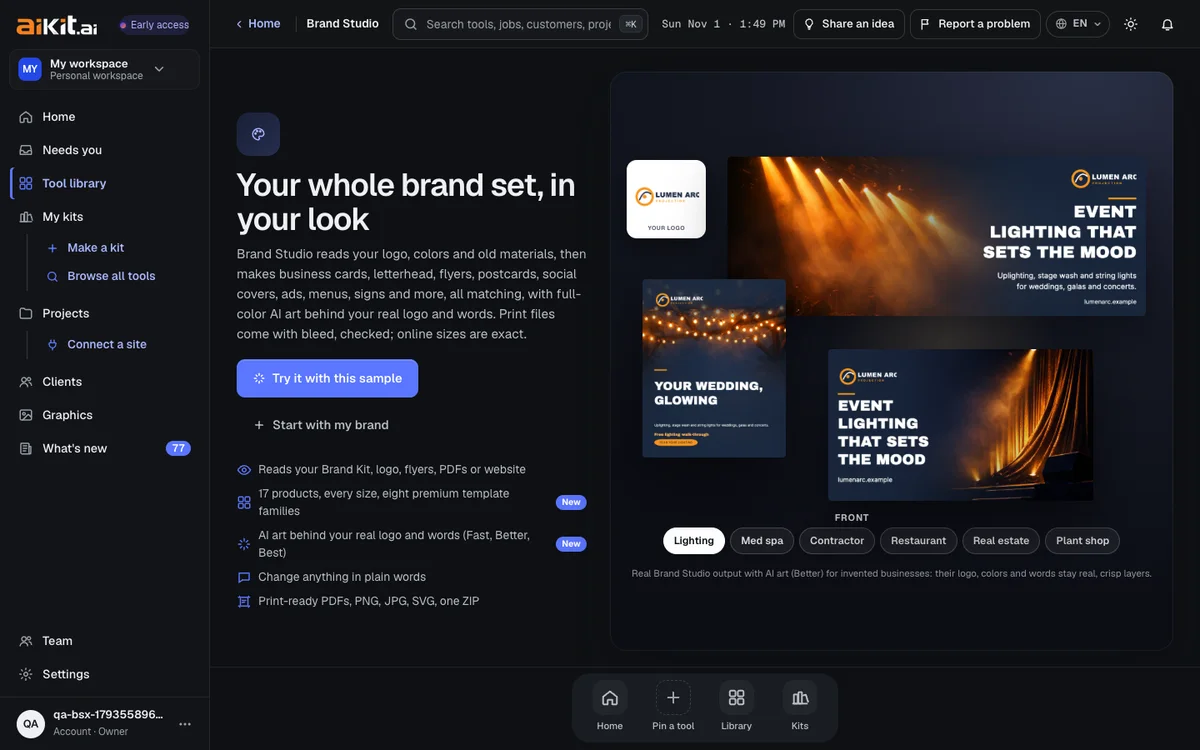
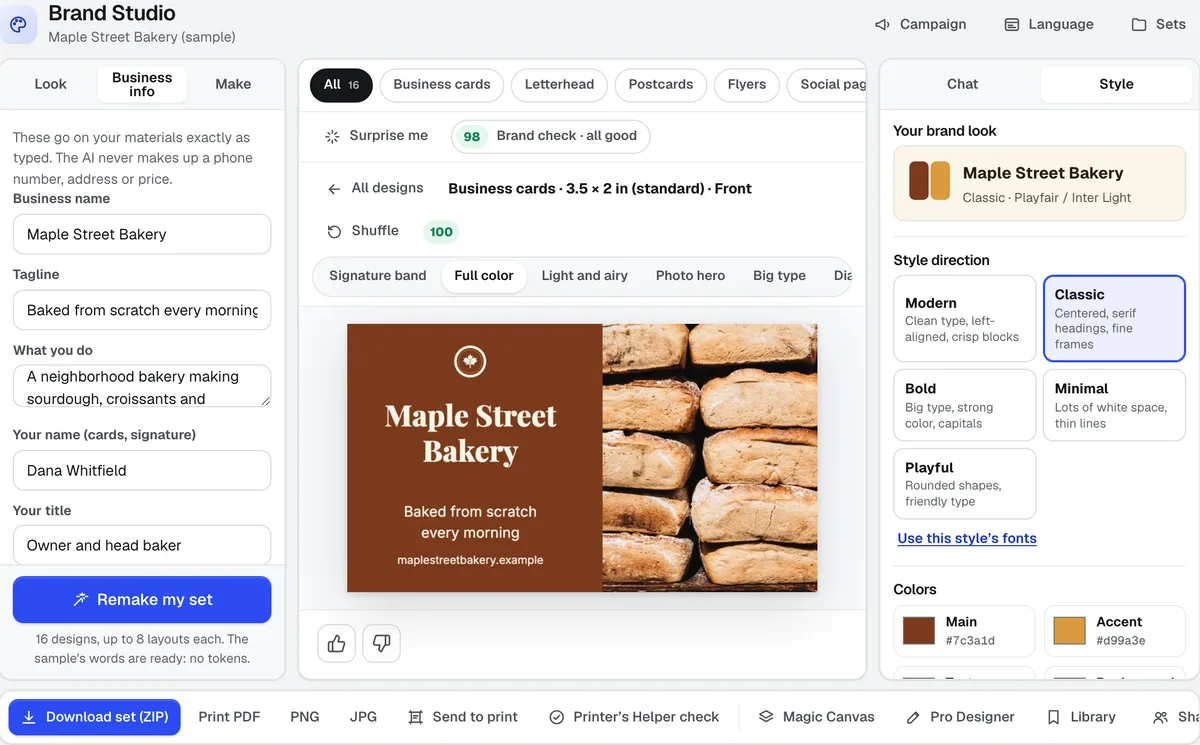
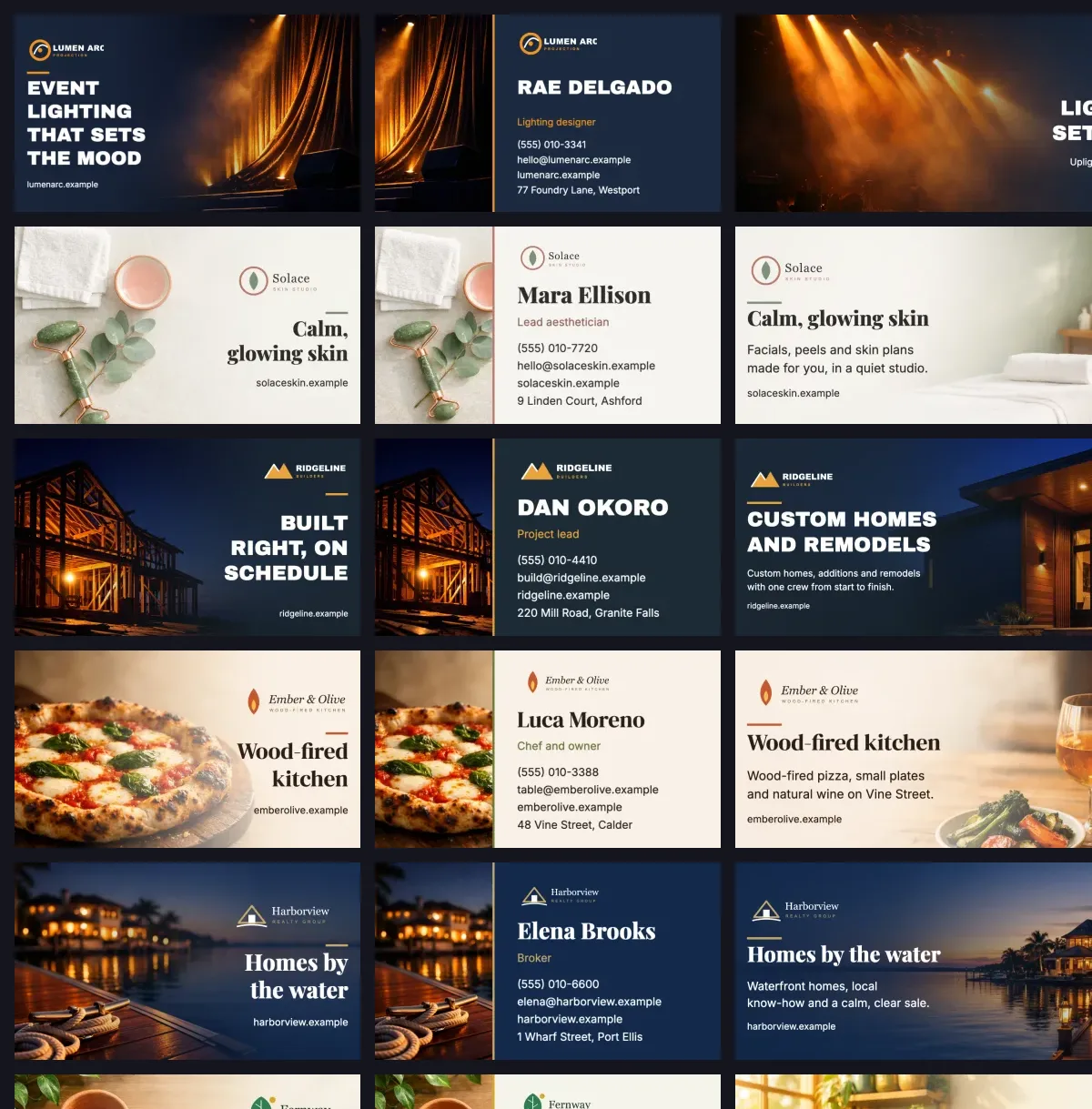
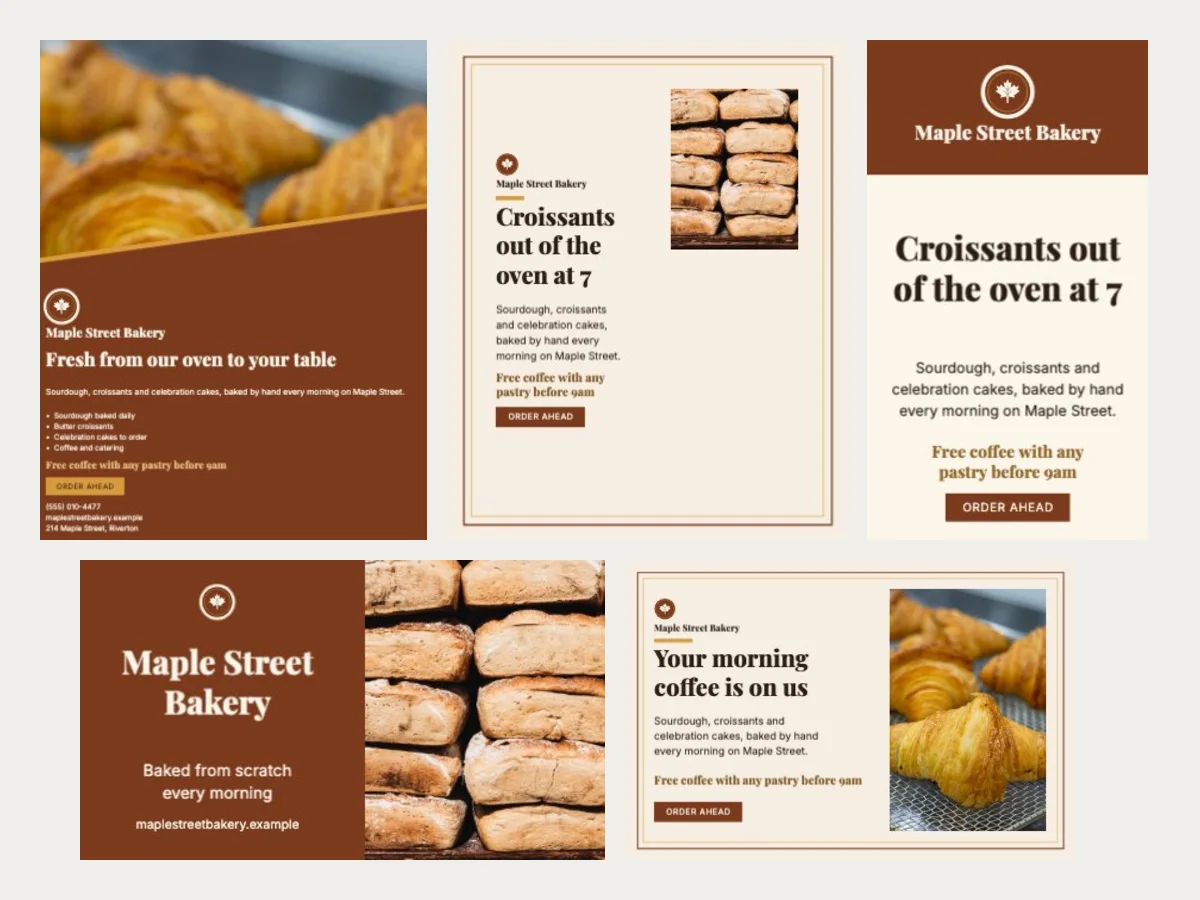
- A first screen with a finished sample set (an invented bakery) and one-click Try it with this sample
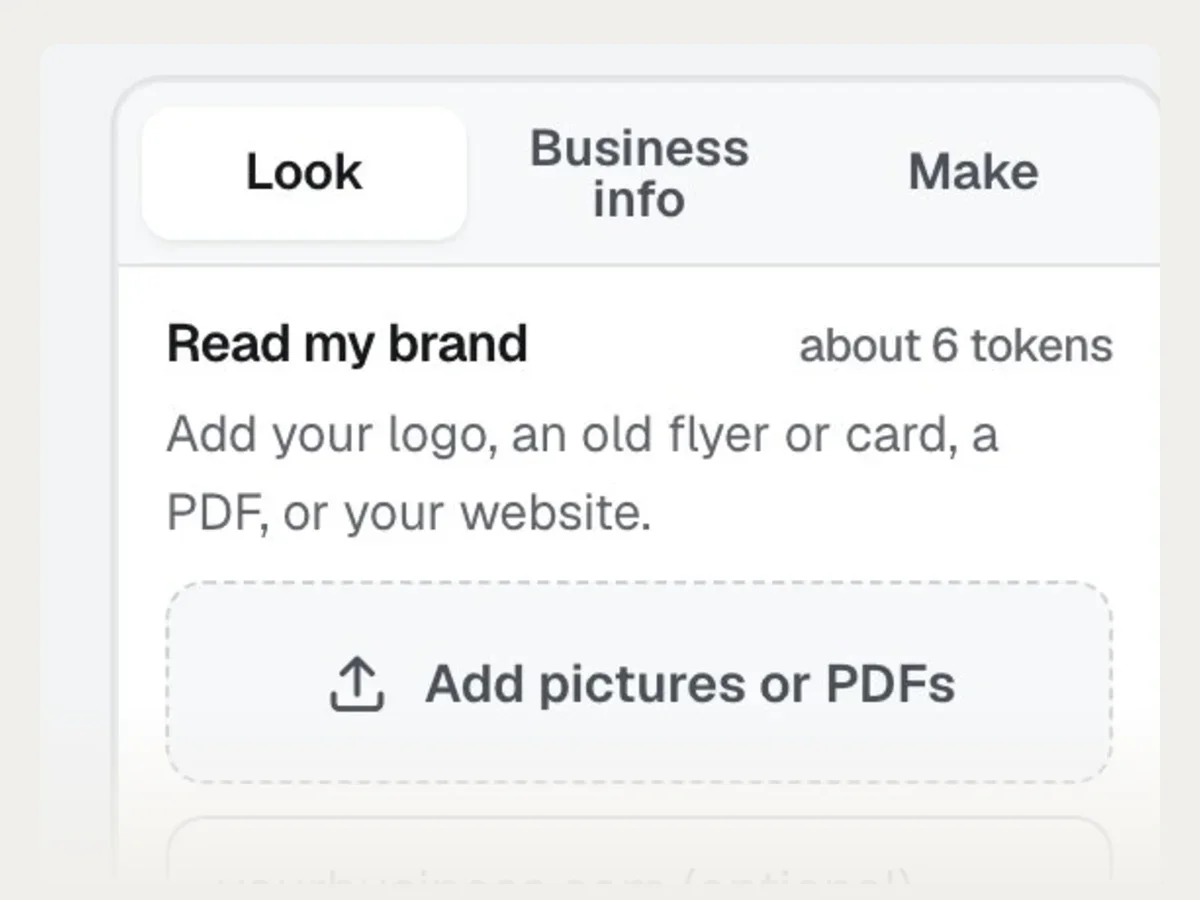
- Read my brand: your Brand Kit and Logo Kit logos are read automatically, plus any logo (PNG, JPG, WebP or SVG), old flyer, card, photo, PDF or website you add; colors are measured from your logo's real pixels and your website's code, fonts come from your website, and your real logo goes on every design
- Check your brand before anything is made: logo, color swatches with where each came from, fonts, business name, the kind of business with the words that show it, and contact details, all editable
- Quality per set with the token cost shown first: Quick (template layouts, free) or Fast, Better and Best (full-color AI art planned for the whole set and painted per piece, with your real logo and words on top as crisp, editable layers)
- Direct the design: a Describe what you want box for the scene behind your logo, with ideas to tap (neon night street, luxury gold, outdoor event at dusk and more), plus style direction, mood, imagery and an Anything else? box for the offer, audience, event and words that must appear
- Watch it come to life: a progress panel with every step, and each card shows its picture forming as it is painted
- Your brand look on the right: five style directions (modern, classic, bold, minimal, playful), four brand colors, heading and text fonts from 28 open-license faces, capitals on or off, logo size, photos on or off; saved with each set and, in one click, back to your Brand Kit
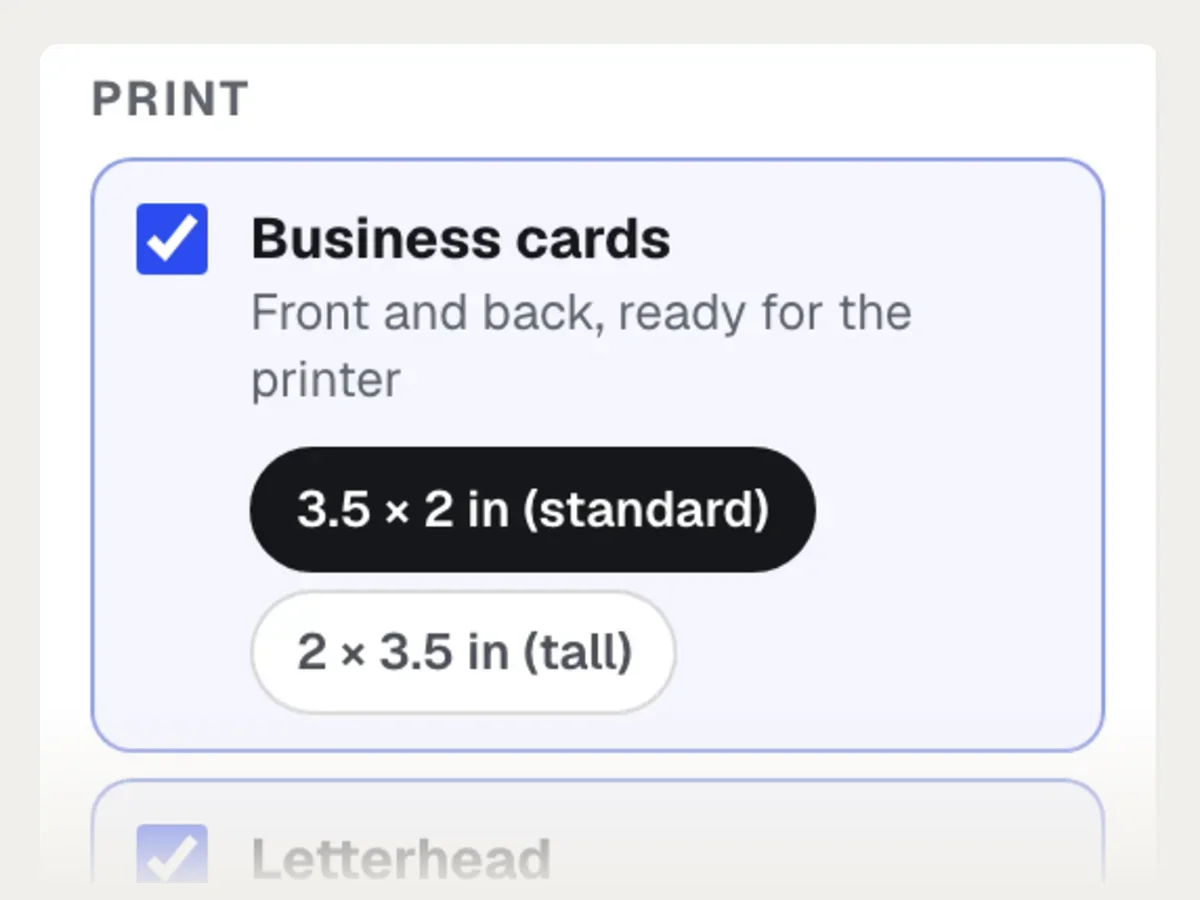
- A checklist of 17 products with their real sizes: business cards, letterhead, envelopes, postcards, flyers, tri-fold brochures, rack cards, menus, yard signs, social covers, social posts, web and display ads, website banner, email header, title slide, QR code and email signature
- Eight template families for every promo piece, card back and letterhead (Spotlight, Dark luxury, Editorial, Minimal, Photo-led, Color mesh, Retro print, Corporate; three layouts for envelopes, brochures and menus), front and back side by side or one side with a flip, front and back where it applies, drawn in your browser as you watch; Shuffle per product and Surprise me for the whole set
- Brand check: a score per design and for the set (easy to read, contrast, print safe, on brand, nothing left out), each issue with a one-click fix
See every feature (22)
- Campaign packs: one click makes a matching set for a sale, grand opening, holiday hours, a season, an event or a launch, with words written for it
- Language versions: a copy of the set with every word translated into a Latin-alphabet language (names, numbers, addresses and prices kept)
- Your own templates: save a look with its products, sizes and layouts, and start future sets from it
- Words written once for the whole set from your business info; your phone, email, address and prices are used exactly as typed and never made up
- A chat for any change in plain words, on one design or the whole set ("bigger logo on the card", "make the banner darker", "use our fall photo"); anything not done is listed first
- Print PDFs at the printer's size with bleed (Printer's Helper's sizes; every PDF box at the full sheet, or a standard TrimBox), checked after they are made, plus Printer's Helper's own file check on any print piece
- PNG, JPG and SVG for online pieces, the email signature as paste-ready HTML, and the whole set as one ZIP
- Photos: upload, pick from your Graphics Library, make an on-brand picture, or cut out a background, right in the Look panel
- Share for approval: the whole set becomes a Customer Proof you send for comments and approval
- Send to print: a print piece goes to Printer's Helper with its file, quantity and paper, ready for the final check
- Open any design in Magic Canvas with every layer editable, or in Pro Designer; save one design or the whole set to the Graphics Library
- A webhook when a set is ready (Zapier, Make or your own server, signed), and list_brand_sets for AI assistants through the aiKit connector
What’s included
What you get with Brand Studio, and how it works with the rest of aiKit
Included with a free aiKit account
- Runs on your account's tokens, the same tokens every aiKit AI tool uses
- Drawing, every layout, Shuffle, Surprise me, Brand check, style changes and every download use no tokens
- A sample set to try before you use any tokens
- Saved sets you can reopen, with their own shareable address
What uses AI, and what’s free
Reading your brand uses about 6 tokens, writing the set's words about 3, and a chat change about 2 plus 2 for each design it changes. A step that fails uses nothing.
Works with your other aiKit tools
- Brand Kit: Your Brand Kit's logos, colors, fonts, picture style and voice are the starting look and the voice of the words.
- Vectorize Kit: Logos saved from Logo Kit are one click away in the Look panel.
- Magic Canvas: Any design opens in Magic Canvas with every layer editable.
- Pro Designer: Any design opens in Pro Designer for pixel editing.
- Printer’s Helper: Print pieces get Printer's Helper's sizes, bleed rule and file check.
- Graphics Library: Save one design or the whole set to your Graphics Library.
Keep Brand Studio in any of your kits, next to the tools you use with it. One monthly AI allowance covers every tool you add.
How it works
From first click to finished, in 4 steps.
1. Read your brand
Open Brand Studio. Your Brand Kit is already in; add a logo, an old flyer or your website and press Read my brand, or set colors and fonts by hand.
2. Check, then tick what you need
Confirm your logo, colors, fonts and business details on Check your brand, then pick products and sizes from the checklist.
3. Make the set
Pick the quality, mood and imagery, add anything we should know, and press Make my set. A progress panel shows each step and every picture forms in front of you.
4. Change and download
Ask for changes in the chat, pick a layout per product, then download the ZIP, save to your Graphics Library or open any design in Magic Canvas.
More it does
More of Brand Studio at work
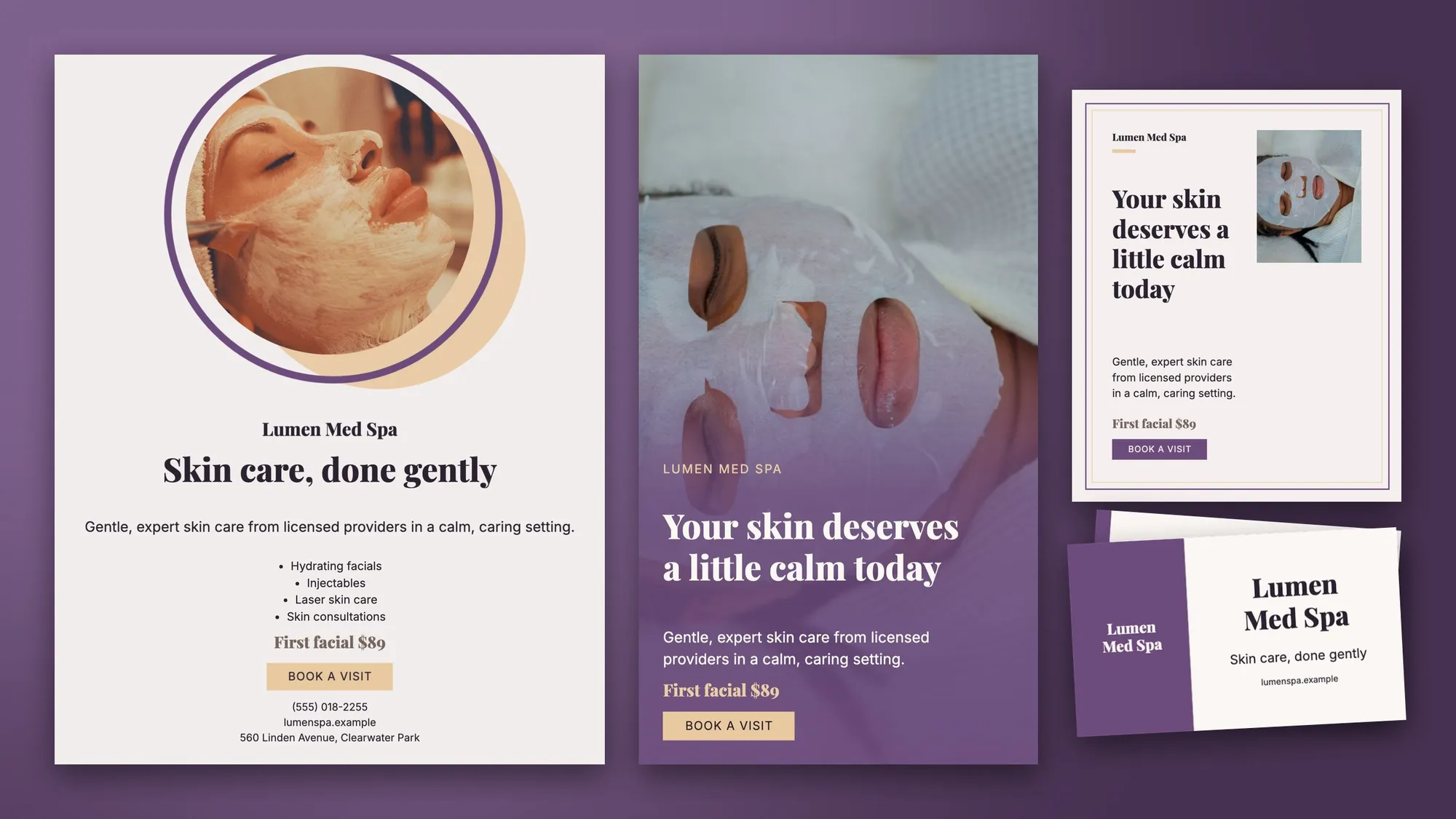
A med spa's whole set, in one look
A spotlight flyer, a photo story, a framed Instagram post and business cards, all from one brand look and one set of business details.
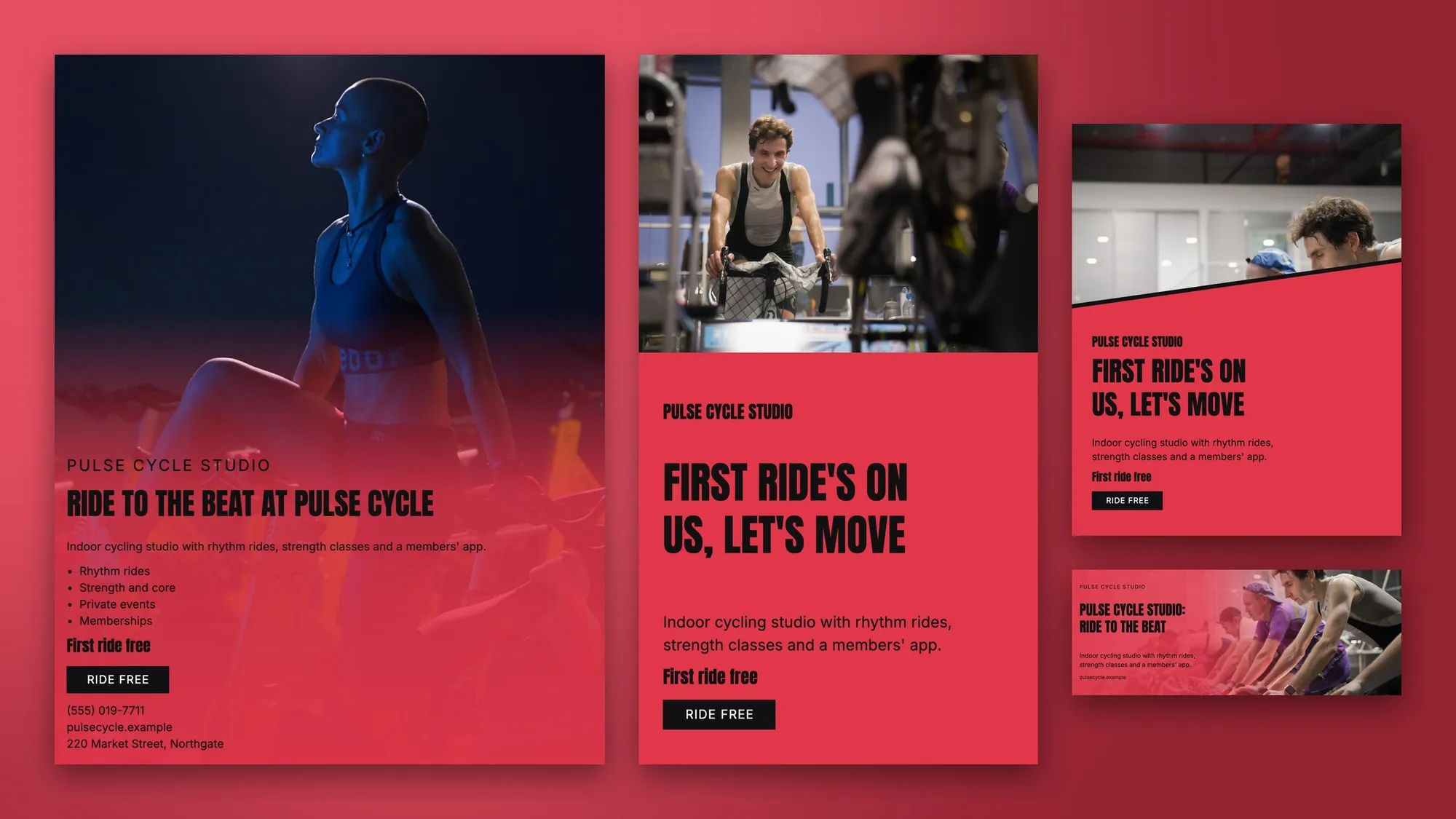
High-energy social for a fitness studio
A photo flyer, a full-color story, a diagonal-split post and a Facebook cover, all selling the first ride free.
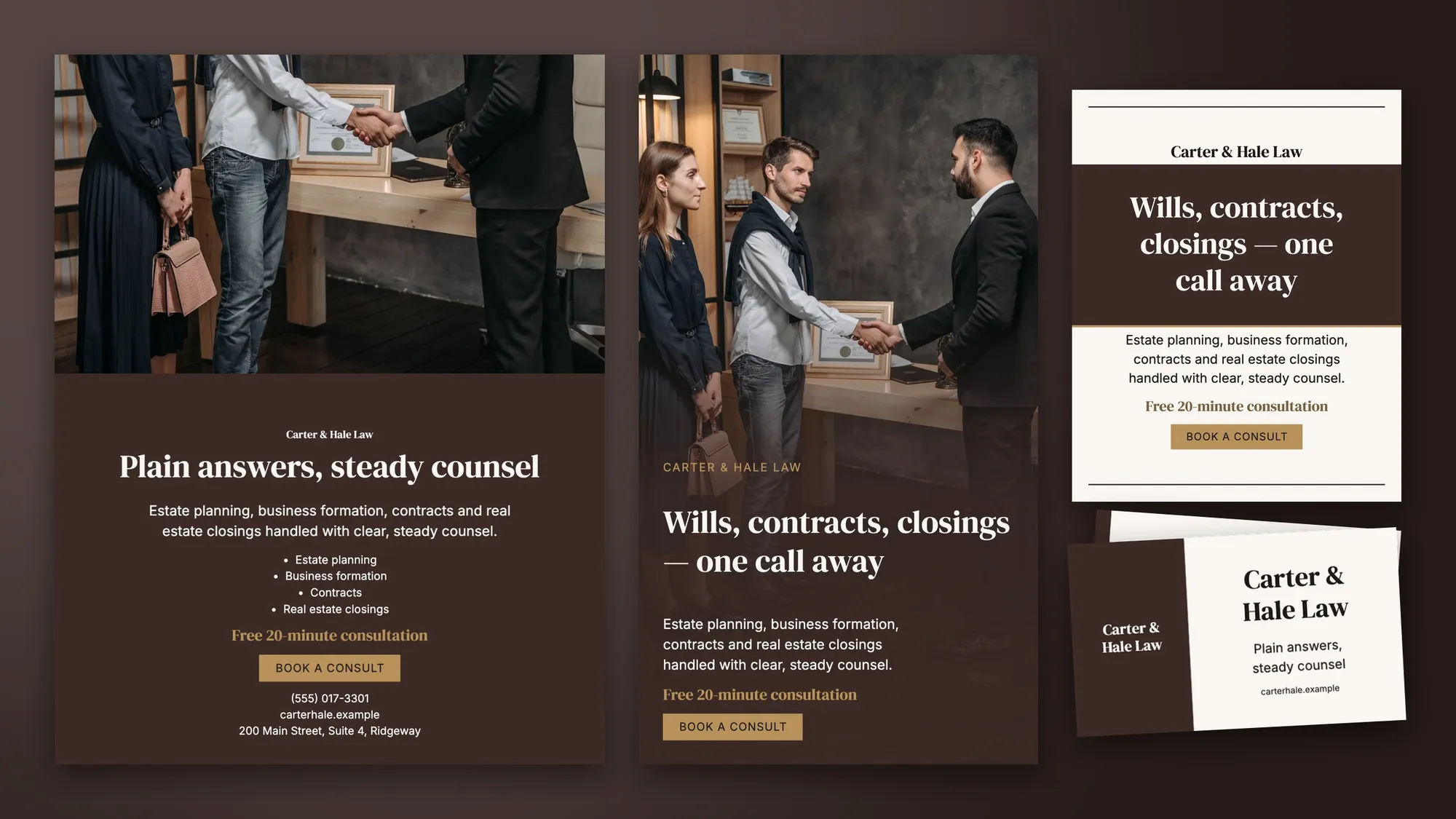
Quiet, polished pieces for a law firm
Serif headings and a restrained palette: a flyer, story, Instagram post and business cards that look like the same firm.
Who it’s for
How different businesses use Brand Studio
A cafe's menu, cards and social kit
A made-up corner cafe reads its logo and an old menu photo, then gets a menu, business cards, an Instagram post and a Facebook cover that all match.
A trades company that looks established
An invented plumbing company adds its website, ticks cards, yard signs, door-ready postcards and display ads, and has a matching set before lunch.
Stationery for a new print client
A print shop sets up a client's cards, letterhead and envelopes from the client's logo, then checks every PDF with Printer's Helper before it goes to press.
A launch kit in one sitting
A small agency picks a style direction with the client on a call, changes colors live, and sends the whole set as one ZIP the same day.
Signs, flyers and covers for an office
A made-up brokerage keeps its navy and gold, makes yard signs, listing flyers and LinkedIn banners, and changes the headline across all of them in one request.
A coach's everyday brand
A consultant gets a title slide, email signature, email header and QR code card that match, with her own photo on the covers.
Ideal for
- Businesses that have a logo and colors and need cards, flyers, covers and ads that finally match
- Agencies and print shops setting up a new client's stationery and social kit in one sitting
- Anyone refreshing a look: change the colors or style once and the whole set follows
Good to know
- Not for: Designing a new logo (use Logo Kit or Design Contest first)
- Not for: Long multi-page documents such as catalogs or reports
- Reading your brand uses about 6 tokens, writing the set's words about 3 (a campaign pack too), a language version about 1, an on-brand picture 5, and each chat change about 2 plus 2 for every design it changes. Drawing, layouts, Brand check, style changes and downloads use none.
- Language versions work for languages written in the Latin alphabet; others need fonts the designs don't have yet.
- AI art sets add about 2 (Fast), 5 (Better) or 14 (Best) tokens per picture, one picture per product shape, plus about 2 to 4 for the art plan; stationery, menus, brochures and the email signature keep template layouts.
- Fonts come from your website when it lists them; otherwise they are a suggestion to check on Check your brand.
- Print files are high-resolution pictures inside the PDF (300 per inch, signs 150), not editable vector type; open a design in Magic Canvas for layers.
- Email signature logos show for other people only from a public web address; the ZIP includes the logo as a PNG to upload to your site.
Good to know
Before you use Brand Studio
Check before you print. AI can misread a color or a detail, and words it writes can be wrong. Proof every piece, especially phone numbers, addresses and prices, before you print or post it. Use only logos, photos and fonts you have the right to use.
Questions
Brand Studio: questions people ask
Can I describe the scene I want behind my logo?
Is there an AI tool that makes matching business cards, flyers and social covers from my logo?
Can I get print-ready files with bleed for my printer?
What sizes does it make for social media and ads?
Can I change the style and colors after the set is made?
Can Brand Studio send my finished set to Zapier or my own system?
What should I check before I print a Brand Studio design?
Can Brand Studio run on my own AI account instead of aiKit tokens?
What are Quick, Fast, Better and Best in Brand Studio?
Where do Brand Studio's brand colors come from?
How do I see the front and back of a business card in Brand Studio?
What is Brand Studio?
Does Brand Studio use my Brand Kit?
How much does Brand Studio cost to use?
Can I edit a Brand Studio design by hand?
Works well with
Tools to add to the same kit
Brand Kit
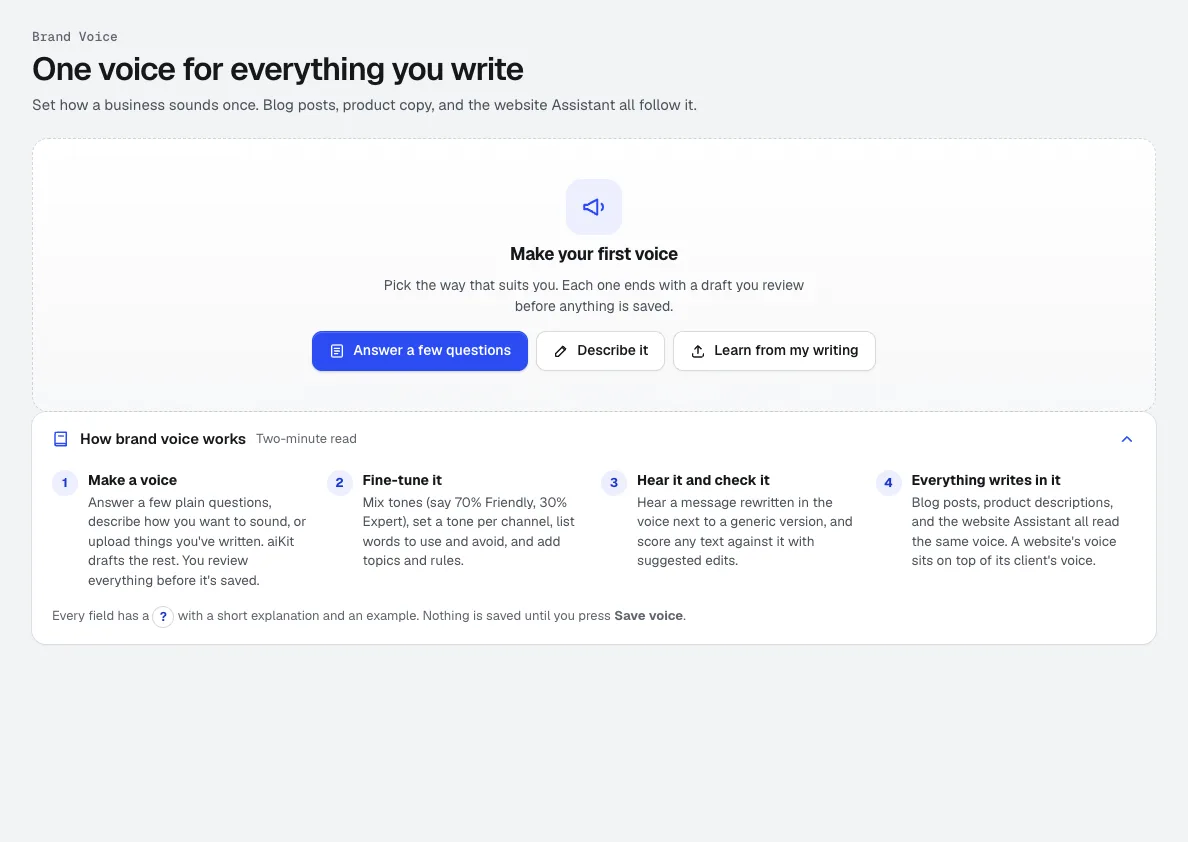
NewOne Brand Kit: a brand voice learned from your own writing, plus your logos, colors, fonts, reference emails and the results you liked. Emails, blog posts, videos, pictures and designs all follow it.
Vectorize Kit
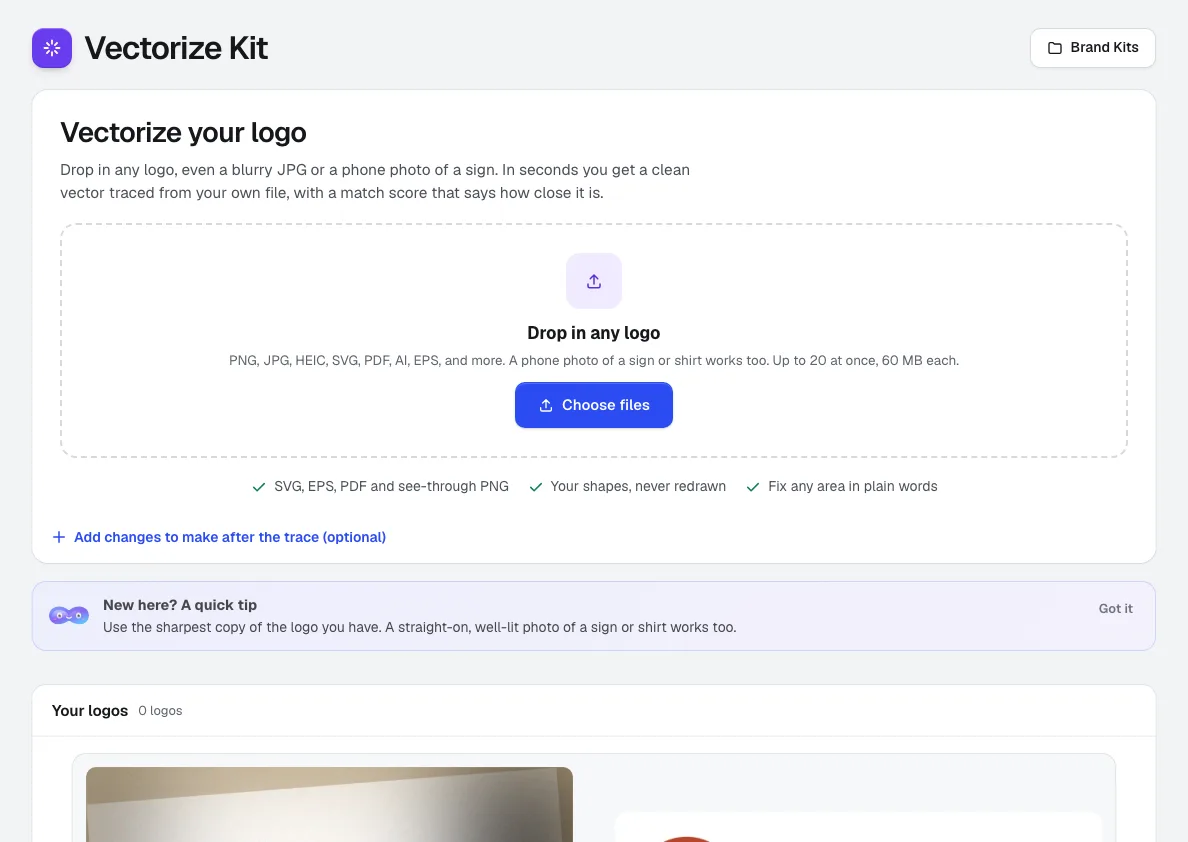
Drop in a blurry JPG, a small PNG, a PDF or a phone photo of a sign. Vectorize Kit traces your own file into a clean vector, shows how closely it matches with a score and a zoomable before and after, and hands you SVG, EPS, PDF and PNG in one click.
Magic Canvas
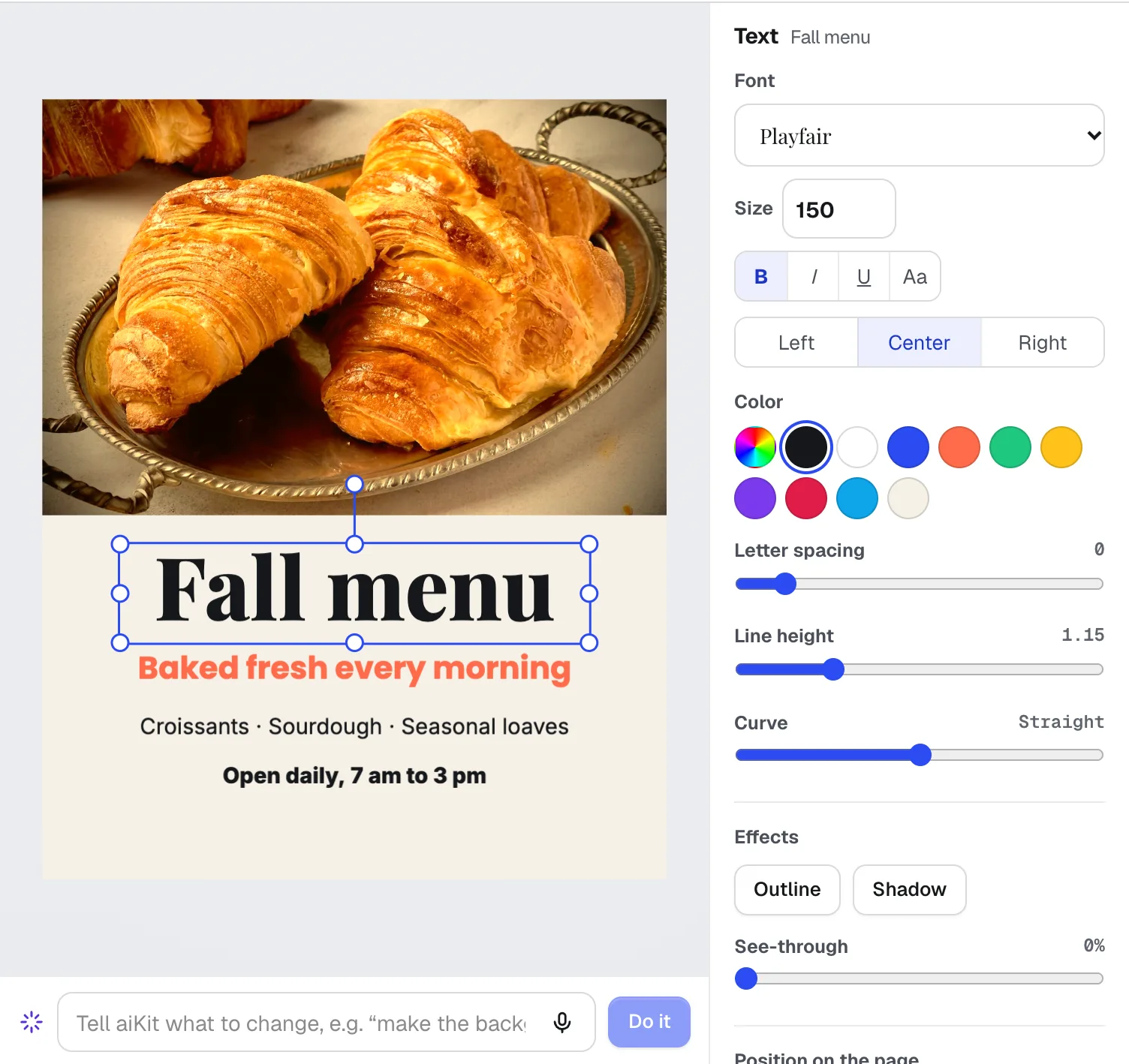
NewMagic Canvas is an AI flyer maker and social post designer: it lays out posts, flyers, cards, banners and email headers from your words, then lets you change anything by hand or by saying it. Your brand colors and logos are one click away.
Use Brand Studio today.
Make a free aiKit account and open Brand Studio, plus every other tool in your kit.
Page last checked against the product on 2026-11-01.